
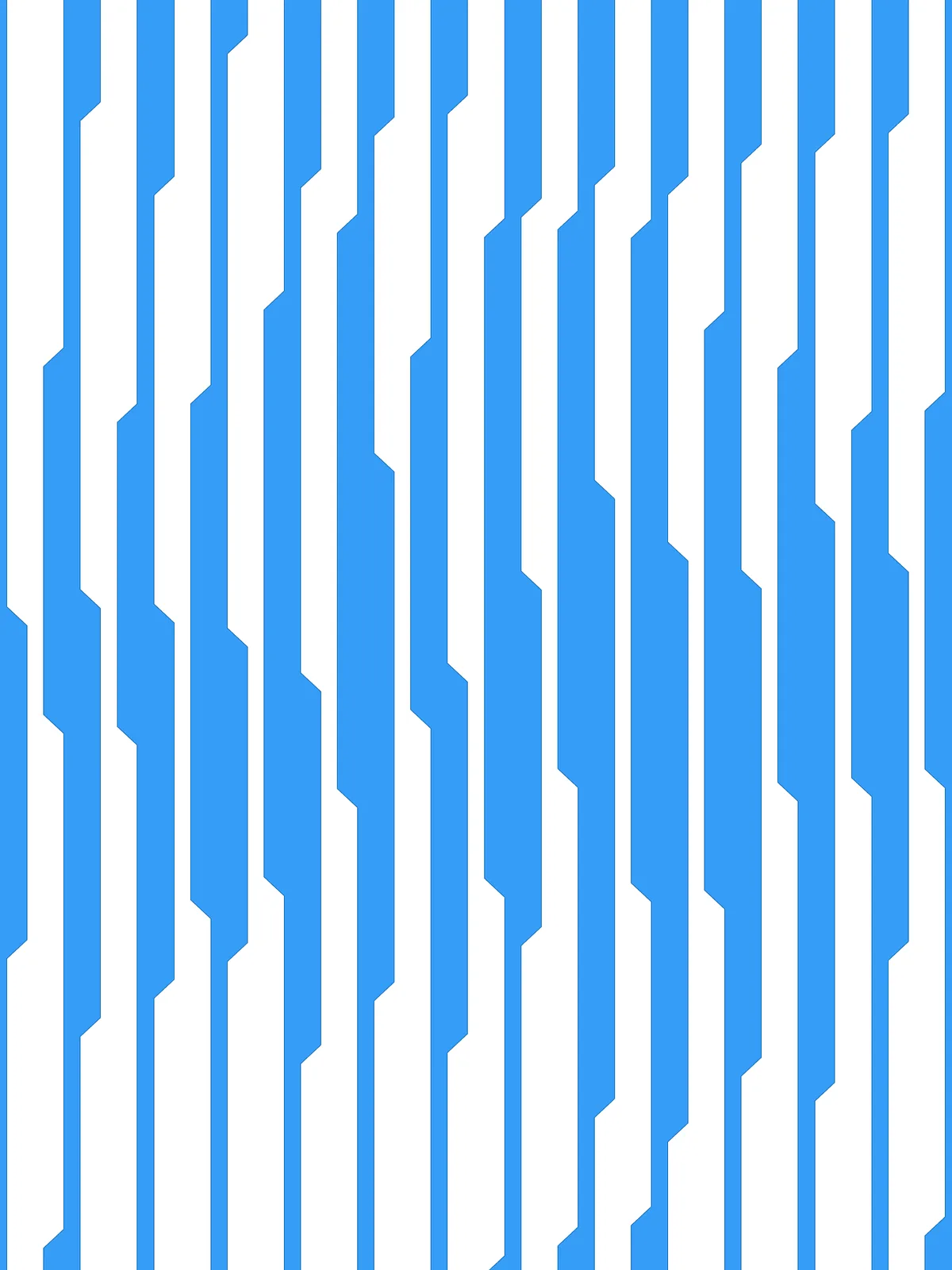
Inputs
Reference in Rhino
Surface
The surface the strips are cut from. The strips run along its V direction. It must be a planar (flat) surface.
Main Sliders
Also try: change the seed (S) of the first Random in the irregularity group to get a different random arrangement of steps.
Notes
- Wave Height follows the strip spacing. It’s a percentage of the gap between neighbouring strips, so when you add Divisions the swing gets smaller along with the strips. Near the top of its range, strips almost pinch shut where two neighbouring lines swing toward each other.
- You get two sets of strips. The two
Geometryparameters at the end hold alternating strips, so you can bake or colour each set on its own.
Design Logic
How the script builds the pattern, step by step.

| Step | How the script does it |
|---|---|
| 1. Measure the strip spacing | Divide Surface makes a row of points along the bottom and top edges. Flip Matrix, List Item and Distance measure the gap between neighbouring points, and an Expression takes Wave Height as a percentage of it. That’s how far the lines swing sideways. |
| 2. Draw a line between each pair of strips | Nurbs Curve draws a straight line along each column of points. Relative Item pairs each line with its neighbour and Tween Curve draws a line halfway between them. These are the lines the waves follow. |
| 3. Mark the steps, out of step on every other line | Length and two Expression components turn Wave frequency into a step spacing. Divide Length places a point at every step. Dispatch and Tree Branch pick every other line, and Extend Curve shifts its start by half a step, so neighbouring lines step at different heights. |
| 4. Make the rhythm irregular | Construct Domain builds a range from Wave irregularity and Random picks a value for every point, with a different seed for each line. Amplitude and Move slide each point that far along its line. |
| 5. Draw the sloped shifts | Line SDL draws a short line from each point along the strip. Rotate turns it by Wave Angle, alternating left and right using Duplicate Data, Shortest List and Multiplication. Extend Curve lengthens it backwards so it’s centred on the point. An Expression sets the length so each slope spans exactly the Wave Height. |
| 6. Link the slopes into a stepped line | Dispatch, Flip Curve and Weave flip every other slope so their ends line up. End Points, Relative Item and Line connect the ends of neighbouring slopes, and Cull Pattern keeps the connections on alternating sides. Join Curves joins everything into one stepped line per strip. |
| 7. Run each line to the edges | Curve Closest Point finds the nearest point on the top and bottom edges, Sort List and List Item pick the closer one, and Line extends each end to it. Trim with Region keeps what lies inside the surface. |
| 8. Cut the surface into strips | Surface Split cuts the surface along the stepped lines. Area and Sort Along Curve put the pieces in order across the surface, and Dispatch splits them into two alternating sets. |
Want to learn how to build scripts like this on your own? Check out the Grasshopper Pro course.