
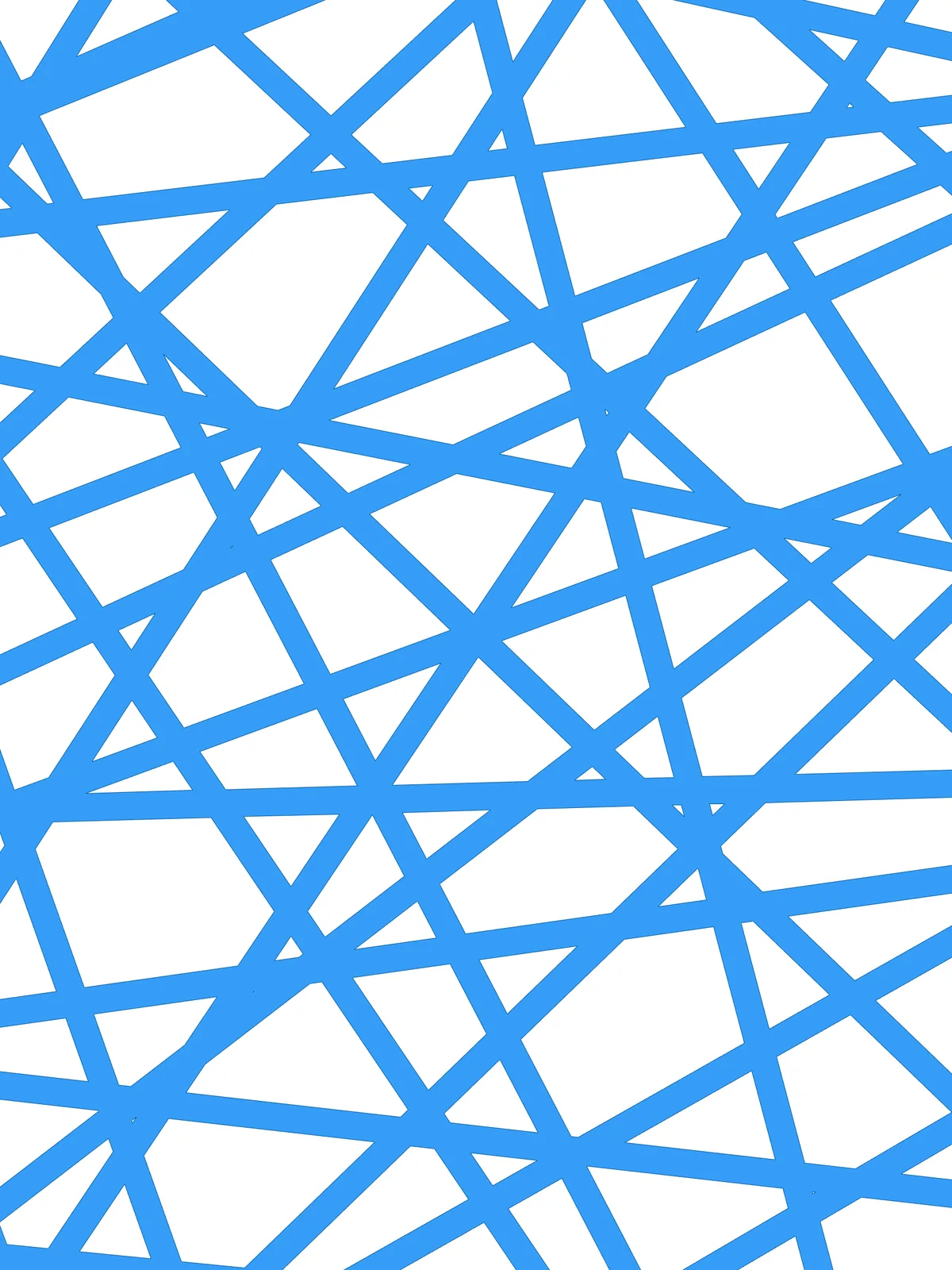
Inputs
Reference in Rhino
Surface
The surface the lattice fills. It must be a planar (flat) surface.
Main Sliders
Also try: change the count (N) of the Range component to set how many bands run in each direction, or change the seed of Random for a different tangle.
Notes
- If the result doesn’t display correctly, go to Tools > Options > Units in Rhino and set the absolute tolerance to 0.0001. The final merge of many overlapping bands is sensitive to tolerance.
- Spread the three angles apart for an even, woven lattice. Guide angles close together give a grain that runs mostly one way, like straw.
- The result is a surface, not loose bands. All the bands are merged where they overlap and trimmed to your outline.
Design Logic
How the script builds the pattern, step by step.

| Step | How the script does it |
|---|---|
| 1. Read the size and direction of the surface | Brep Edges, Length, Sort List and List Item find the length of the longest edge. Evaluate Surface and Deconstruct Plane give the surface’s X direction, and Area finds its centre. |
| 2. Draw three main directions through the centre | Line SDL draws a line as long as the longest edge, Move centres it on the surface and Extend Curve lengthens both ends. Rotate turns it by the three Guide Angle sliders, giving three lines. |
| 3. Place evenly spaced lines along each direction | Range and Evaluate Curve put evenly spaced points on each main line. A second Rotate turns the main lines by 90°, and Line SDL draws a short line at every point in that crossing direction. Each main direction now has its own set of parallel lines. |
| 4. Tilt every line at random | Construct Domain takes the Random Rotation Min and Max, Random picks an angle for every line, and Rotate turns each line around its own point, using a plane from Plane Origin. |
| 5. Stretch each line across the surface | Curve | Line finds where each line, continued in both directions, meets the edge of the surface. Nurbs Curve draws a line between those points and Extend Curve runs it slightly past the edge. |
| 6. Give the lines thickness | Two Offset Curve components copy each line to either side by the Band Thickness. End Points and Line close the ends, and Join Curves turns each into a closed band. |
| 7. Merge the bands into one lattice | Region Intersection trims the bands to the surface outline, Region Union merges the overlapping bands, and Boundary Surfaces turns the result into a surface. |
Want to learn how to build scripts like this on your own? Check out the Grasshopper Pro course.