
Inputs
Reference in Rhino
Surface
The surface the layers are stacked on, along its V direction. It must be a planar (flat) surface.
Main Sliders
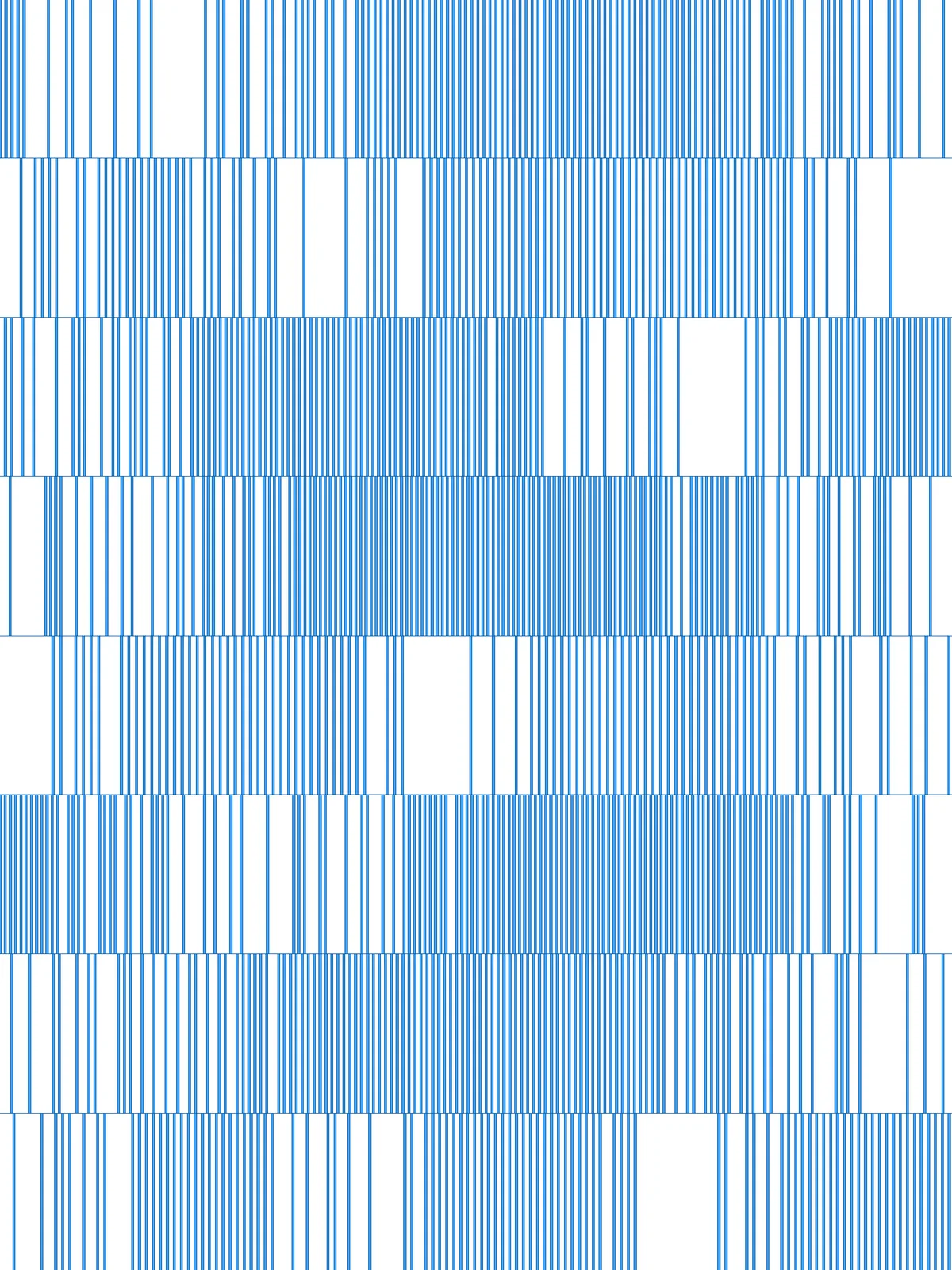
Also try: change the seed (S) of the Random components to get a different mix of densities and attractor positions.
Notes
- The line width is tied to Relative Spacing Min. Every line is half as wide as the smallest spacing, so the lines never touch. Raise Relative Spacing Min for thicker lines.
- The gaps open around the attractor points. Each layer loses the lines nearest its attractor points, so with more attractor points the missing lines split into more, smaller gaps.
- For a more solid look, raise Amount to keep (%) and lower Relative Spacing Max. For layers that almost fall apart, lower Amount to keep (%) and raise the attractor counts.
Design Logic
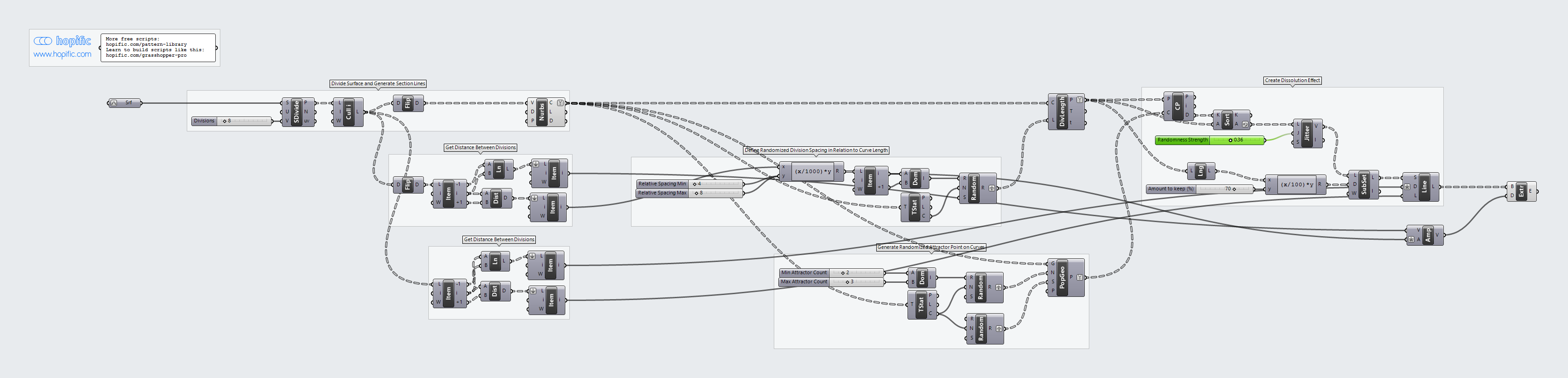
How the script builds the pattern, step by step.
| Step | How the script does it |
|---|---|
| 1. Split the surface into layers | Divide Surface makes two columns of points up the surface. Cull Index drops the top row, and Flip Matrix and Nurbs Curve draw a line across the bottom of each layer. |
| 2. Measure the surface | List Item, Distance and Line measure the surface width and the layer height, and give the directions across and up the surface. |
| 3. Give every layer its own line spacing | An Expression turns the two spacing sliders into distances. Tree Statistics counts the layers, and Construct Domain and Random pick one spacing per layer. Divide Length places a point at that spacing along each layer’s line. |
| 4. Place random attractor points on each layer | Construct Domain turns the two attractor count sliders into a range. Two Random components pick how many attractor points each layer gets and a seed for each layer, and Populate Geometry places that many random points on each layer’s line. |
| 5. Remove the lines nearest the attractors | Closest Point measures how far each point is from the nearest attractor point, and Sort List puts the points in order, furthest first. Jitter shuffles the order a little, and List Length, an Expression and Sub List keep the first share of points set by Amount to keep (%). |
| 6. Draw the lines | Line SDL draws a line up from each remaining point, as tall as the layer. Amplitude and Extrude give each line its width. |
Want to learn how to build scripts like this on your own? Check out the Grasshopper Pro course.