
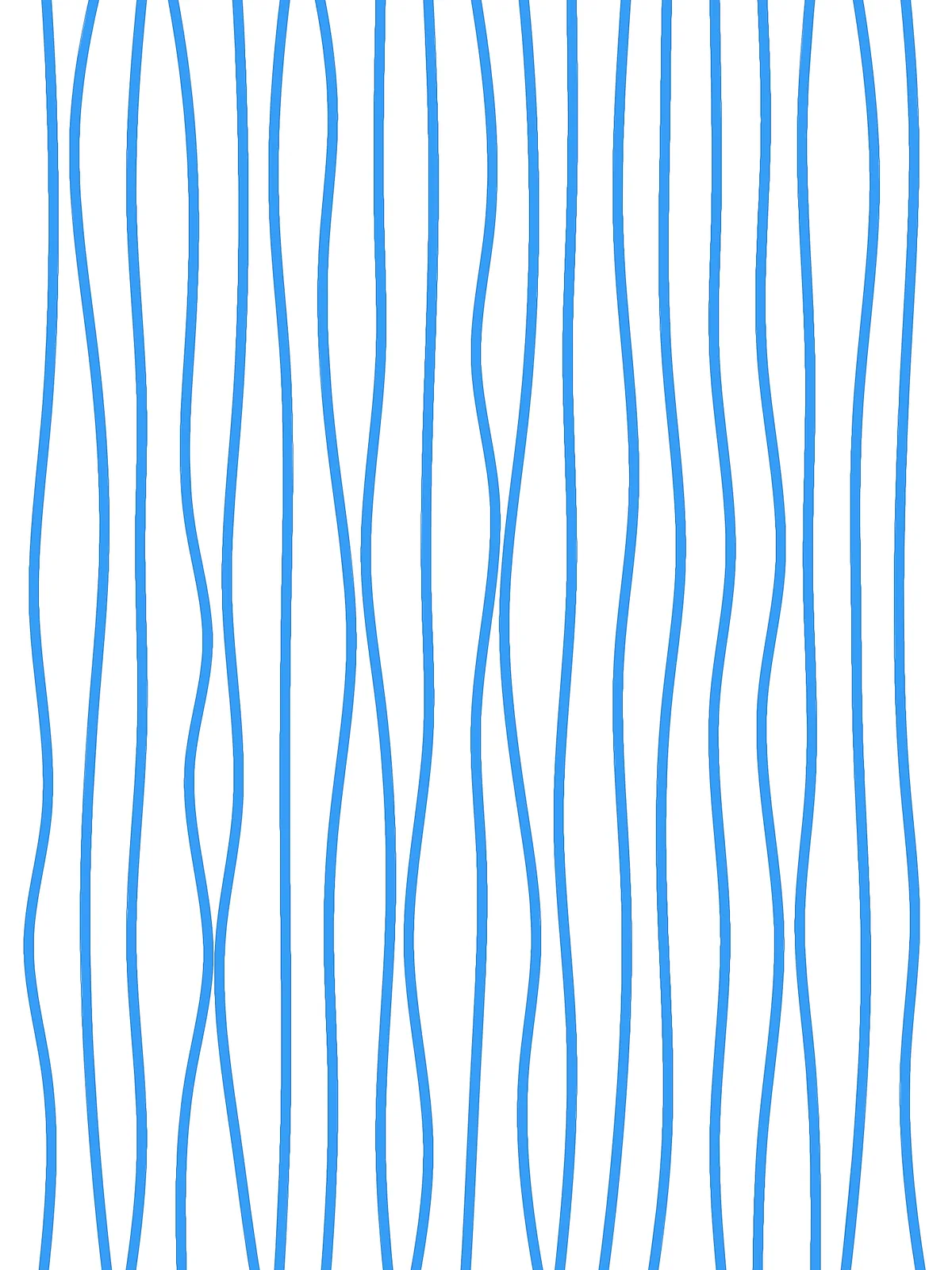
Inputs
Reference in Rhino
Surface
The surface the threads hang on. It must be a planar (flat) surface. The threads run in its V direction.
Main Sliders
Also try: turn on the preview of the last Cull Pattern, next to the Loft. It fills every second gap between neighbouring threads, which gives a striped version of the pattern.
Notes
- Keep % of movement up to neighbor below 100 if the threads must stay apart. At 100 two neighbouring threads can each move halfway toward the other and touch.
- For a calmer or wilder look, bring the three step lengths closer together for an even rhythm, or spread them apart for a more irregular one.
- Change the Seed of the
JitterandRandomcomponents to get a different random arrangement with the same settings. - Balance Divisions and Width. With many threads and a large width, neighbouring threads overlap where they wobble toward each other.
Design Logic
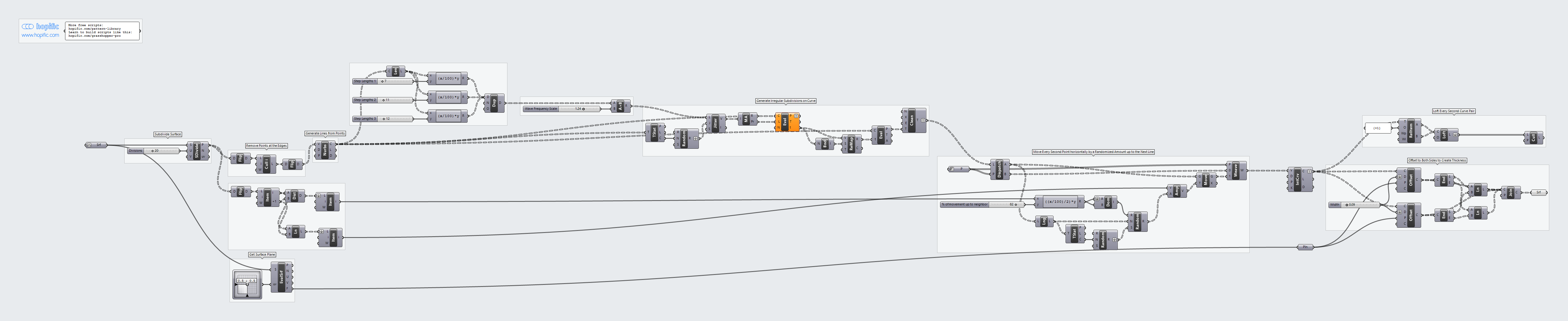
How the script builds the pattern, step by step.
| Step | How the script does it |
|---|---|
| 1. Draw straight threads | Divide Surface makes rows of points across the surface. Flip Matrix and Cull Index remove the points on the two edges, and after a second Flip Matrix, Nurbs Curve joins the rest into straight lines. |
| 2. Measure the gap between threads | Flip Matrix and List Item take two neighbouring points. Distance gives the gap between threads, and Line gives the sideways direction. |
| 3. Make an irregular rhythm | Length measures each thread, and three Expression components turn Step Lengths 1, 2 and 3 into lengths. Duplicate Data repeats them, Multiplication scales them by Wave Frequency Scale, and Jitter shuffles their order. Mass Addition adds them up into running distances along the thread. |
| 4. Place points along each thread | Evaluate Length finds the points at those distances. Bounds and Remap Numbers stretch them so they run the full length of the thread, Evaluate Curve places them, and Clean Tree removes empty results. |
| 5. Push every second point sideways | Dispatch picks every second point. An Expression turns % of movement up to neighbor into a maximum distance, and Construct Domain and Random give each point a random amount between minus and plus that distance. Amplitude and Move shift the points sideways. |
| 6. Redraw the threads as smooth curves | Weave puts the moved and unmoved points back in order, and Interpolate draws a smooth curve through them. |
| 7. Give the threads their width | Evaluate Surface gives the plane of the surface. Two Offset Curve components move each curve by half of Width to either side, End Points and Line close the ends, and Join Curves joins them into an outline that becomes a flat surface. |
Want to learn how to build scripts like this on your own? Check out the Grasshopper Pro course.