
Inputs
Reference in Rhino
Surface
The surface the strips are built on. It must be a planar (flat) surface. The strips run in its V direction.
Main Sliders
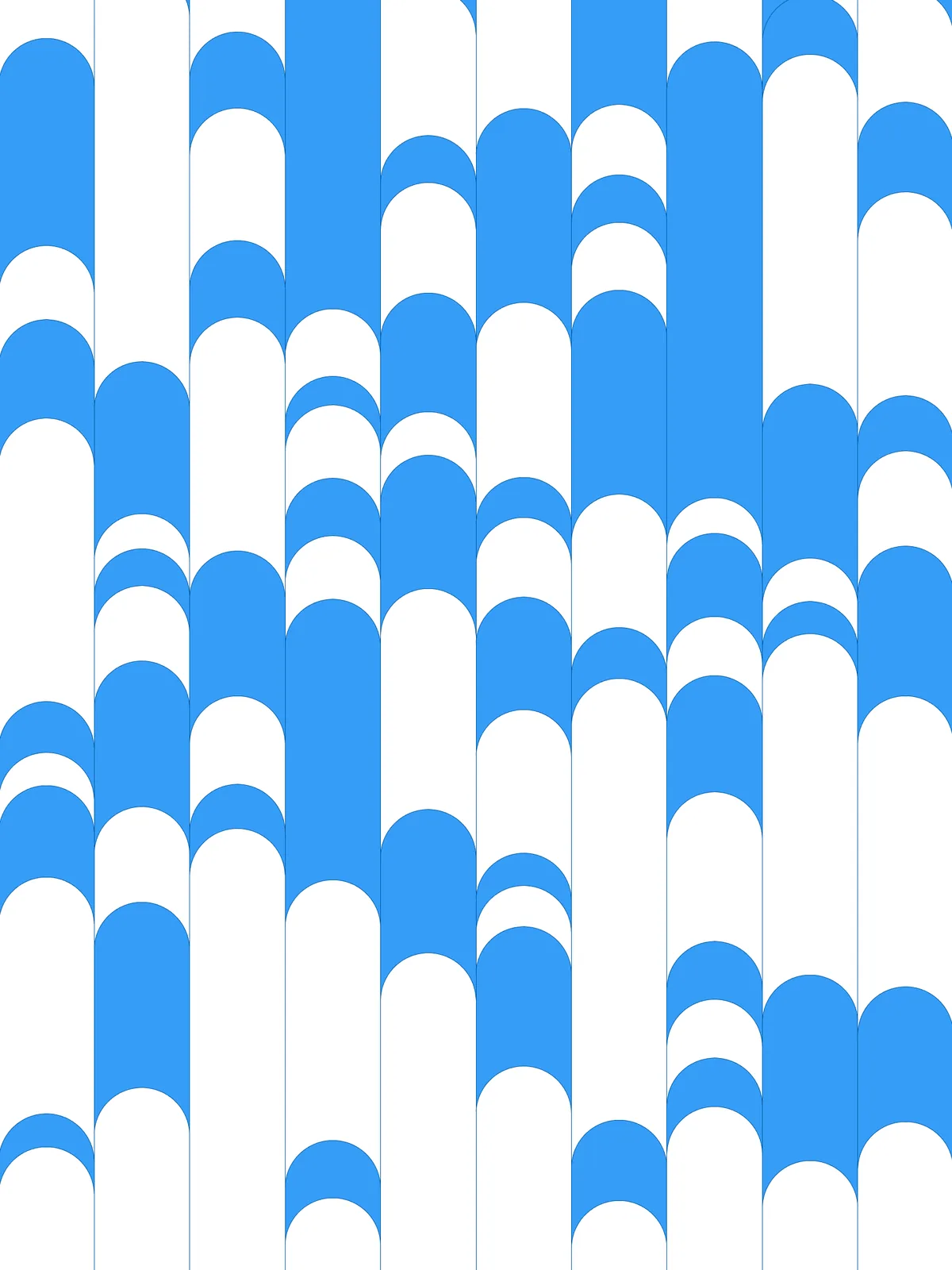
Also try: change the Seed of the Random component with the large range (0 to 1532). It sets a different random arrangement of arches in every strip.
Notes
- Set Cull Duplicates tolerance for the size of your model. It’s an absolute distance. A value that works in metres merges nothing in millimetres; scale it to roughly a fraction of your strip width.
- The number of arches varies per strip. Points that land close together are merged, so a strip can end up with fewer half circles than Number of Circles per curve.
- Two sets of pieces alternate along each strip. The half circles cut every strip into arch-shaped pieces, and every second piece goes into the other set. Because the arches sit at random heights, neighbouring strips don’t line up.
- Neighbouring strips share an edge. Where pieces of the same set sit side by side in two strips, they touch along the length they share.
Design Logic
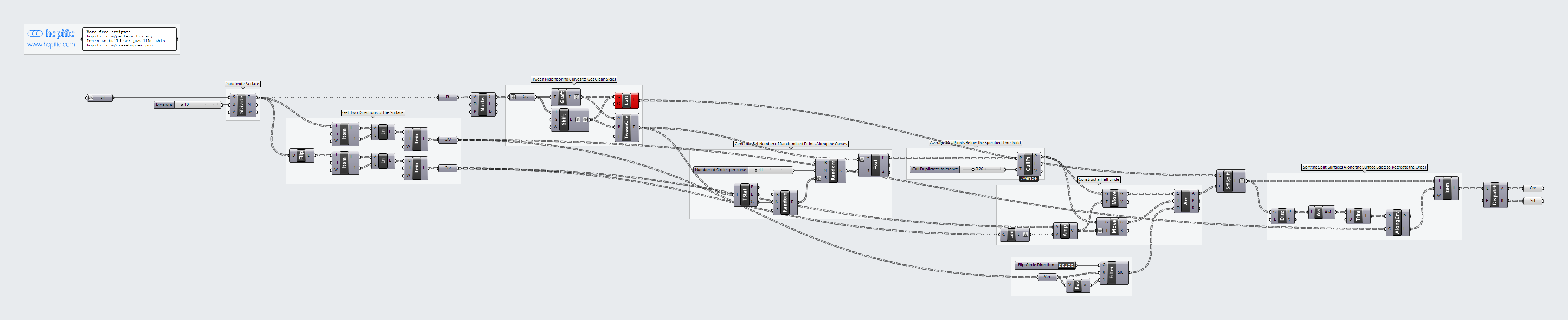
How the script builds the pattern, step by step.
| Step | How the script does it |
|---|---|
| 1. Split the surface into strips | Divide Surface and Nurbs Curve draw evenly spaced lines along the surface. Graft Tree and Shift List pair each line with the next, and Loft makes a strip between them. |
| 2. Measure the surface | List Item, Flip Matrix and Line draw two reference lines: one along the strips, and one across a single strip, as long as the strip is wide. |
| 3. Find the centre line of each strip | Tween Curve draws a line halfway between the two edges of each strip. |
| 4. Place random points along it | Random creates Number of Circles per curve random positions, with a different seed for each strip from a second Random. Evaluate Curve places a point at each position on the centre line. |
| 5. Merge points that are too close | Cull Duplicates replaces points closer than Cull Duplicates tolerance with a single point. |
| 6. Draw the half circles | Length and Amplitude give a vector half the strip width, and two Move components shift each point to both edges of the strip. Arc SED draws a half circle between them, starting along the strip. Reverse and Stream Filter choose which way it faces, using Flip Circle Direction. |
| 7. Cut the strips into two alternating sets | Surface Split cuts each strip along its half circles. Discontinuity, Average, Trim Tree and Sort Along Curve put the pieces back in order along the strip, and List Item applies that order. Dispatch sorts the pieces into two alternating sets. |
Want to learn how to build scripts like this on your own? Check out the Grasshopper Pro course.