
Inputs
Reference in Rhino
Surface
The surface the chains are built on. The chains run in its V direction. It must be a planar (flat) surface.
Curve
The attractor. On every chain, the pearls closest to this curve are the largest. A diagonal across the surface works well.
Main Sliders
Also try: change the seed (S) of the two Random components to get a different mix of pearl spacings and fall-offs from chain to chain.
Notes
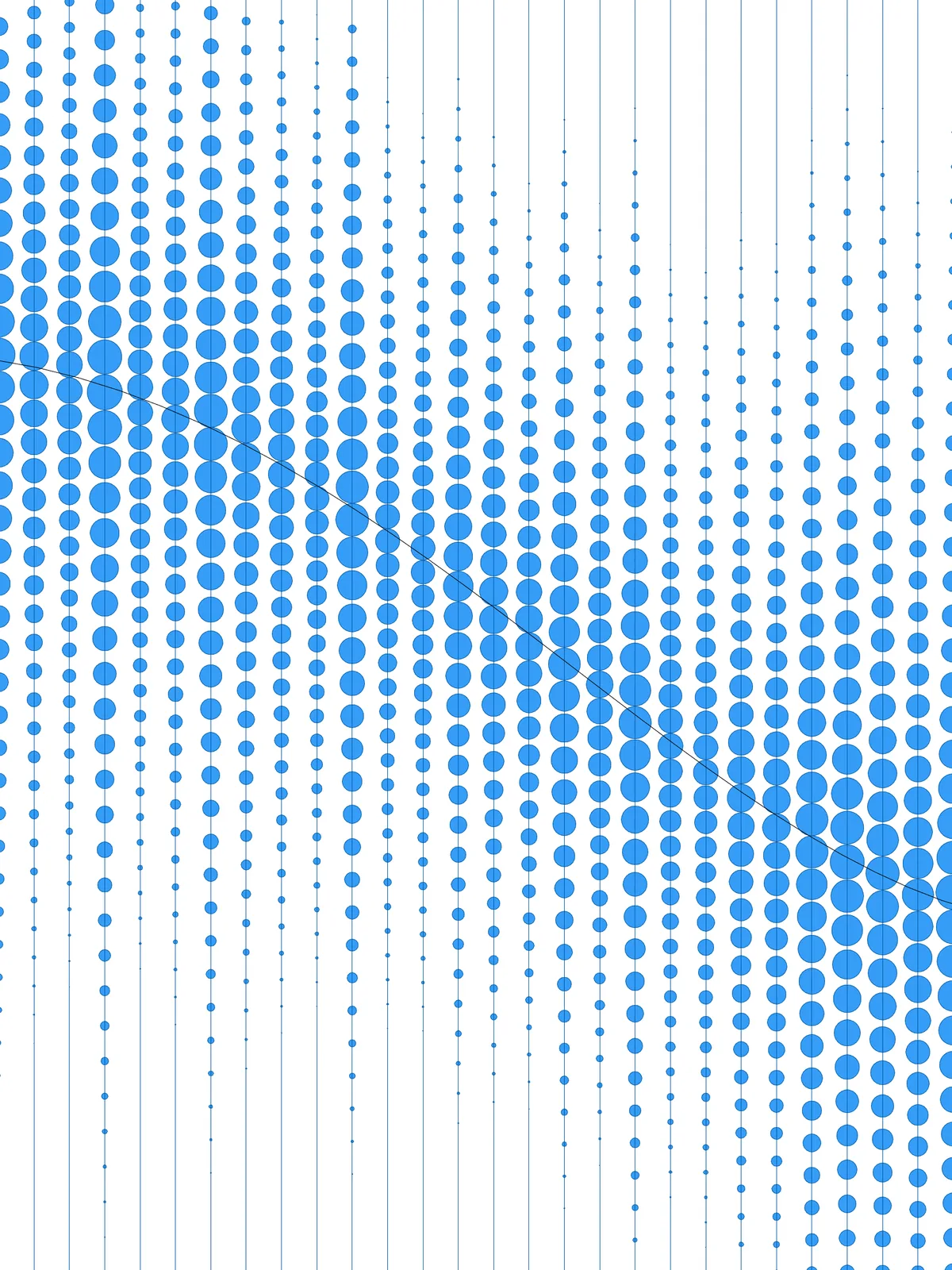
- Every chain has its own biggest pearl. The sizes are worked out chain by chain, so each chain gets a full-size pearl at its point nearest the curve, however far the chain is from it. The curve decides where along each chain the big pearls sit.
- Keep Max Spacing % below 100 and Size at Curve below 1 if the pearls must not touch. At the defaults, the largest pearls can meet the pearls next to them.
- The result is a set of flat discs. The circles are turned into surfaces, which makes the size gradient easier to see.
Design Logic
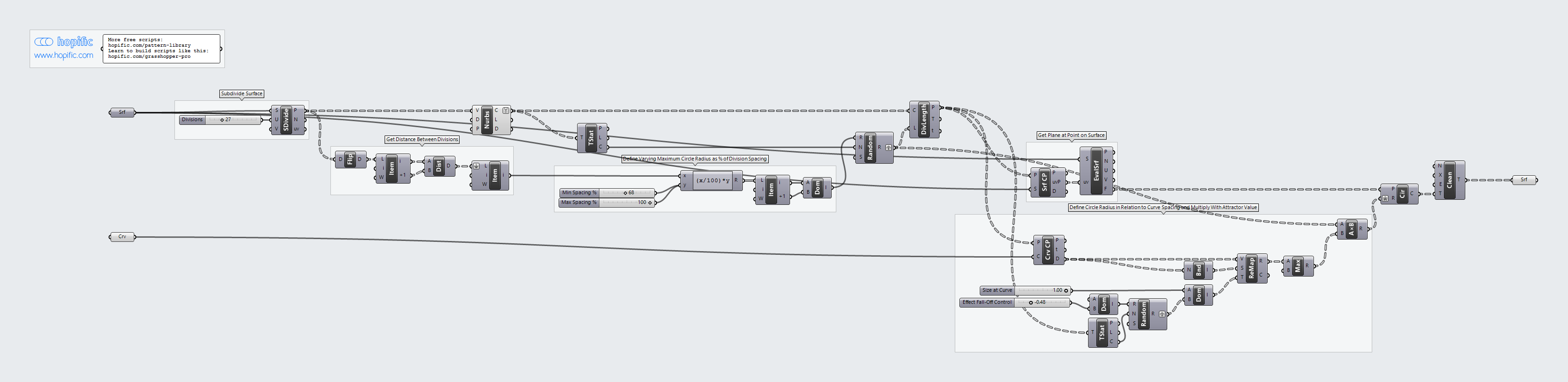
How the script builds the pattern, step by step.
| Step | How the script does it |
|---|---|
| 1. Draw the chain lines | Divide Surface makes a grid of points with one division in V. Nurbs Curve joins each pair of points into a straight line from one edge to the other. Each line becomes a chain. |
| 2. Measure the gap between chains | Flip Matrix regroups the points, List Item picks two neighbouring points and Distance measures the gap between them. |
| 3. Give each chain its own pearl spacing | An Expression turns Min Spacing % and Max Spacing % into lengths, and Construct Domain makes a range from them. Random picks one value per chain (Tree Statistics counts the chains), and Divide Length places points along each chain at that spacing. |
| 4. Get a plane at every pearl | Surface Closest Point and Evaluate Surface give a plane on the surface at each point, so the pearls lie flat on it. |
| 5. Turn distance to your curve into a size factor | Curve Closest Point measures each point’s distance to the curve. Bounds and Remap Numbers map the distances on each chain from Size at Curve (nearest) down to a random end value between Effect Fall-Off Control and 0 (furthest), picked per chain by a second Random. Maximum stops the values going below 0. |
| 6. Draw the pearls | Multiplication multiplies each chain’s spacing by the size factor to get the pearl diameter, and Circle draws the pearl with half of it as the radius. Clean Tree removes the pearls that shrank to nothing, and a Surface parameter turns the circles into flat discs. |
Want to learn how to build scripts like this on your own? Check out the Grasshopper Pro course.