
Inputs
Reference in Rhino
Surface
The surface the ribbons run across. The ribbons start from straight lines between two opposite edges, so a rectangle works best. It must be a planar (flat) surface.
Main Sliders
Also try: change the seed of the first Random component in the Move Up and Down group. Every ribbon gets new random heights.
Notes
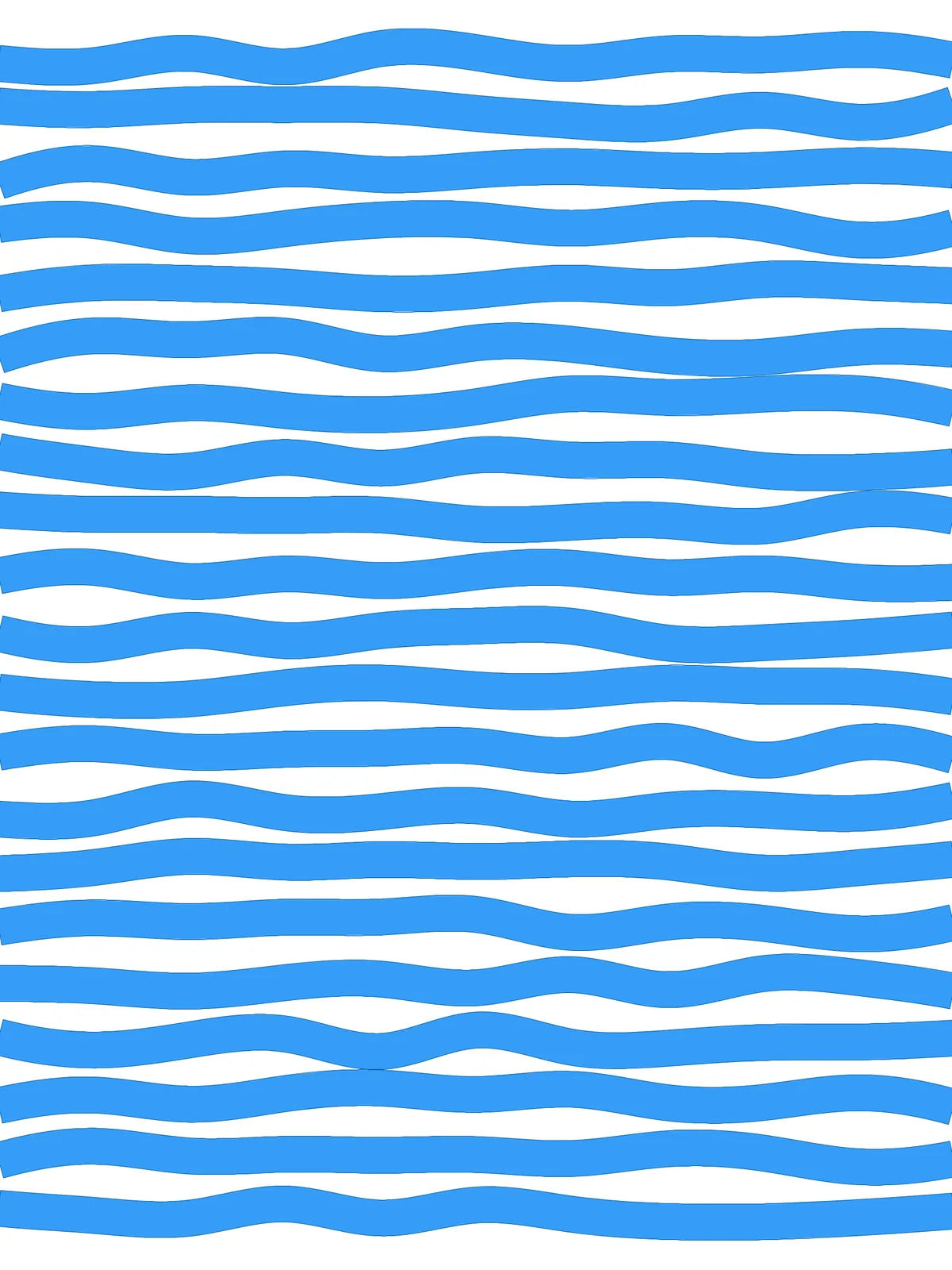
- The gaps do the waving. Every ribbon keeps the same thickness. Because each ribbon moves on its own, the gaps between them widen and narrow along the ribbons.
- Keep Wave Amount below 100 to keep a gap. At 100, two neighbouring ribbons that move toward each other can just touch.
- The ribbons aren’t trimmed to the surface. Their ends are closed with straight lines at the side edges, so where a ribbon meets the edge at an angle its ends can stick out a little. Trim them after baking if you need a clean outline.
Design Logic
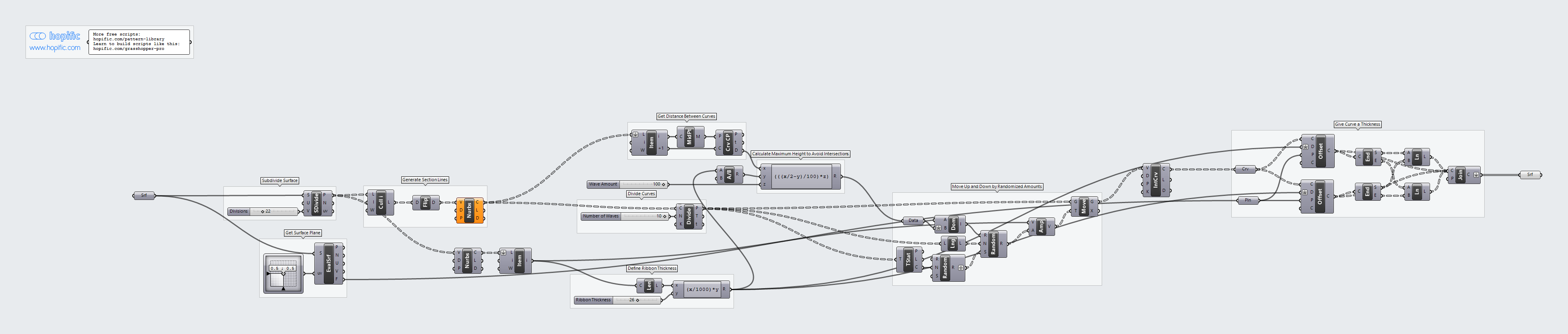
How the script builds the pattern, step by step.
| Step | How the script does it |
|---|---|
| 1. Draw the row lines | Divide Surface places points down both sides of the surface. Cull Index drops the first and last points, so no ribbon runs along the top or bottom edge and swings far past the surface. Flip Matrix and Nurbs Curve join each pair into a line across. |
| 2. Set the ribbon thickness | Nurbs Curve, List Item and Length measure the height of the surface, and an Expression turns Ribbon Thickness into a distance. |
| 3. Mark the wave points | Divide Curve splits each row line into Number of Waves equal parts. |
| 4. Work out how far a ribbon can move | Curve Middle and Curve Closest Point measure the gap between two row lines. Division halves the ribbon thickness, and an Expression takes half the gap, subtracts that half thickness and scales the result by Wave Amount. |
| 5. Move the points up and down at random | Construct Domain builds a range from that distance up to the same distance down. Random picks a height for every point, with a different seed for every ribbon, and Amplitude and Move shift the points. Interpolate draws a smooth curve through them. |
| 6. Thicken the curves into ribbons | Two Offset Curve components copy each curve up and down by half the ribbon thickness, in the plane that Evaluate Surface takes from the surface. End Points, Line and Join Curves close each pair into an outline, and Surface fills it. |
Want to learn how to build scripts like this on your own? Check out the Grasshopper Pro course.