
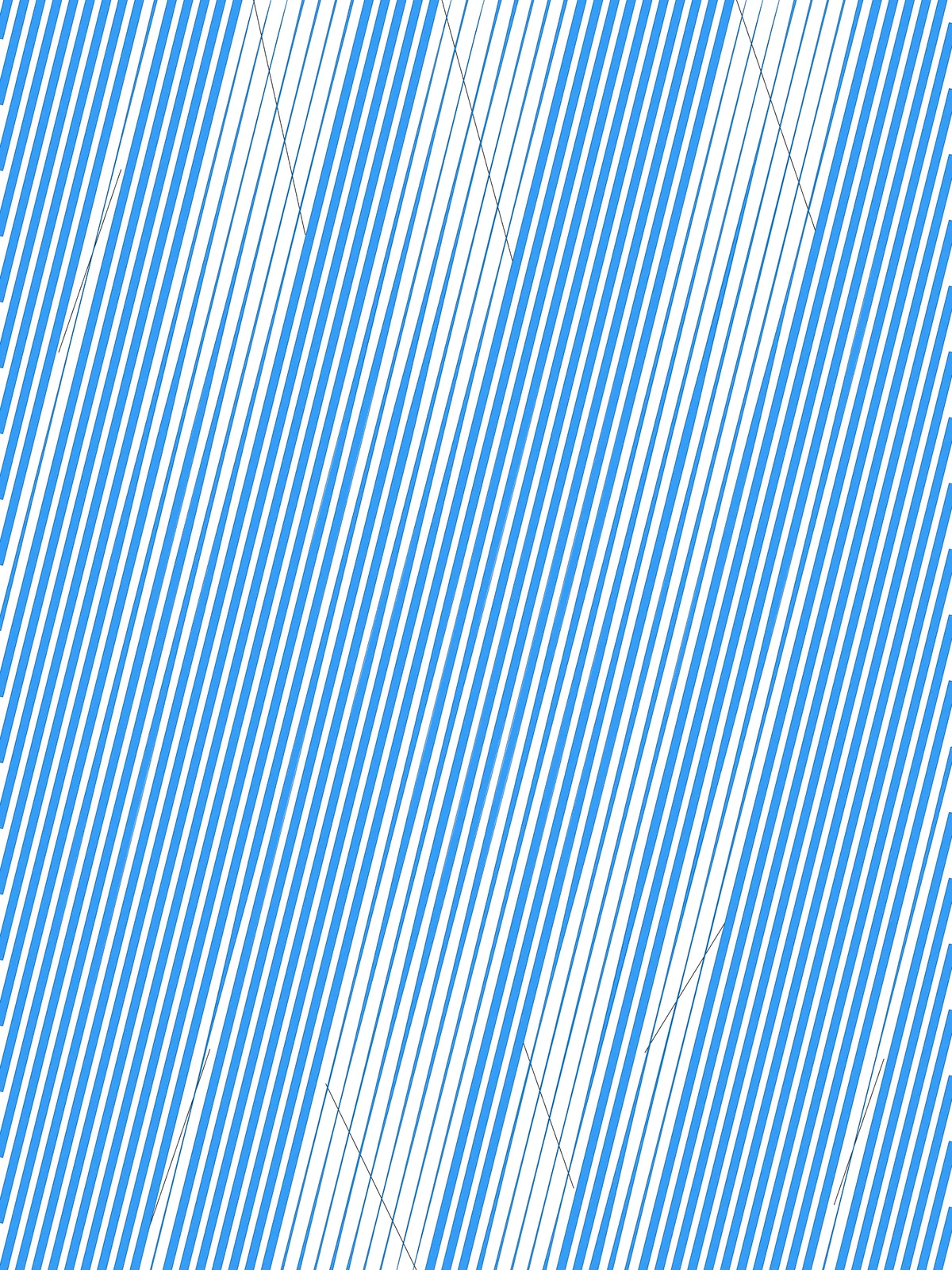
Inputs
Reference in Rhino
Surface
The surface the lines are drawn on. It must be a planar (flat) surface.
Curve
One or more attractor curves. Lines get thinner as they pass close to them. The curves must lie on the surface and cross the lines.
Main Sliders
Also try: change the seed of the Random component in the Create Gradient Values group to get a different mix of short and long fades.
Notes
- Only lines that cross a curve get thinner. A line that misses every curve stays at full width along its whole length, even if a curve passes close by.
- Keep Max. Streak Width below half the Contour Spacing, or neighbouring lines will overlap.
- For smoother fades, raise Curve Resolution. It sets how many points along each crossing line control its width.
Design Logic
How the script builds the pattern, step by step.

| Step | How the script does it |
|---|---|
| 1. Draw parallel lines at an angle | Evaluate Surface gives the plane of the surface. Brep Edges and List Item take one edge, and Rotate turns it by Contour Angle around its midpoint. Contour then slices the surface at right angles to that direction, once every Contour Spacing. |
| 2. Separate the lines that cross your curves | Curve | Curve checks each line against the curves. List Length, an Expression, Cull Pattern and Tree Branch split the lines into two sets: those that cross at least one curve and those that don’t. |
| 3. Place points along the crossing lines | Divide Curve and Evaluate Curve place points along each crossing line. Line SDL and Rotate turn the tangent at each point by 90° to get the sideways direction. |
| 4. Measure the distance to the nearest curve | Curve | Curve and Cull Pattern find which curves each line actually crosses. Curve Closest Point measures every point’s distance to those curves, and Sort List with List Item keeps the shortest. |
| 5. Turn distance into width | Random gives each line its own reach between Effect Range A and B. Remap Numbers scales the distances by that reach, a Graph Mapper shapes the fade, and a second Remap Numbers maps it between Min. and Max. Streak Width: thin near the curve, full width further away. |
| 6. Thicken the lines that don’t cross | Offset Curve copies each of these lines to both sides by Max. Streak Width. End Points, Line and Join Curves close the two copies into an outline. |
| 7. Draw the streaks | Two Line SDL components push each point out to both sides by its width. Interpolate runs a smooth curve through the points on each side, and Line and Join Curves close them. Surface fills every outline. |
Want to learn how to build scripts like this on your own? Check out the Grasshopper Pro course.