
Inputs
Reference in Rhino
Surface
The surface the facets are built on. It must be a planar (flat) surface.
Main Sliders
Also try: change the seed of the Random component that feeds Cull Pattern to change which bands keep their diagonal fold.
Notes
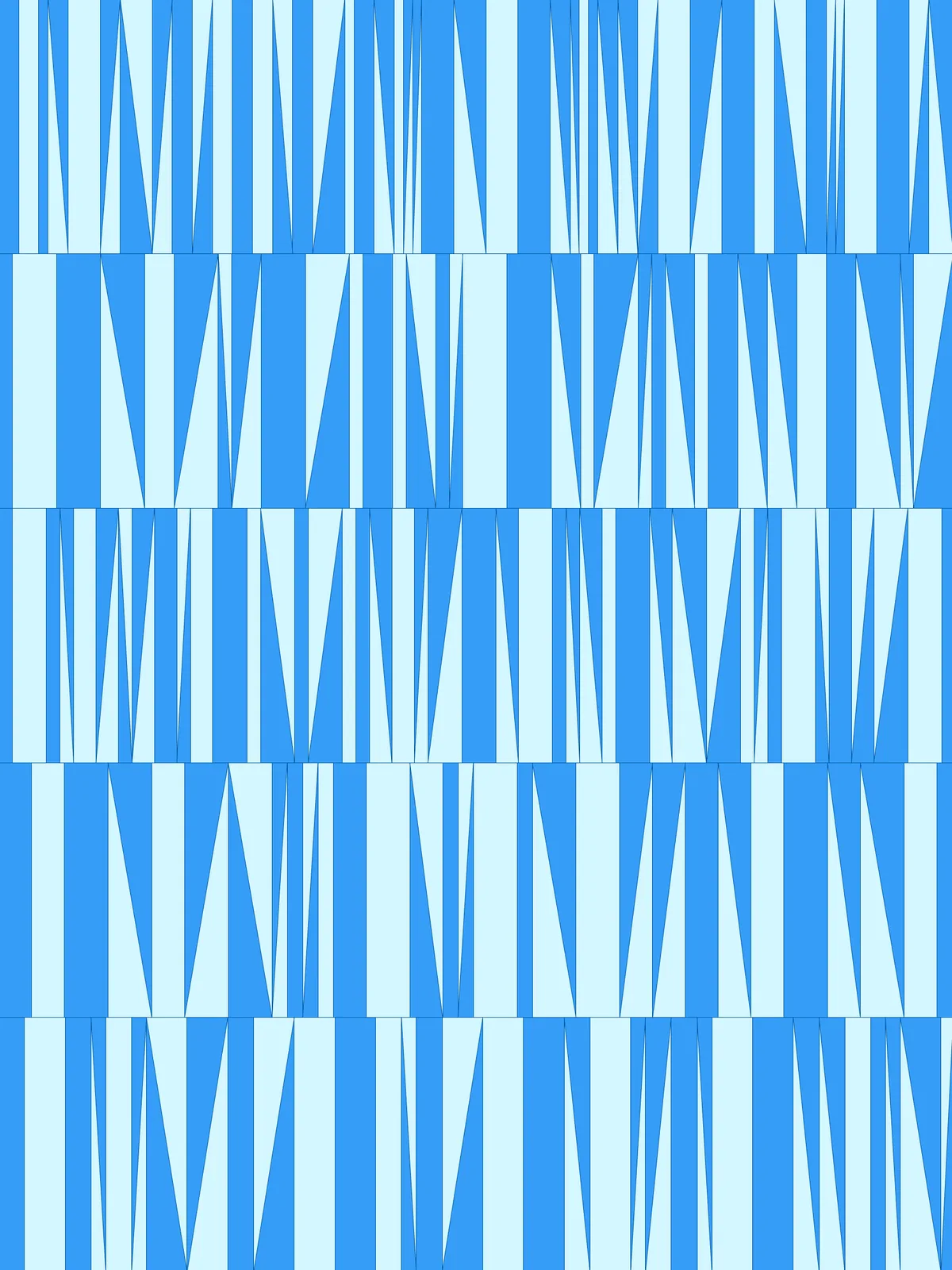
- The fold is an effect of colour. All facets lie flat on the surface. The script colours them in two alternating tones with
Custom Preview, and that is what makes the rows look pleated. The two tones come from the twoDispatchoutputs, which you can bake separately. - Not every band is folded. Some bands randomly lose their diagonal and stay as plain rectangles, which breaks up the rhythm.
- The last band in each row is usually cut short. The row is filled with bands until it runs out, so the band at the end gets whatever space is left.
Design Logic
How the script builds the pattern, step by step.

| Step | How the script does it |
|---|---|
| 1. Split the surface into rows | Divide Surface makes a grid of points. Cull Index, Flip Matrix and Nurbs Curve draw a line along the starting edge of each row, and Surface Split cuts the surface into strips along those lines. Area, Sort Along Curve and List Item put the strips in order. |
| 2. Measure the row height | List Item and Distance measure the height of a row, and Line gives the direction across the rows. |
| 3. Pick random band widths for each row | Tree Statistics and Random give each row its own seed. Construct Domain and a second Random pick three values between min and max bar length, and an Expression and Multiplication turn them into lengths. Mass Addition, an Expression and Duplicate Data repeat them enough times to fill the row. |
| 4. Draw the fold lines across each row | Jitter shuffles the band widths and Mass Addition adds them up into positions. Evaluate Length, Clean Tree, Insert Items and Evaluate Curve place points at those positions, plus the start and end of the row. Amplitude and Move copy the points one row height across, and Line connects each pair. |
| 5. Add a diagonal to each band | Two Relative Items and Line pairs draw the diagonal of each band in both directions. Random and Pick'n'Choose pick one direction per band, and Random, Integer and Cull Pattern remove some diagonals altogether. |
| 6. Split into facets and colour them | Surface Split cuts each strip along the fold lines and diagonals. Area, Sort Along Curve and List Item sort the facets along the row, Dispatch splits them into every other facet, and Colour Swatch and Custom Preview give each group its own tone. |
Want to learn how to build scripts like this on your own? Check out the Grasshopper Pro course.