
Inputs
Reference in Rhino
Surface
The surface the ladders are built on. The rails run in its V direction. It must be a planar (flat) surface.
Main Sliders
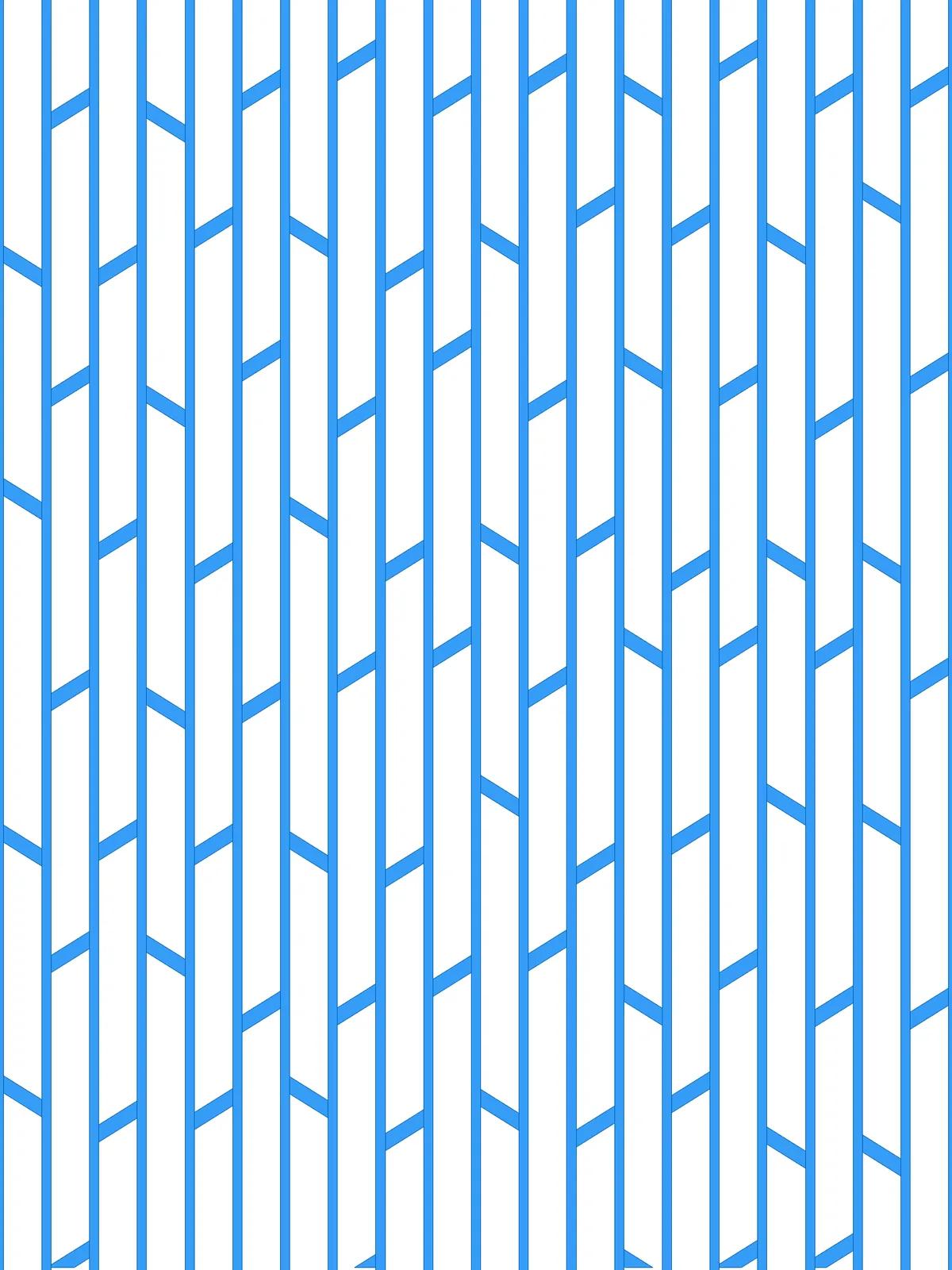
Also try: the rungs slant one way or the other because Diagonal Angle is multiplied by a random 1 or -1, picked by a List Item. Change the -1 to 1 to make every rung slant the same way.
Notes
- The script gives two results: the rails and the rungs. The rungs are trimmed to end exactly at the edges of the rails, so the two sets meet without overlapping.
- The outer rails sit on the edges of the surface, so half of their width lies outside it. Trim them if the result has to stay within the surface.
- Rail Thickness and Connector Thickness are real distances. Scale them to your surface, and keep the rungs well thinner than the gap between them so the ladders stay open.
Design Logic
How the script builds the pattern, step by step.

| Step | How the script does it |
|---|---|
| 1. Draw the rail lines | Divide Surface makes a grid of points, Divisions across and one division in V, and Nurbs Curve joins each pair into a straight line across the surface. Flip Matrix, List Item and Distance measure the gap between two rails. |
| 2. Draw a centre line in each ladder | Relative Item pairs each rail with the next one. Tween Curve draws a line halfway between them, and Loft makes the strip between them for trimming later. |
| 3. Place staggered rung points | Length and two Expression components turn the spacing percentage into distances. Tree Statistics, Dispatch and Tree Branch pick every other ladder, and Extend Curve shortens its centre line at the start by one spacing. Divide Length then places points along every centre line, so the points in neighbouring ladders are offset. |
| 4. Shake the points | Construct Domain sets a range from Irregularity Amount. Random picks a value for each point, and Amplitude and Move slide it along the centre line. |
| 5. Draw slanted rungs | An Expression with Radians works out how long a rung must be to cross the ladder at Diagonal Angle. Line SDL draws it from each point along the centre line, and Construct Plane gives the plane to turn in. Random, List Item and Multiplication multiply Diagonal Angle by a random 1 or -1, and Rotate turns the rung by the result, so it slants one way or the other. Extend Curve extends each rung backwards so it is centred on its point. |
| 6. Thicken the rails and rungs | Offset Curve copies each rail and each rung to both sides by Rail Thickness or Connector Thickness. End Points, Line and Join Curves close the copies into rectangles. |
| 7. Fit the rungs between the rails | Offset Curve shrinks each lofted strip by Rail Thickness, and Region Intersection trims the rungs to it, so they end exactly at the edges of the rails. |
Want to learn how to build scripts like this on your own? Check out the Grasshopper Pro course.