
Inputs
Reference in Rhino
Surface
The surface the lines are drawn on. It must be a planar (flat) surface.
Main Sliders
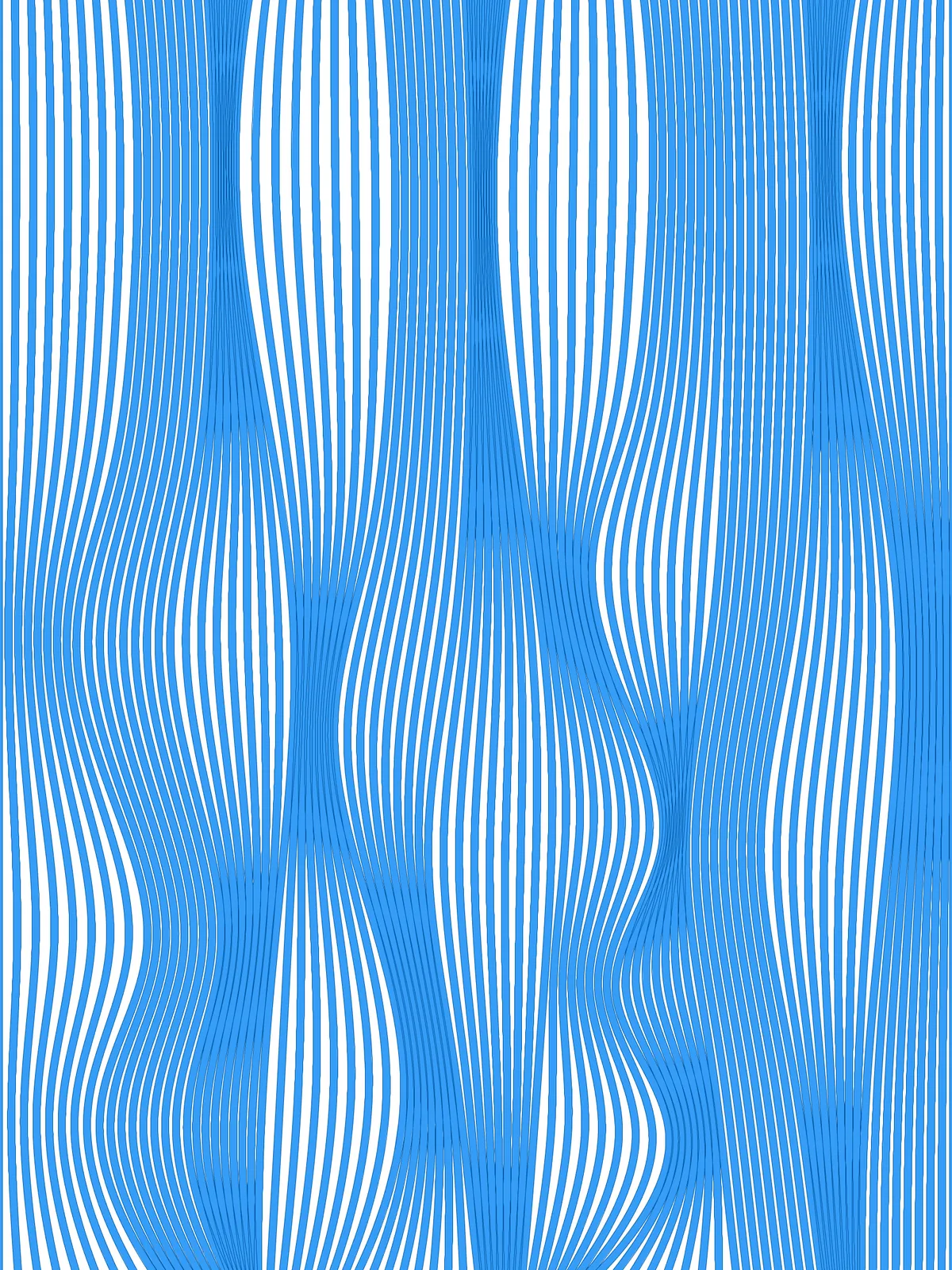
Also try: change the seeds of the Random components in the Divide Randomly and Move Points groups to drape the veil differently.
Notes
- If the lines run the wrong way, change the index of the
List Itemin the Get Two Main Surface Directions group from 0 to 1. The lines always run square to the edge it picks. - The guide lines never cross. Each point can only move up to halfway toward the neighbouring guide line, and the first and last lines stay straight, so the pattern ends in clean edges.
- Strips overlap where the lines bunch together. Lower Strip Width as 1/1000 of Surface Width if you want them to stay apart.
Design Logic
How the script builds the pattern, step by step.

| Step | How the script does it |
|---|---|
| 1. Find the two directions of the surface | Brep Edges and List Item take two neighbouring edges: one across the surface and one along it. |
| 2. Place the guide lines at uneven gaps | Length and three Expression components turn Guide Spacing A, B and C into distances. Mass Addition, an Expression and Duplicate Data repeat them until they fill the width, and Evaluate Length finds the positions along the edge. Insert Items adds the start and end of the edge. Perp Frame and Brep | Plane cut the surface at each position, giving straight guide lines. |
| 3. Divide each guide line at random | Construct Domain and Random pick a point count between Min and Max Points per Guide for each guide line, and Divide Curve places the points. |
| 4. Measure the room around each guide line | Shatter, Cull Index and Length measure the gaps between guide lines. Shift List lines up each guide with the gap before it and the gap after it. |
| 5. Push the points sideways | Construct Domain builds a range from halfway back to the previous guide to halfway on to the next. Random picks a distance in that range for each point, and Amplitude and Move shift the points across the surface. |
| 6. Keep the outer edges straight | Tree Statistics, List Item, Cull Index and Tree Branch swap the moved points of the first and last guide lines back for the original ones, and Merge puts everything together. Interpolate draws a smooth curve through each set of points. |
| 7. Fill the gaps with in-between lines | Divide Curve and Sort Along Curve place matching points on every guide curve. Flip Matrix, Nurbs Curve and Explode connect them across into short segments, and a second Divide Curve splits each segment evenly by Tween line count. Trim Tree, Flip Matrix and Interpolate join the matching points into new lines that blend from one guide curve to the next. |
| 8. Give the lines a width | An Expression turns Strip Width into a distance. Evaluate Surface takes the plane at the middle of the surface, and two Offset Curve components copy each line to both sides by half the distance in that plane. End Points, Line and Join Curves close the strip, and Surface fills it. |
Want to learn how to build scripts like this on your own? Check out the Grasshopper Pro course.