
Inputs
Reference in Rhino
Surface
The surface the waves run across. The rows are straight lines from one side to the other, so a rectangle works best. It must be a planar (flat) surface.
Main Sliders
Also try: change the seed of the first Random component in the Shift Points Randomly group. It gives every wave a new set of random shifts and a different network.
Notes
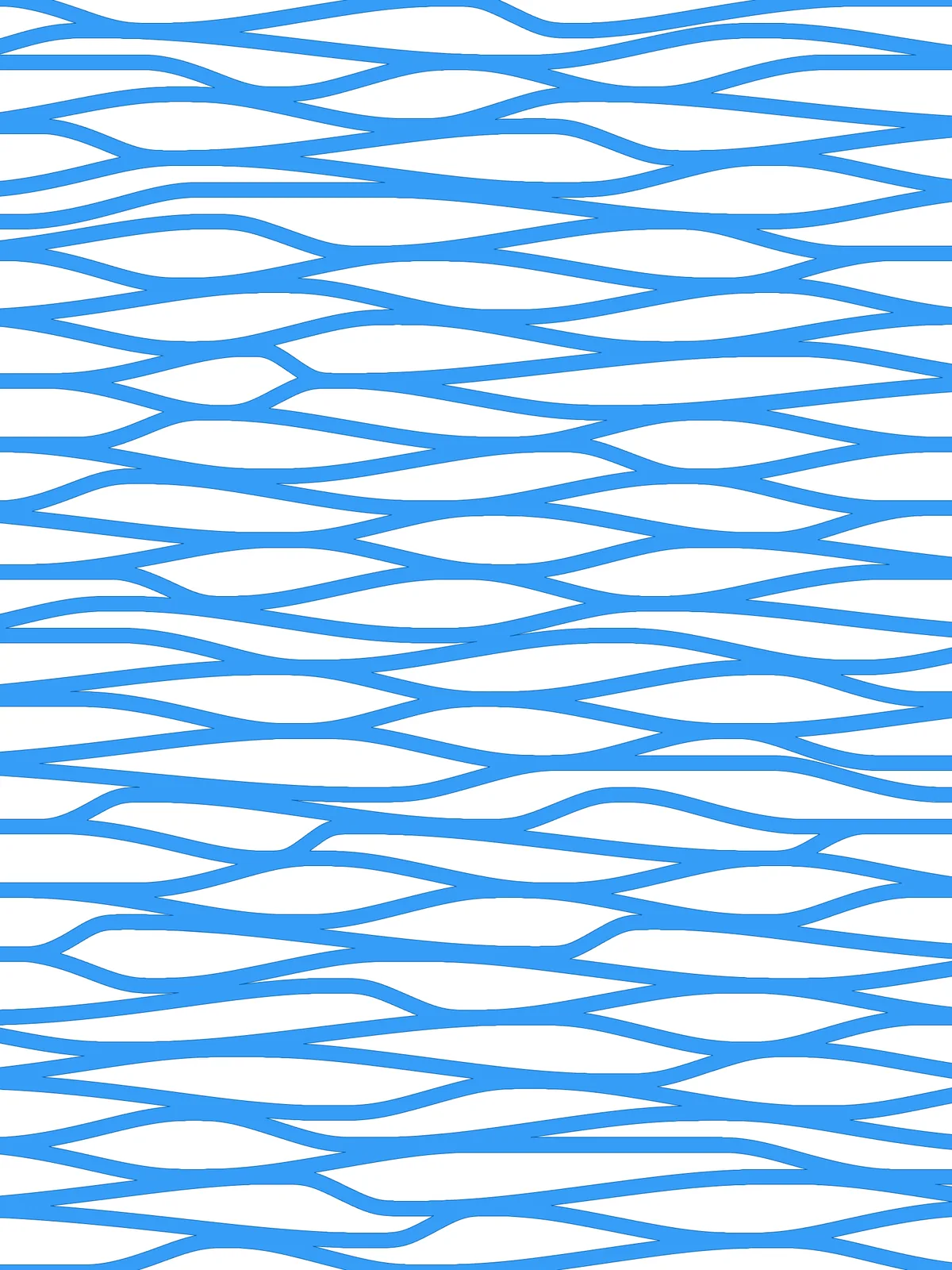
- Neighbouring waves share their points. Each wave zigzags between two rows, and the next wave starts from the second of those rows. That’s why the waves meet. Irregularity shifts each wave’s copy of a shared point separately, so the higher it is, the more the waves split apart between meeting points.
- Make sure the waves run past the edge. Extend length lengthens both ends of each wave by a fixed distance in model units before it’s trimmed. On a large surface, raise it so no wave stops short of the edge.
- Keep Wave Width in proportion to Divisions. With many rows and a large width, the gaps between waves close up and the network turns solid.
- The result is one piece.
Region Unionmerges all the waves into a single outline, andBoundary Surfacesturns it into one surface.
Design Logic
How the script builds the pattern, step by step.

| Step | How the script does it |
|---|---|
| 1. Draw the row lines | Divide Surface places points down both sides of the surface. Flip Matrix and Nurbs Curve join each pair into a line across. |
| 2. Alternate the points from row to row | Divide Curve splits each row into as many equal parts as Wave Frequency. Tree Statistics, Dispatch and Tree Branch split the rows into even and odd. Two more Dispatch components keep every other point, starting with the first point on even rows and the second on odd rows, so the points of neighbouring rows sit between each other. |
| 3. Zigzag between neighbouring rows | Group and Relative Item with the offset {+1}[0] from the Panel pair each row with the next one. Ungroup combines their points and Sort Along Curve puts them in order across the surface, so each wave steps up and down between two rows. |
| 4. Shift the points at random | Distance and Multiplication scale Irregularity by the spacing of the points. Construct Domain and Random pick a shift for every point within that range, and Amplitude and Move move it along its row. |
| 5. Space out crowded points to avoid sharp bends | This step makes the network more uniform. Closest Points finds each point’s nearest neighbour in its wave, and an Expression with Cull Pattern picks out the ones closer than the Too-close threshold. Move tries shifting each of them both ways along the row by that distance, and Distance, Sort List and List Item keep the copy that ends up further from its neighbour. Merge, Clean Tree, Trim Tree and Sort Along Curve put each wave back together. If Cull Duplicates tolerance is above 0, Cull Duplicates then reduces points that sit closer than that to one. |
| 6. Draw smooth waves | Tangent Curve draws a curve through each wave’s points, with the row direction as the tangent at every point and Curve Bulge Control setting the fullness. Extend Curve lengthens both ends by Extend length. |
| 7. Thicken the waves | Length and an Expression turn Wave Width into a distance. Evaluate Surface gives the plane of the surface, and two Offset Curve components copy each wave to both sides by half the width in that plane. End Points, Line and Join Curves close them into outlines. |
| 8. Trim and merge into one network | Region Intersection trims each outline to the surface, Region Union merges the overlapping waves, and Boundary Surfaces fills the result. |
Want to learn how to build scripts like this on your own? Check out the Grasshopper Pro course.