
Inputs
Reference in Rhino
Surface
The surface the pattern is built on. It must be a planar (flat) surface.
Curve
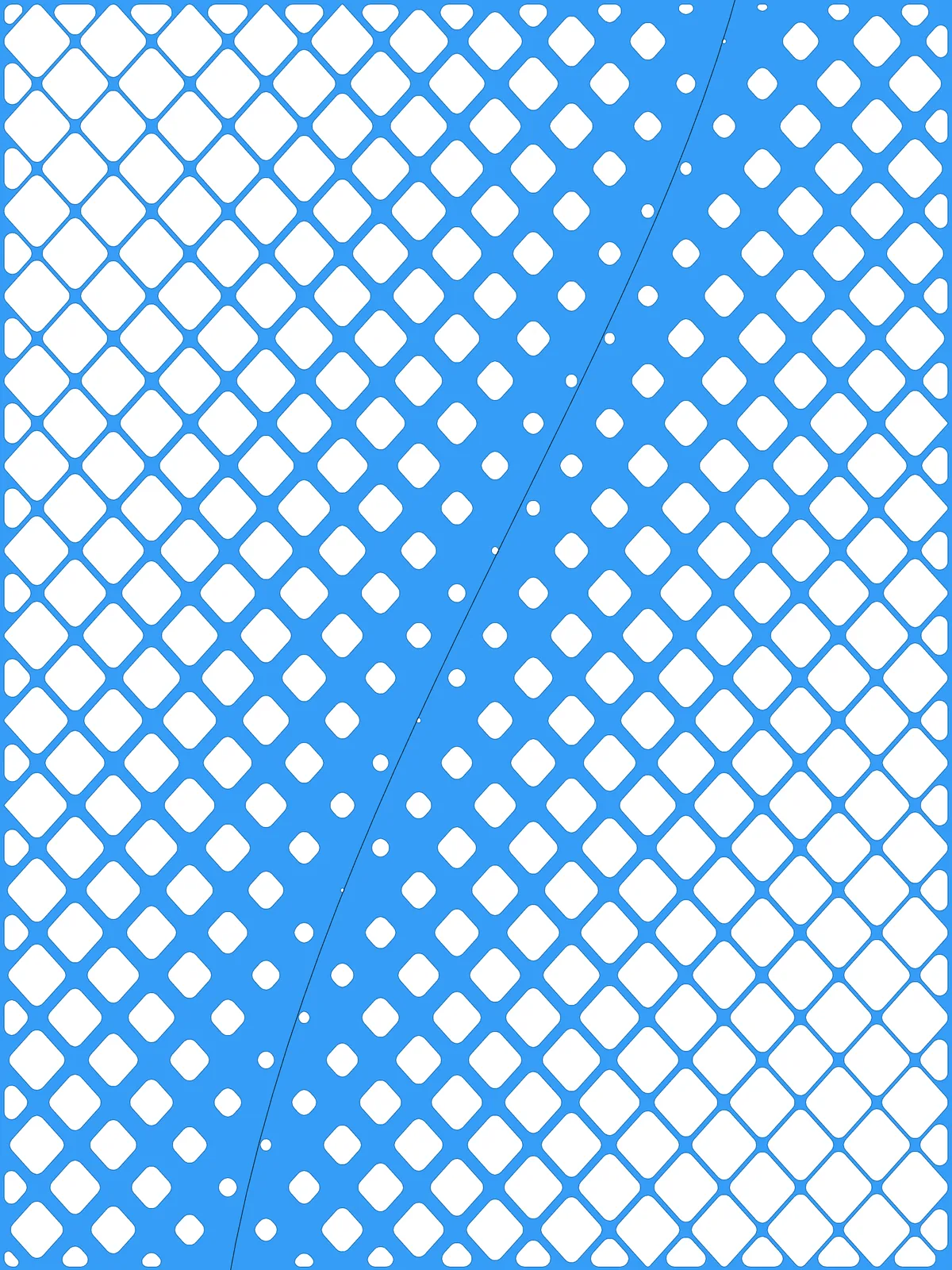
The attractor. Diamond openings close to it are smallest; openings far from it are largest. It can run along an edge or across the panel.
Main Sliders
Also try: reshape the Graph Mapper to change how quickly the openings grow as you move away from the curve.
Notes
- Swap the values of Diamond Scale Max % and Diamond Scale Min % to reverse the effect: large openings near the curve and a denser lattice away from it.
- Keep Columns and Rows in proportion to your panel if you want square diamonds. Each diamond spans two grid cells in each direction, so uneven cells make the diamonds tall or wide.
- The result is a single surface with holes. At the default settings the holes next to the curve are very small; lower Diamond Scale Max % to open them up.
Design Logic
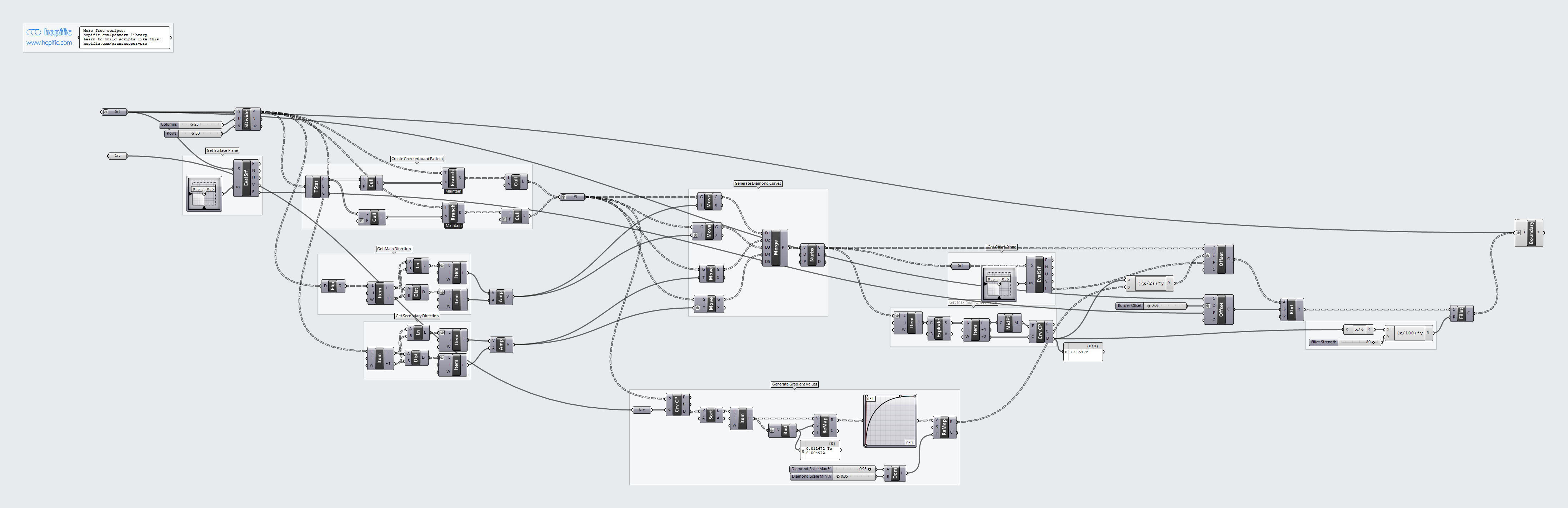
How the script builds the pattern, step by step.
| Step | How the script does it |
|---|---|
| 1. Pick the diamond centres in a checkerboard | Divide Surface makes a grid of points. Tree Statistics, Tree Branch and Cull Pattern keep every other point, shifted on every other column, so the centres form a checkerboard. |
| 2. Measure the grid spacing | List Item, Line and Distance measure the gap between grid points in both directions. Amplitude turns each into a vector one cell long. |
| 3. Draw a diamond around each centre | Four Move components copy each centre one cell left, right, up and down. Merge collects the four corners and Nurbs Curve joins them into a closed diamond. Neighbouring diamonds share their edges, so together they fill the grid. |
| 4. Measure each diamond’s distance to your curve | Curve Closest Point measures how far each centre is from the curve. Bounds and Remap Numbers turn the distances into values from 0 (nearest) to 1 (furthest). |
| 5. Turn distance into opening size | A Graph Mapper shapes the gradient, and Remap Numbers maps it from Diamond Scale Max % next to the curve to Diamond Scale Min % furthest away. Explode, Curve Middle and Curve Closest Point measure the width of a diamond, and an Expression multiplies each value by half that width to get an offset distance. |
| 6. Shrink the diamonds into openings | Offset Curve moves each diamond inward by its distance, using a plane from Evaluate Surface. The space between neighbouring openings becomes the lattice. |
| 7. Add a border and round the corners | A second Offset Curve insets the panel edge by the Border Offset, and Region Intersection keeps only the parts of the openings inside it. Two Expression components turn Fillet Strength into a radius, and Fillet rounds the corners. |
| 8. Make one surface with holes | Boundary Surfaces makes one surface from the panel outline with the openings as holes. |
Want to learn how to build scripts like this on your own? Check out the Grasshopper Pro course.