
Inputs
Reference in Rhino
Surface
The surface the sticks are built on. It must be a planar (flat) surface.
Curve
The attractor. The sticks closest to it are picked out as a separate group.
Main Sliders
Also try: change the seed of the Random component to get a different order of stick widths in every row.
Notes
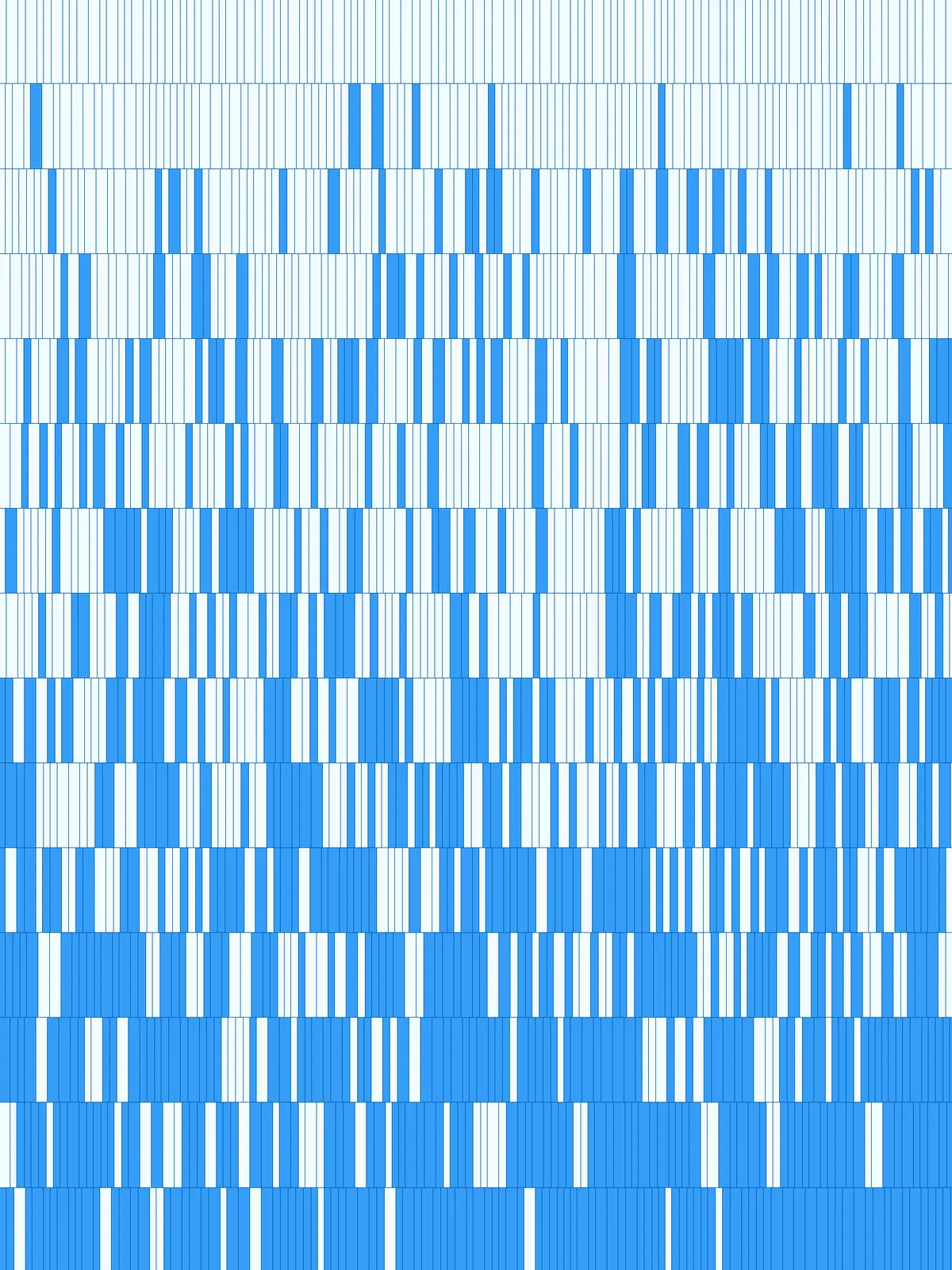
- No sticks are removed. Every row is filled edge to edge, and the script splits the sticks into two groups, shown in blue and grey with
Custom Preview. You can bake either group or both. - The last stick in each row is usually cut short. The row is filled with whole sticks until it runs out, so the stick at the end gets whatever space is left.
- For a coarser or finer barcode, raise or lower the three Relative Stick Width values together. If all three are equal, every stick has the same width and the rhythm becomes regular.
Design Logic
How the script builds the pattern, step by step.

| Step | How the script does it |
|---|---|
| 1. Split the surface into rows | Divide Surface makes a grid of points. Cull Index drops the last row of points, and Flip Matrix and Nurbs Curve draw a line along the starting edge of each row. |
| 2. Measure the surface | List Item, Line and Length measure the width and height of the surface. An Expression divides the height by the number of rows to get the stick length. |
| 3. Set three stick widths | Three Expression components turn the Relative Stick Width sliders into lengths, as thousandths of the surface width. Merge puts them in one list. |
| 4. Fill each row with a random sequence | Mass Addition and an Expression work out how many times the three widths fit across the surface, and Duplicate Data repeats them that often. Tree Statistics and Random give each row its own seed, Jitter shuffles the widths, and Mass Addition adds them up into positions along the row. |
| 5. Cut and extrude the sticks | Evaluate Length finds those positions on each row line and Shatter cuts the line there. Amplitude makes a vector one row high, pointing up the surface, and Extrude turns each piece into a stick. |
| 6. Pick the sticks near your curve | Curve Middle and Curve Closest Point measure each stick’s distance to the curve, and Sort List orders the sticks from near to far. Jitter mixes that order a little. List Length, an Expression and Sub List take the share of the list set by Amount to keep (%), and List Item and Cull Index split the sticks into the picked ones and the rest. |
| 7. Colour the two groups | Two Colour Swatch and Custom Preview pairs show the picked sticks in blue and the rest in grey. |
Want to learn how to build scripts like this on your own? Check out the Grasshopper Pro course.