
Inputs
Reference in Rhino
Surface
The surface the pattern is built on. The rails and bars run in its V direction. It must be a planar (flat) surface.
Main Sliders
Also try: change the seed (S) of the Random components that have one set to 2 for a different arrangement of bars and gaps.
Notes
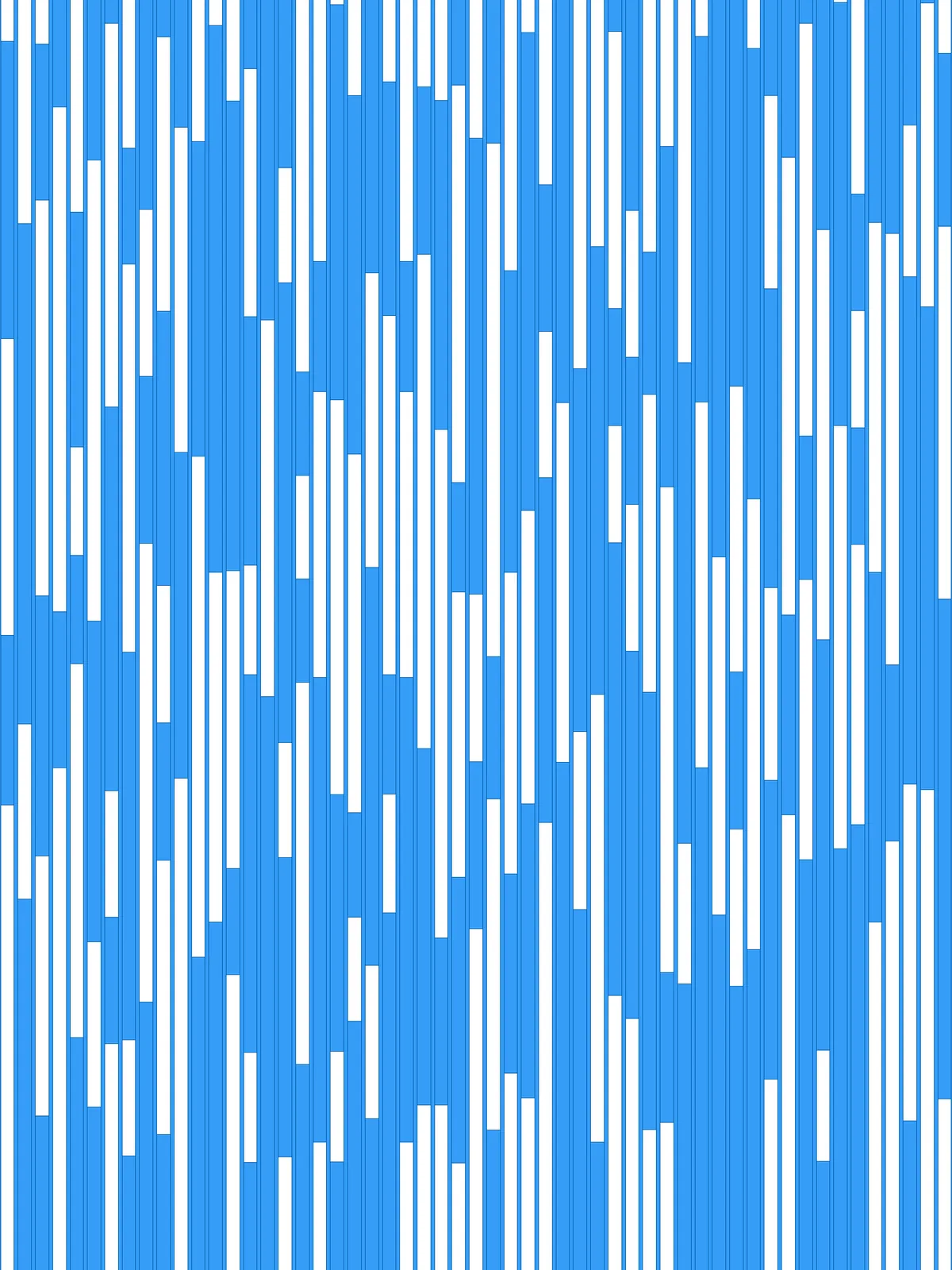
- The script gives two results: the rails, trimmed to your surface, and the bars between them. The bars fill the whole gap between two rails and touch them.
- Bars and gaps alternate in every column. Whether a column starts with a bar or a gap is random, which keeps neighbouring columns out of step.
- For a finer pattern, lower Size Multiplier or the min and max bar lengths. Higher values give fewer, longer bars and gaps, and a more blocky look.
Design Logic
How the script builds the pattern, step by step.

| Step | How the script does it |
|---|---|
| 1. Draw the rail lines | Divide Surface makes a grid of points with one division in V, and Nurbs Curve joins each pair into a straight line across the surface. Flip Matrix, List Item and Distance measure the gap between two lines, and Line and Length measure the surface width. |
| 2. Thicken the lines into rails | Offset Curve copies each line to both sides by Rail Width % of the surface width. End Points, Line and Join Curves close the two copies into a thin rectangle, and Region Intersection trims the rails to the surface. |
| 3. Draw a centre line for each column | Relative Item pairs each line with the next one, and Tween Curve draws a line halfway between them. |
| 4. Pick random lengths for each column | Random picks three lengths per column between min bar length as % and max bar length as % (as a share of the column’s Length), and Multiplication scales them by Size Multiplier. Mass Addition adds them up step by step, Duplicate Data repeats the result until it covers the column, and Jitter shuffles it. |
| 5. Cut each centre line into pieces | A second Mass Addition turns the shuffled lengths into positions along the line. Evaluate Length finds them, Clean Tree drops any past the end, and Insert Items adds the start and end of the line. Relative Item, Construct Domain and Sub Curve cut the line into pieces between neighbouring positions. |
| 6. Keep every other piece | Dispatch with a True/False pattern keeps alternating pieces. Random and Shift List shift the pattern in some columns, so some start with a bar and others with a gap. |
| 7. Turn the pieces into bars | An Expression works out the gap between two rails. Extrude with Amplitude stretches each piece to that width, and Move centres it on its line, so the bar fits exactly between the rails. |
Want to learn how to build scripts like this on your own? Check out the Grasshopper Pro course.