
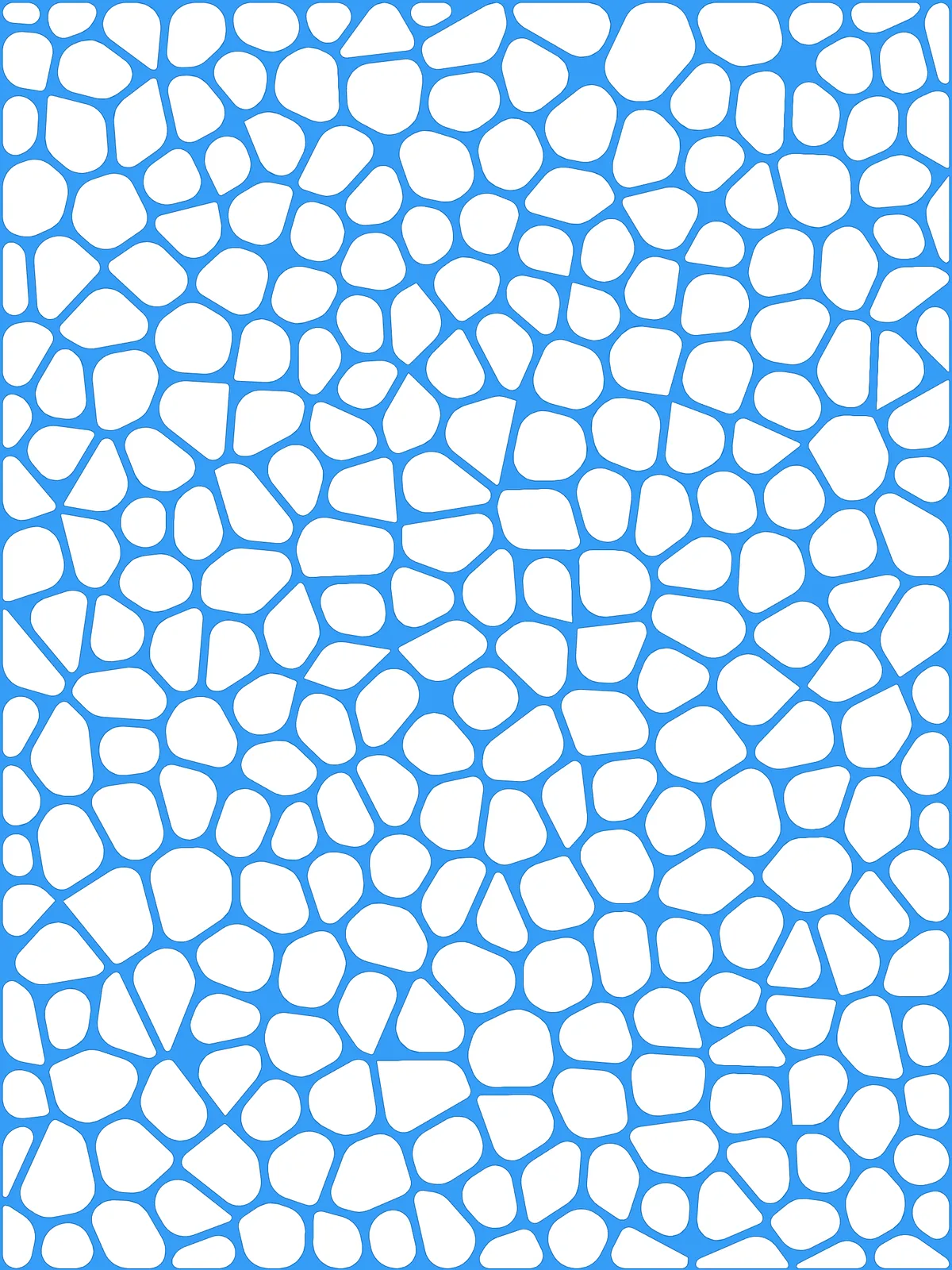
Inputs
Reference in Rhino
Surface
The surface the cells are built on. It must be a planar (flat) surface.
Main Sliders
Also try: change the seed of Populate Geometry for a different arrangement of cells.
Notes
- The border is thinner than the walls. Cells along the edge only shrink away from the edge on their own side, so the frame around the surface is half as wide as the walls inside it. Raise Offset if you want a wider frame.
- Scale the radius with the cell size. When you add more cells they get smaller, so lower Fillet Radius (max) too or the smallest cells lose their shape.
- The result is a single surface.
Boundary Surfacescombines the surface outline and the rounded cells into one surface, with the cells as holes in it.
Design Logic
How the script builds the pattern, step by step.
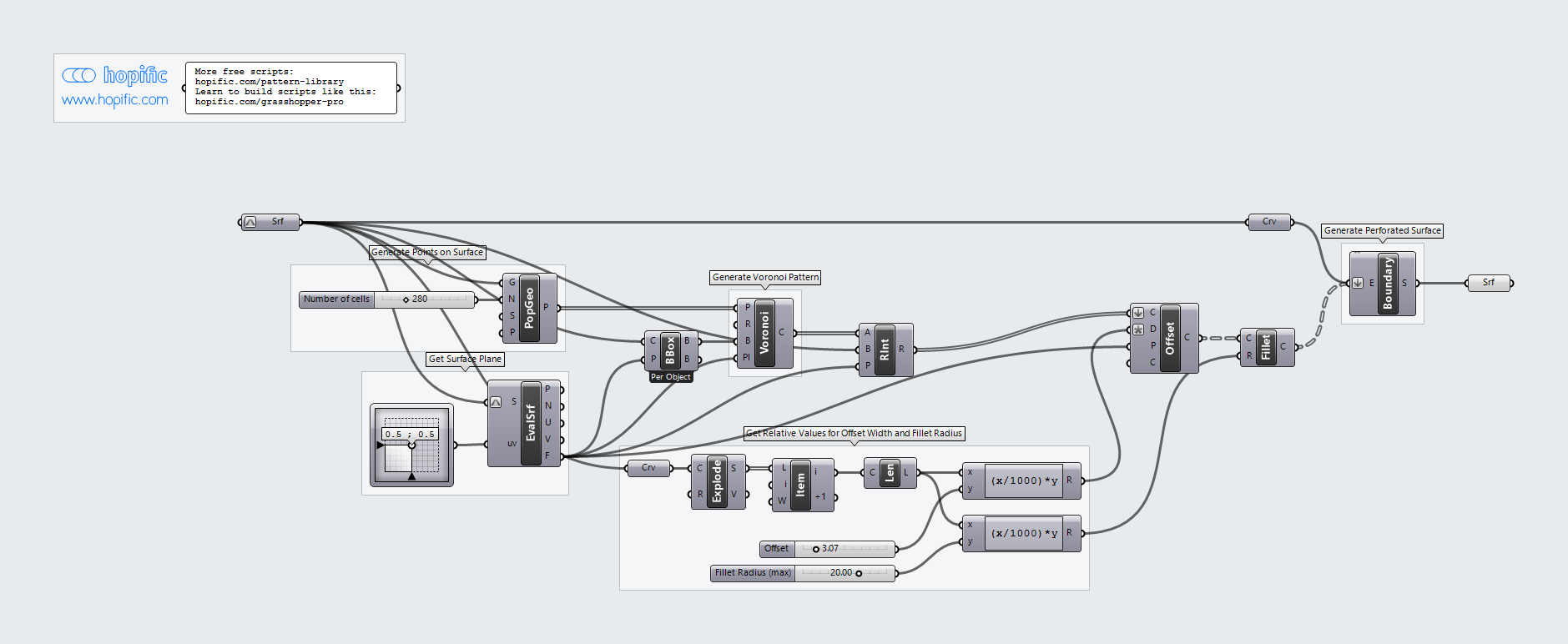
| Step | How the script does it |
|---|---|
| 1. Scatter points over the surface | Populate Geometry spreads points evenly but randomly over the surface. Each point becomes the centre of a cell. |
| 2. Draw the Voronoi cells | Evaluate Surface gives the plane of the surface and Bounding Box the area to fill. Voronoi draws a cell around each point, made of all the space closer to that point than to any other. |
| 3. Trim to the surface | Region Intersection cuts the cells to the outline of the surface. |
| 4. Size the walls and corners to the surface | Explode, List Item and Length measure one edge of the surface. Two Expression components turn Offset and Fillet Radius (max) into distances relative to that edge. |
| 5. Shrink and round the cells | Offset Curve pulls every cell inward in the plane of the surface, leaving a wall between neighbours, and Fillet rounds its corners. |
| 6. Combine everything into one surface | Boundary Surfaces combines the surface outline with the rounded cells into one surface with the cells as holes. |
Want to learn how to build scripts like this on your own? Check out the Grasshopper Pro course.