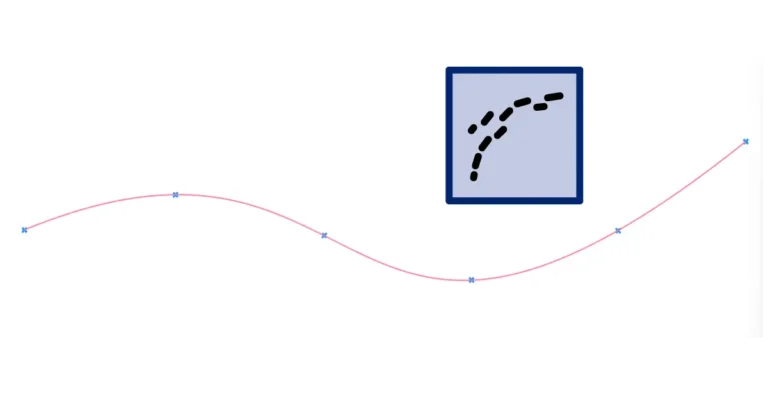
How to Split a Curve in Grasshopper
In Rhino, splitting a curve takes one command. In Grasshopper you won’t find a ‘Split’ component at all, and that trips up almost everyone the


In Rhino, splitting a curve takes one command. In Grasshopper you won’t find a ‘Split’ component at all, and that trips up almost everyone the
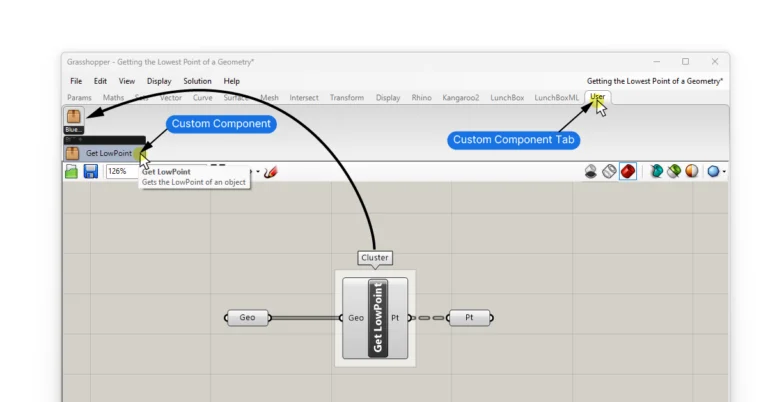
Clusters allow you to compress frequently used script sequences into custom components. But a Cluster’s scope is limited to a single Grasshopper script. That means
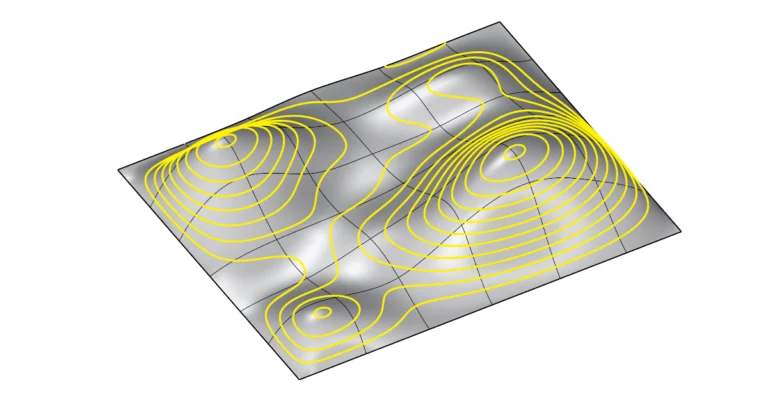
Contour Lines in Rhino allow us to slice surfaces and polysurfaces, creating planar outlines of the object at consistent intervals. In this guide I’ll walk
Rhino’s default autosave location on Windows is: To access the folder directly, typing the following into the explorer bar and hit enter: In this post,
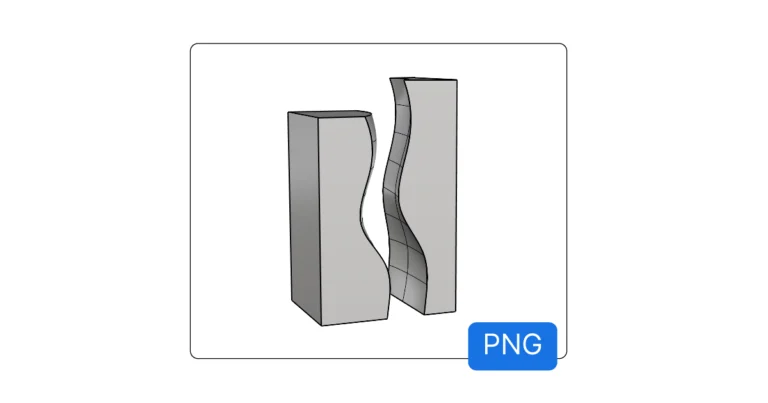
To take a screenshot of the active viewport in Rhino, you can use Rhino’s ‘ViewCapture’ commands. Need an image of the Grasshopper canvas instead? See
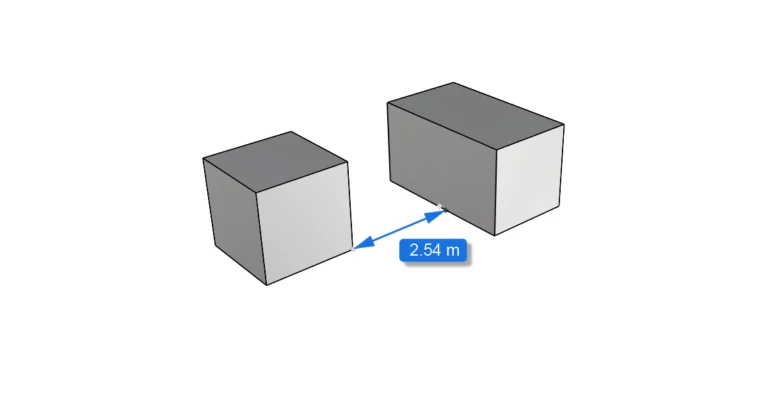
To measure a curve in Rhino, use the Length command; for the distance between two points, use Distance. How to Measure Length in Rhino If
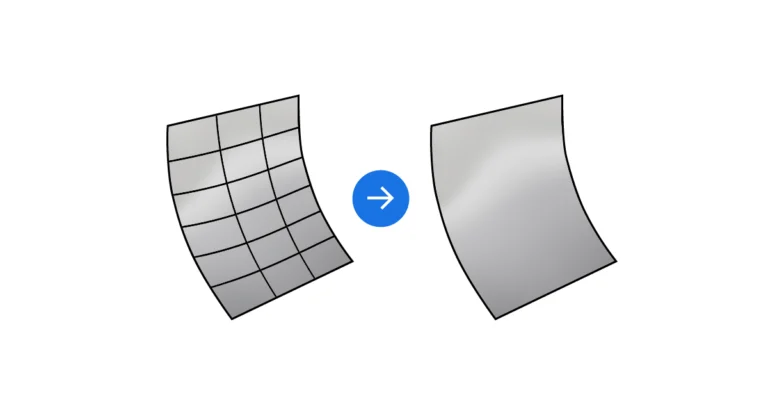
Isocurves can be incredibly useful to visualize and understand the curvature of a surface, but in many cases they just clutters up the viewport with
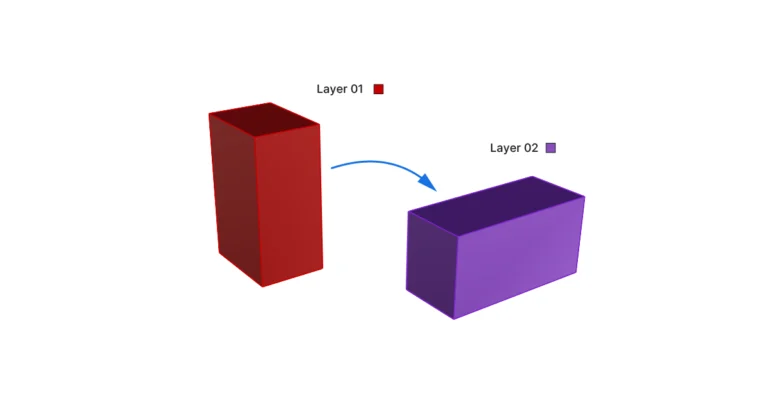
As your 3D model grows more complex, you’ll want to keep objects organized in layers. Rhino offers three ways to move objects to different layers:
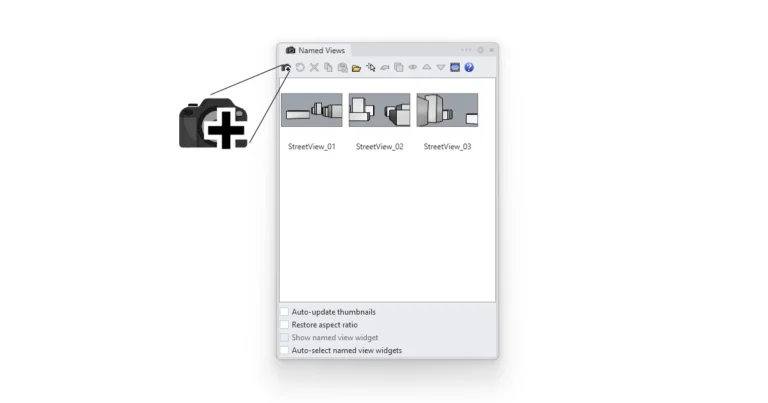
In Rhino, we can save camera perspectives or views using the ‘Named View‘ command. In this article I’ll show you exactly how to save and