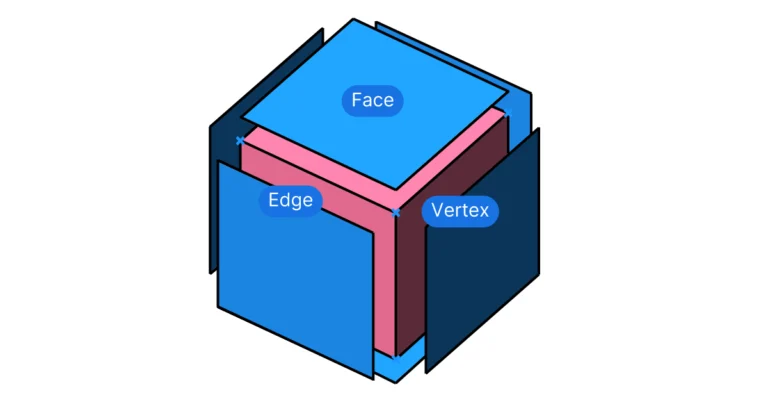
Deconstruct Brep in Grasshopper: A Beginner’s Guide
If you’ve used Rhino before, you’ve probably used the “Explode” command to break down a polysurface into its component surfaces. In Grasshopper, a similar function


If you’ve used Rhino before, you’ve probably used the “Explode” command to break down a polysurface into its component surfaces. In Grasshopper, a similar function
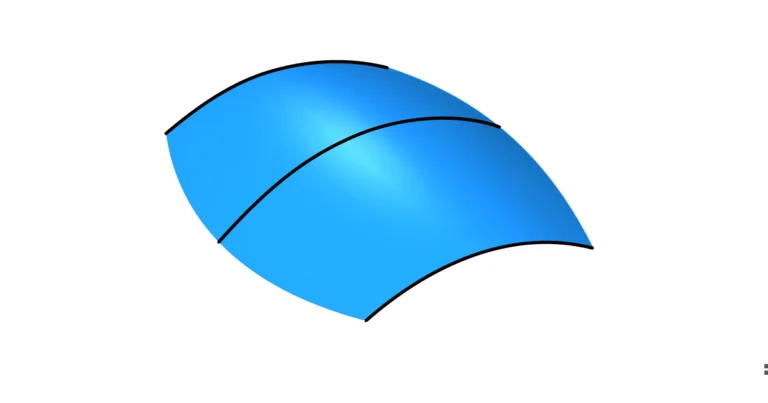
Lofting is a classic Rhino command that you should definitely know how to use in Grasshopper. In this article I’ll guide you through how to
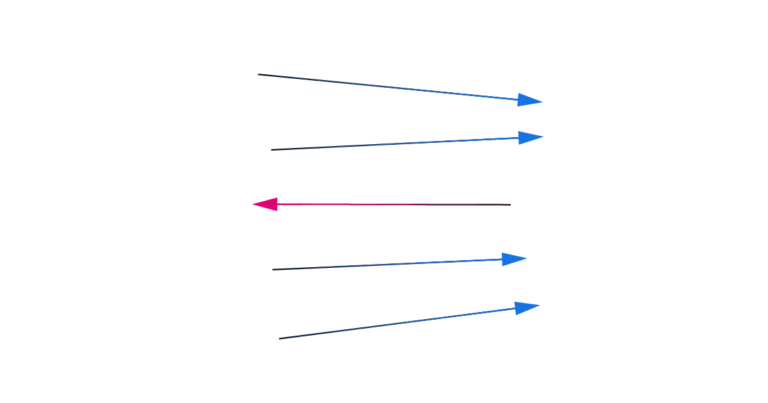
In Rhino and Grasshopper, every curve we create has a direction. That’s because the NURBS technology behind Rhino is based on control points that are
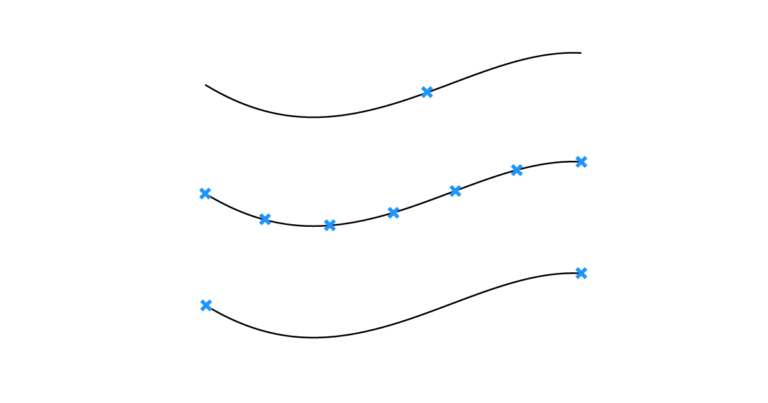
To get points on a curve, use Divide Curve for evenly spaced points, End Points for the start and end, and Evaluate Curve or Point
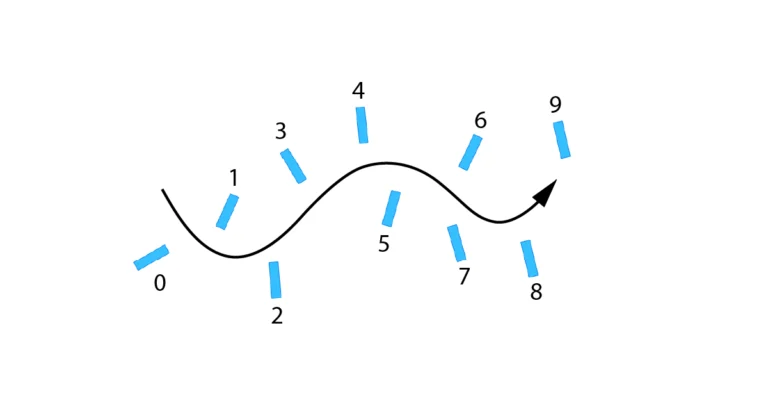
Having control over the order of elements in a list is essential when creating scripts in Grasshopper. But sometimes objects end up in a randomized
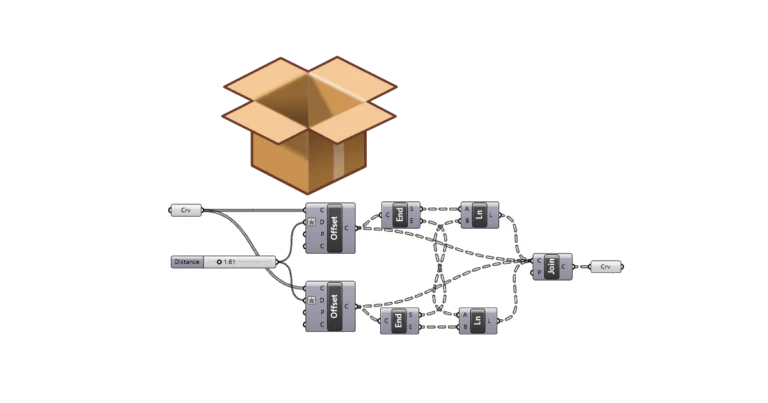
Grasshopper Clusters allow us to bundle frequently used script sequences into custom components, simplifying complex scripts and saving time. In this guide, I’ll show you
The Grasshopper Player allows us to run Grasshopper scripts like normal Rhino commands, without opening Grasshopper. In this article, I’ll cover how to use the
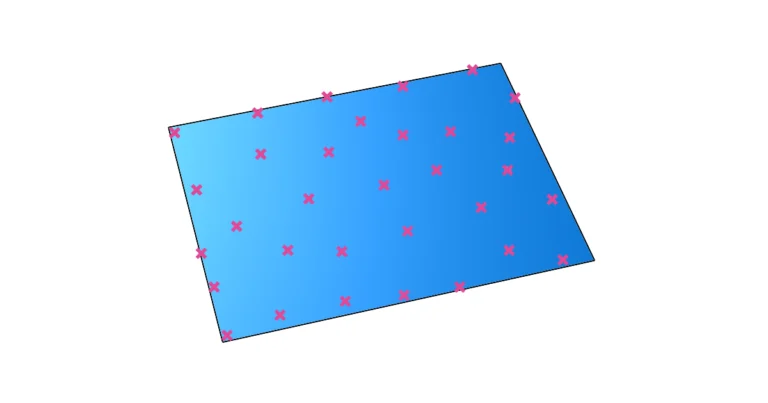
Randomness can be an attractive design feature when controlled well. Grasshopper offers two main methods for generating random points in your designs: the Random component
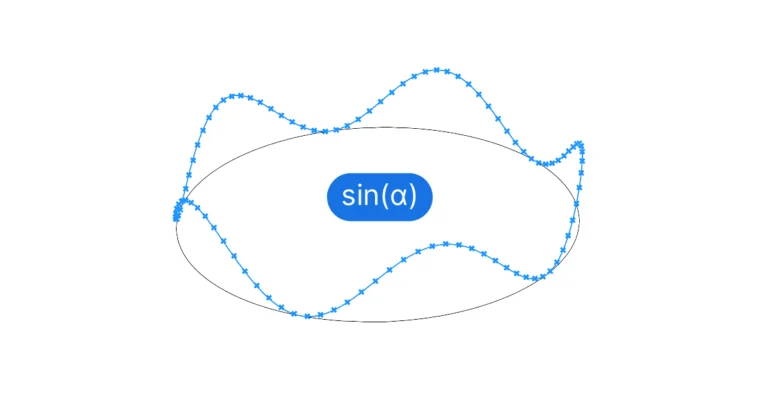
Creating a sine curve in Grasshopper involves generating a series of incremental values and using the Expression component to run the sine function on them.