
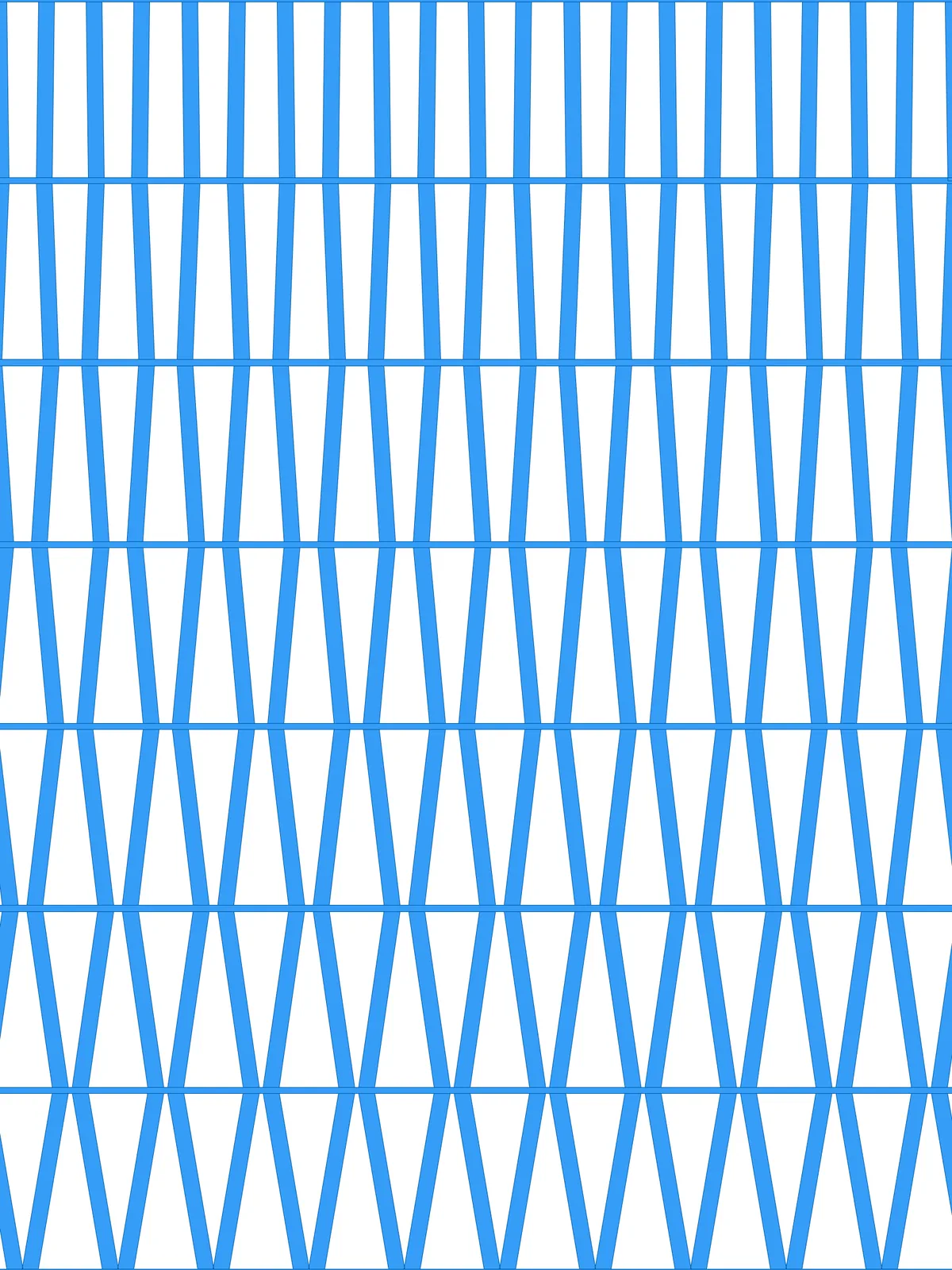
Inputs
Reference in Rhino
Surface
The surface the diagrid is built on. It must be a planar (flat) surface.
Main Sliders
Also try: set the end (B) of the Construct Domain in the spreading group to a value above 0, so the members still lean at the far end instead of standing upright.
Notes
- Balance Element Thickness and Grid Spacing. With thick members and a small spacing, neighbouring members merge where they meet on the bars.
- Bars and members come out as separate surfaces that meet edge to edge.
- To see how far each point moves, preview the
Vector Displayin the optional visualisation group. It draws an arrow for every shift.
Design Logic
How the script builds the pattern, step by step.

| Step | How the script does it |
|---|---|
| 1. Draw the horizontal bars | Divide Surface, Flip Matrix and Nurbs Curve draw a line across the surface at every level. Two Offset Curve components copy each line to either side by half the Grid thickness, and End Points, Line and Join Curves close them into bars. |
| 2. Place evenly spaced points on every bar | Line and Length measure the width of the surface, and an Expression turns Grid Spacing into a distance. Divide Length puts a point at that spacing along each line. |
| 3. Alternate the direction of movement | Two Duplicate Data components and Weave make a list of 1, −1, 1, −1…, and Shortest List trims it to the number of points. Dispatch, Tree Branch and Multiplication flip the signs on every other level, so neighbouring points move in opposite directions and the rhythm swaps from level to level. |
| 4. Fade the movement across the levels | An Expression turns Extent of ‘spreading’ into a share of half the spacing. Construct Domain and Range fade it from that amount on the first level to nothing on the last, one value per level. |
| 5. Move the points along the bars | Multiplication combines the signs with the fade, and Amplitude and Move slide each point that far along its bar. |
| 6. Connect the levels with diagonals | Relative Item pairs each point with the matching point on the next level, and Line joins them. Because the points move in opposite directions on neighbouring levels, the lines lean and form a diagrid. |
| 7. Give the members thickness | Two Offset Curve components copy each line to either side by half the Element Thickness, and End Points, Line and Join Curves close them into outlines. |
| 8. Cut the members at the bars | Trim Tree, Shift List and Duplicate Data pair each member with the bars it touches, and Region Difference cuts the bars out of it. Region Intersection trims the members to the surface, and a Surface parameter turns bars and members into surfaces. |
Want to learn how to build scripts like this on your own? Check out the Grasshopper Pro course.