
Inputs
Reference in Rhino
Surface
The surface the checkerboard is built on. It must be a planar (flat) surface.
Main Sliders
Also try: set the shift (S) of the Shift List in the Skewed Corners of Group B group to 0, so both sets are pinched along the same diagonal.
Notes
- Use different values for Distortion A and B. The difference between the two sets is what makes the surface look folded. At 100 the two corners meet in the centre and the cell flattens into a line.
- You get two sets of cells. The two
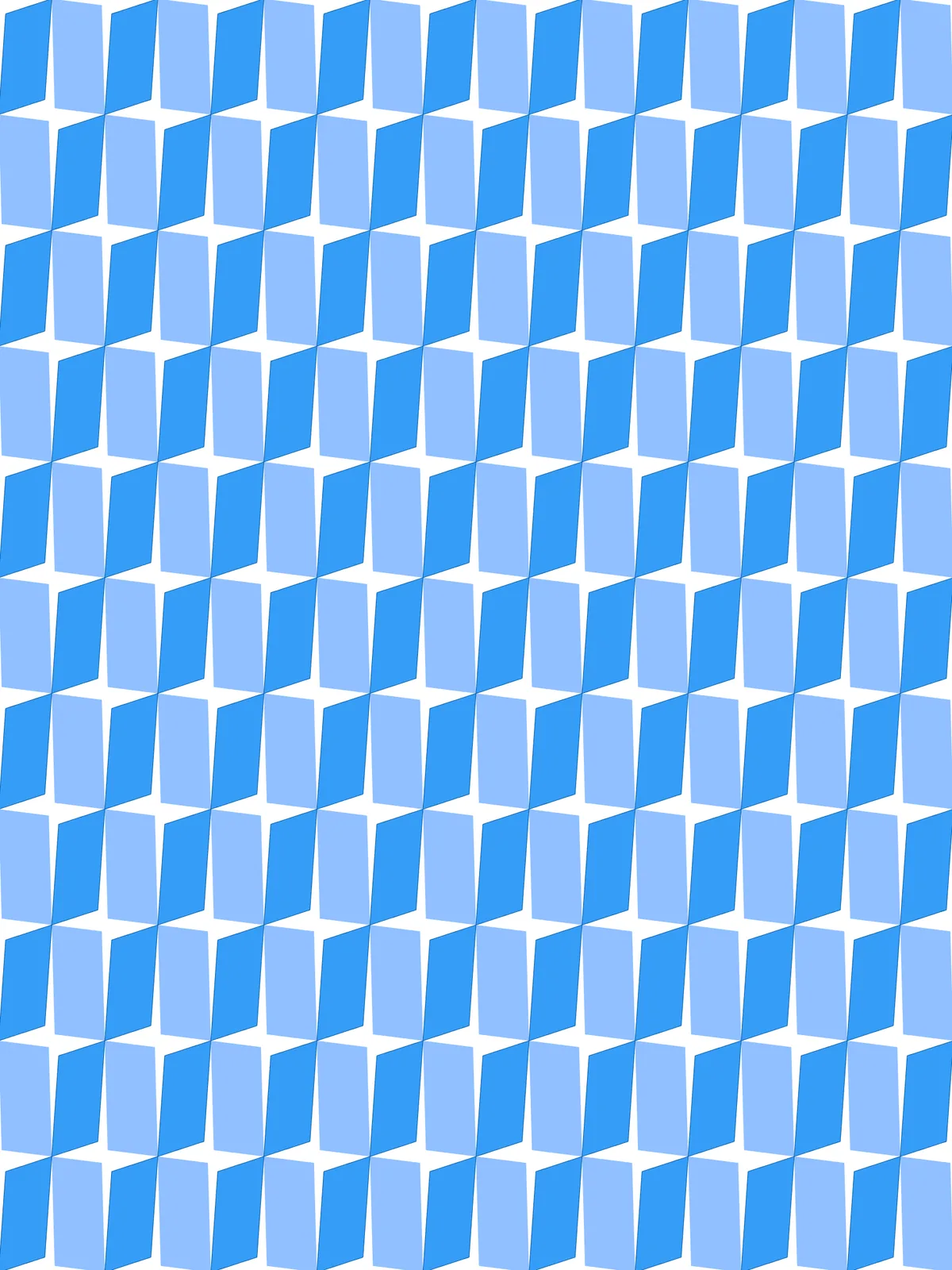
Surfaceparameters at the end hold one set each; theCustom Previewshows the second set in its own colour. Bake them separately to keep the two sets apart. - Gaps open where the corners are pulled in. Around every other grid point, all four cells pull back, leaving a small four-sided gap; at the points in between, the cells still meet.
Design Logic
How the script builds the pattern, step by step.
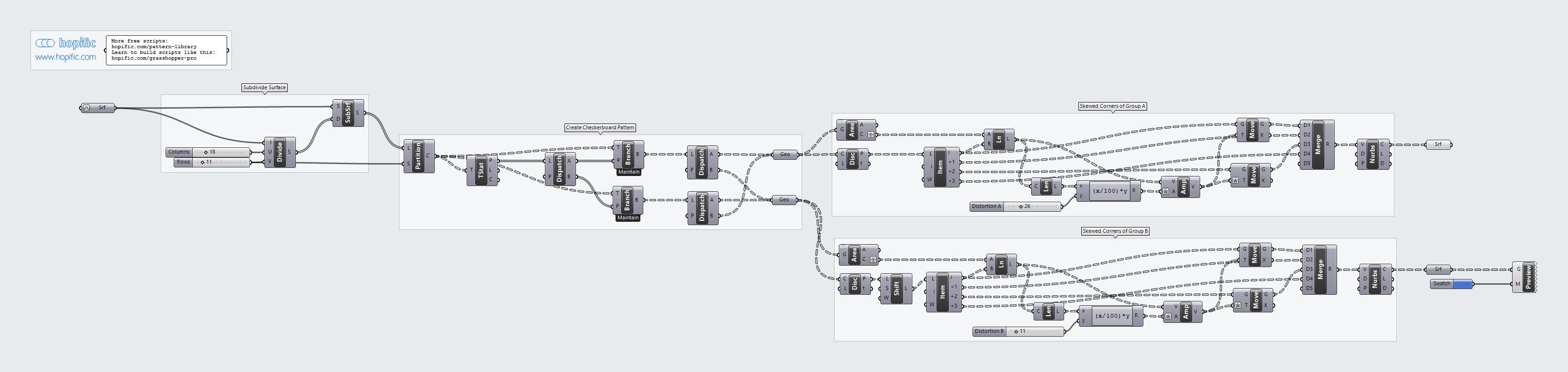
| Step | How the script does it |
|---|---|
| 1. Split the surface into cells | Divide Domain² and Isotrim cut the surface into a grid of cells, Columns across and Rows down. |
| 2. Sort the cells into a checkerboard | Partition List groups the cells by column. Tree Statistics, Tree Branch and Dispatch take alternating cells, shifted on every other column, and two Geometry parameters collect the two sets. |
| 3. Find each cell’s centre and corners | Area finds the centre of each cell, and Discontinuity and List Item pick out its four corners. |
| 4. Pull two opposite corners toward the centre | Line and Length measure from the centre to the first corner, and an Expression takes Distortion A as a percentage of it. Amplitude and two Move components pull that corner and the opposite one toward the centre by that amount. |
| 5. Do the same on the other diagonal for the second set | Shift List moves the corner list along by one, so the same steps move the other pair of corners, using Distortion B. |
| 6. Rebuild the cells | Merge puts the moved and unmoved corners back in order, Nurbs Curve joins them into a closed outline, and a Surface parameter fills it. |
Want to learn how to build scripts like this on your own? Check out the Grasshopper Pro course.