Master Grasshopper and Unlock World-class Architectural Designs
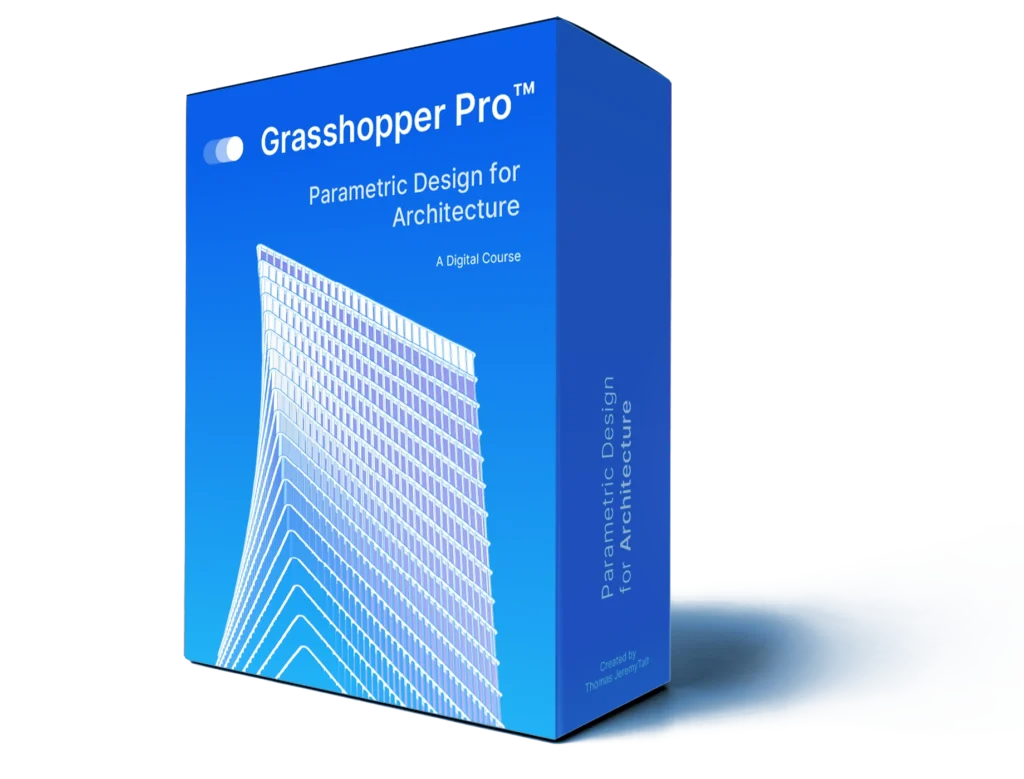
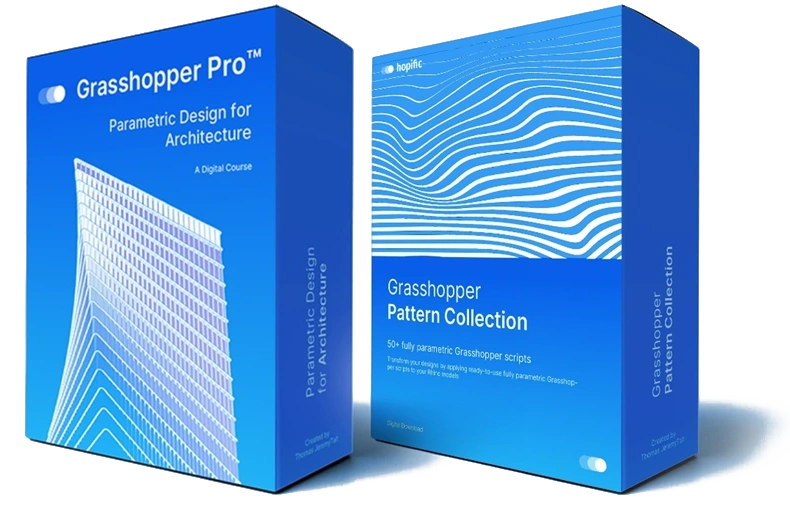
Grasshopper Pro is a 7-hour fast-tracked, self-paced course that teaches you to design, build, and troubleshoot your own Grasshopper definitions - so you can apply parametric thinking to real architecture projects.
rate their Grasshopper skills as Intermediate or Advanced after completion
3x-5x
higher course completion rate than the industry average.
Trusted by Architectural Designers from:
The Step-by-Step Learning Path to Mastering Grasshopper
Grasshopper Pro guides you step-by-step and to make learning Grasshopper as effective as possible. You’ll learn exactlyhow to conceive, develop and finalize scripts the way they are used in real, professional architecture practice.
Here's what's inside the course:
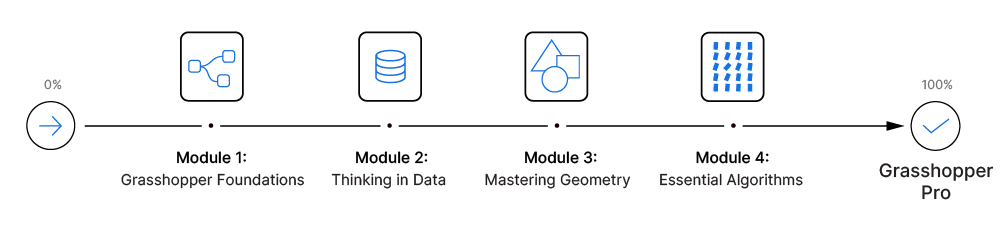
Module 1: Grasshopper Foundations
In the first module we’ll learn about all the essential concepts we need to know before we can start building our script. We’ll learn about the core principles of visual programming, how Grasshopper differs from Rhino and how to approach a design problem in Grasshopper. We’ll look at the interface and learn the best ways to find, add and connect components.
In this module we’ll cover:
How to place, connect, organize components in the most effective way
Essential concepts of visual programming
The Panel, the Expression Editor and the Number Slider
How the Grasshopper preview works and how we can control it
The process of developing a Grasshopper script from idea to logic
Using number series to modify multiple components
You’ll build your first script on your own
Module 2: Thinking in Data
When it comes to Grasshopper, knowing how to manage data structures is key. In this module we’ll take a deep-dive into data structures and explain each concept in an easy-to-understand way. Data structures are at the core of Grasshopper and mastering them will pave the way for everything else we are going to learn.
We’ll learn how to read and interpret the contents and data structure of Grasshopper components, how to make object selections and how to match data from several data streams. By the end of this module you will have mastered data structures and data management and be well on your way to become a Grasshopper professional.
In this module we’ll cover:
How Grasshopper stores, and manages data
Lists in Grasshopper and how to access items within the list
How to use Cull Patterns to process items within a list
How to visualize object indices for selection
Data trees (lists of lists) and why we need them
How we can modify data structures (Flatten, Simplify, Trim and Graft)
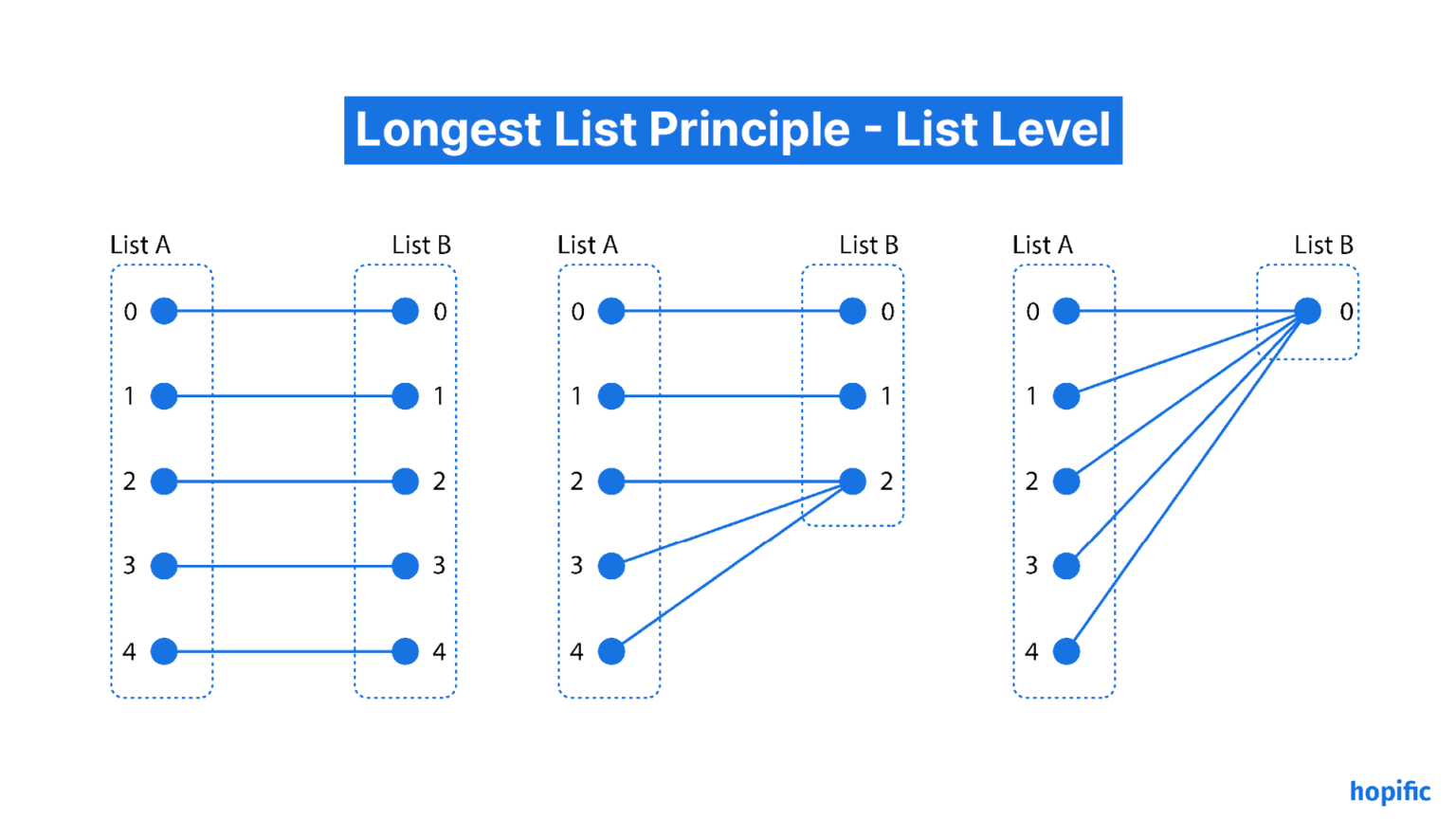
The principles of data matching and interpreting data paths
Module 3: Mastering Geometry
Everything we create in Grasshopper will in some form contain these three main geometry types. And the better we understand their properties the more control we’ll have when using them. In this module we’ll be learning everything we need to know about the three main geometry types: Curves, Surfaces and Volumes.
We’ll learn how Rhino defines of each of these core geometries and how to create, modify and evaluate them.
After completing this module you’ll be able to confidently generate any form using these main geometry building blocks.
In this module we’ll cover:
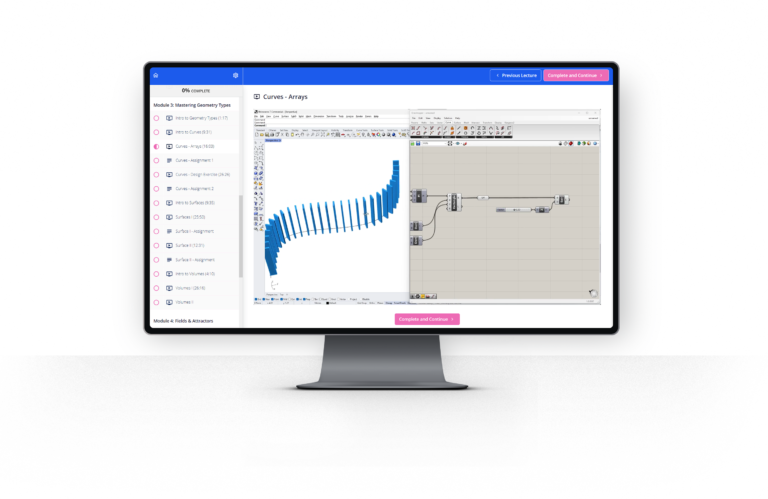
Curves – all geometric properties
How to evaluate curves and use curve tangents to orient objects
Subdividing curves in regular, repeating and random ways
How to use curve subdivision as core logic for facade design
Surfaces- all geometric properties
How to evaluate surfaces and use surface normals to orient objects
Using the normal direction of surfaces to add thickness to elements
How to create a manual contour command to keep full control over the spacing
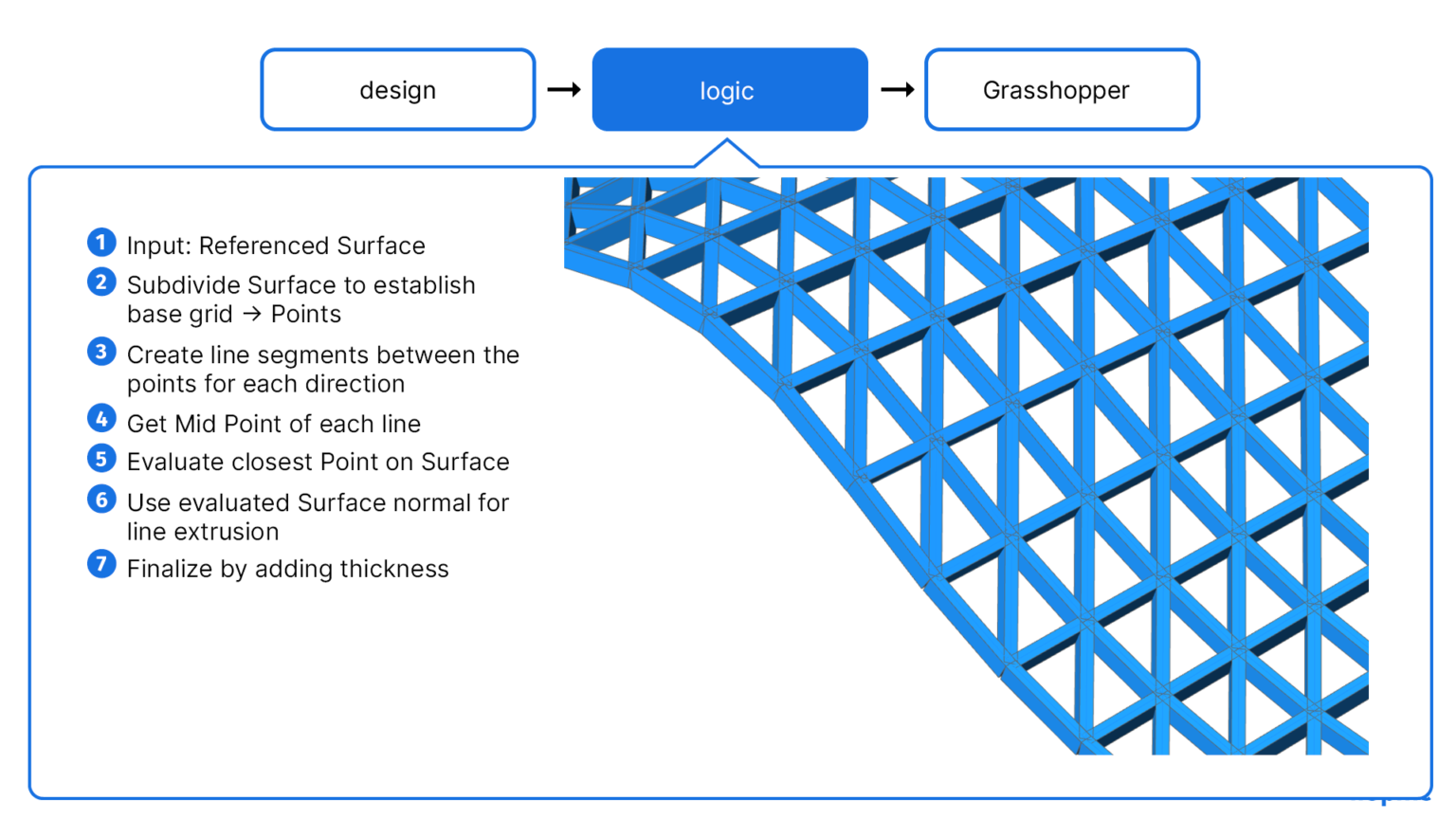
Dividing surfaces and using the relative item approach to create space frames
Volumes (Breps) – all geometric properties
Using curve region operations to generate surfaces
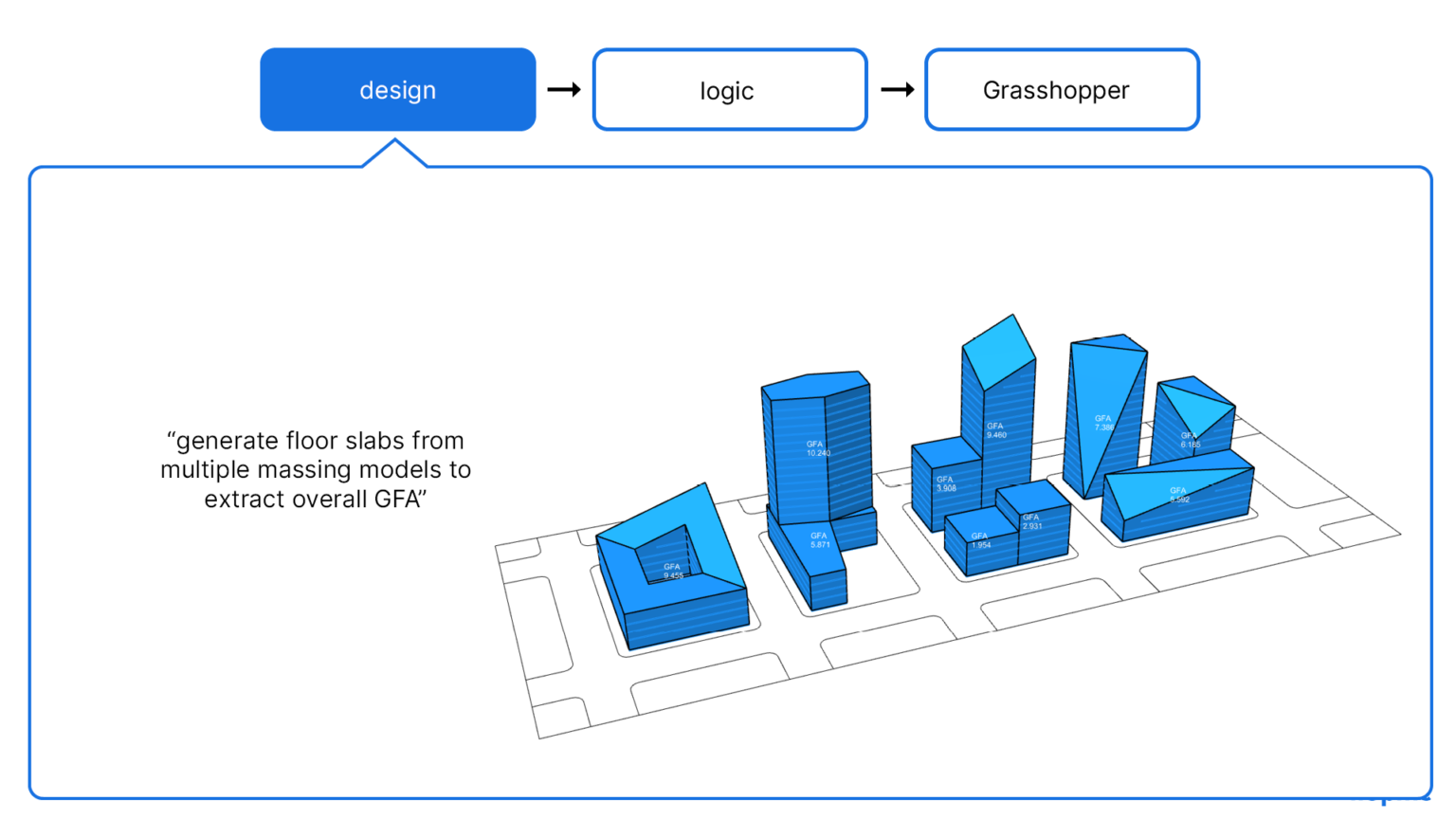
How to calculate the GFA of multiple volumes using closed volume contours
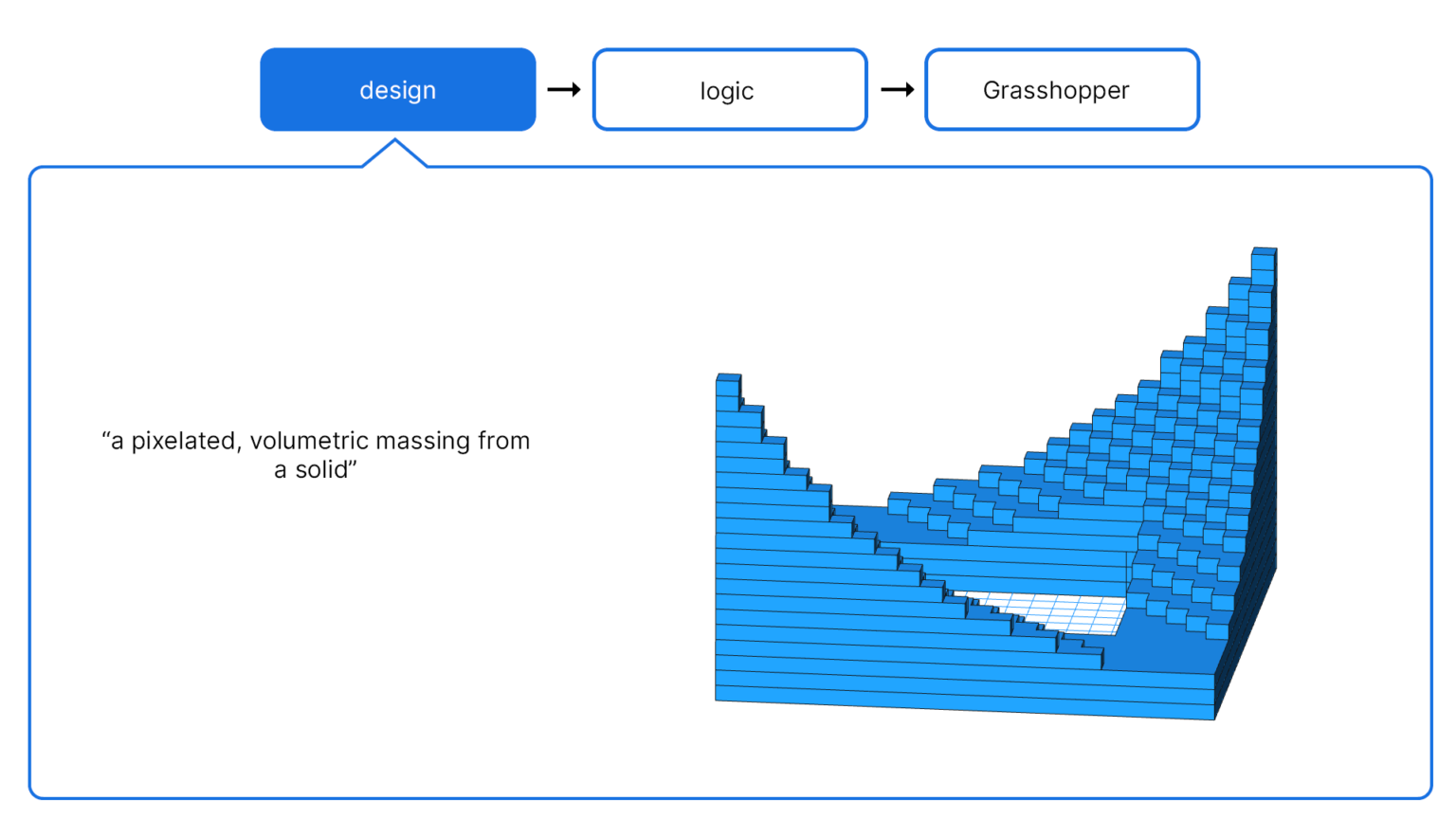
How to create a pixelated volume effect using Brep containment processing
Module 4: Essential Algorithms
In this module we’ll learn about the key algorithms that can help us generate elegant and sophisticated architectural effects.
We’ll be learning how to create field effects and gradients, how to deal with attractors and generate dissolution effects. Most high-end architecture projects use at least one of these algorithms in their designs. These algorithms are extremely versatile and can be applied and layered in an infinite number of ways to create complex and compelling patterns.
In this module we’ll cover:
The key elements of field effects
How to introduce randomness in designs
How to control randomness with domains and seeds
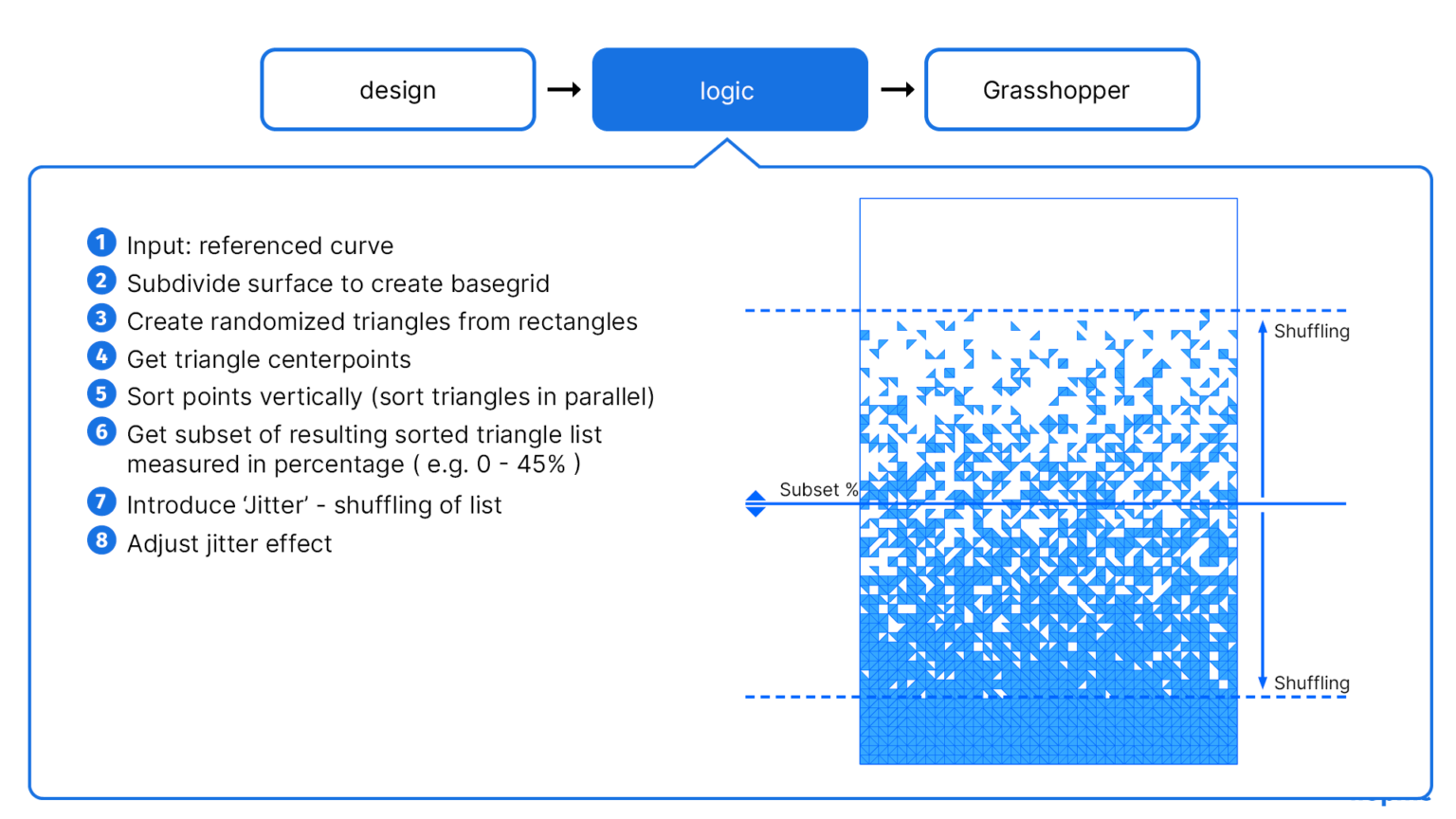
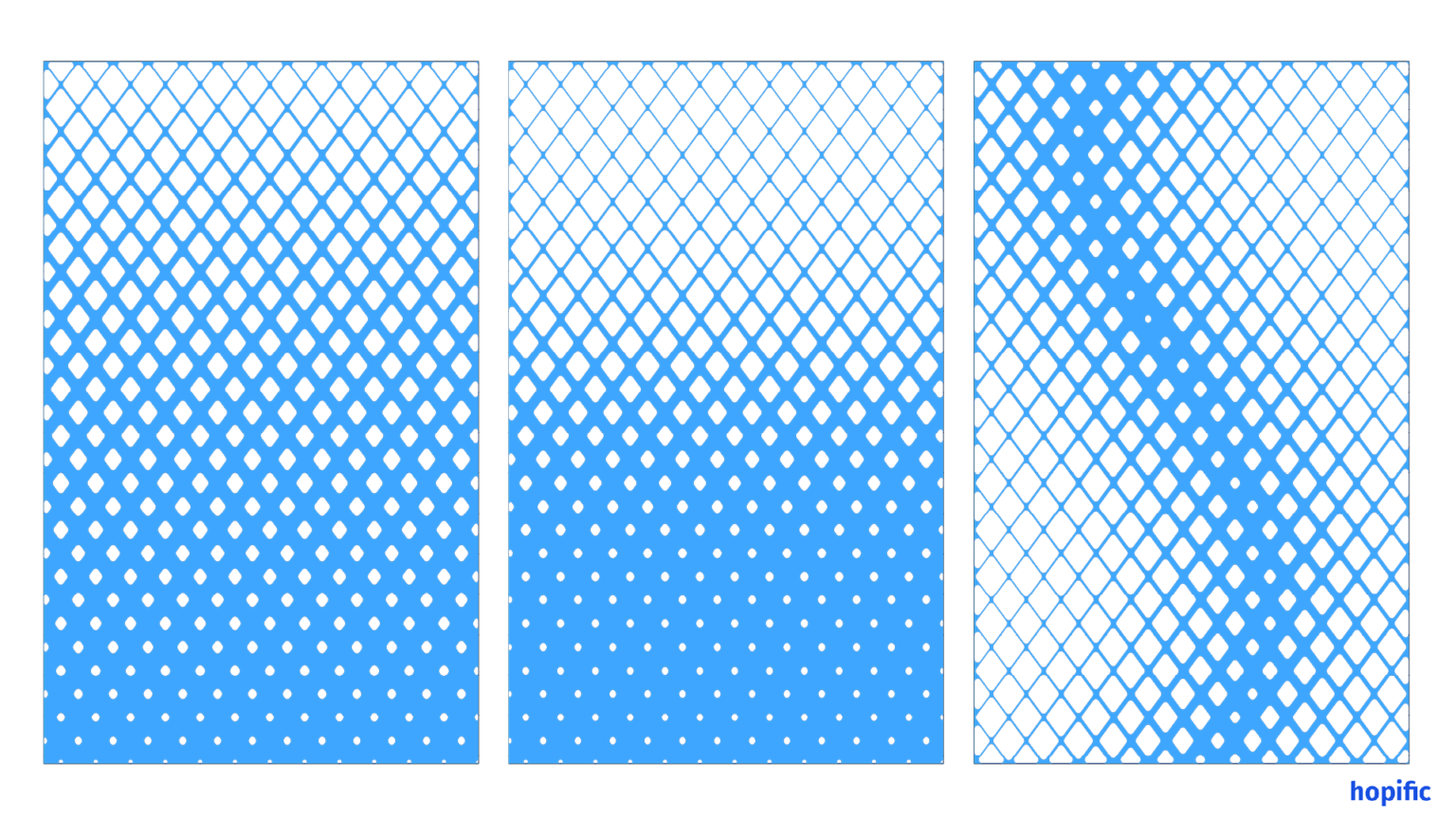
Generating a dissolution effect using Jitter and List Subsets
Creating gradient effects by remapping numbers from different domains
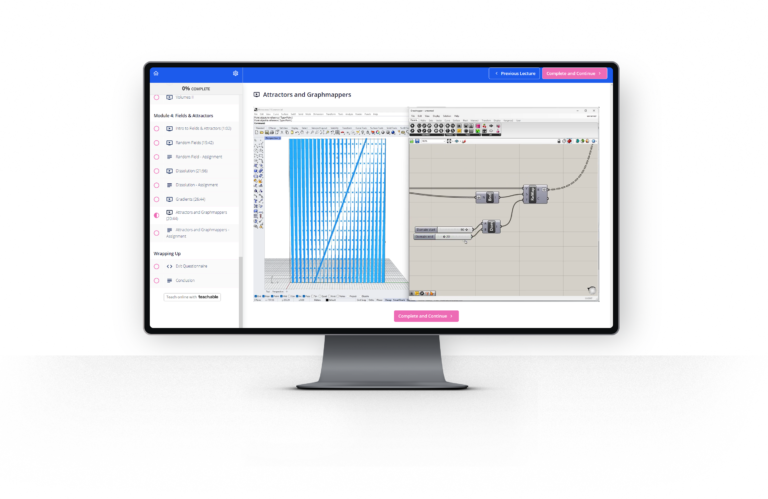
Using attractor geometries to inform gradient effects
How to control gradient fall-offs with the Graphmapper
Included in the course:
Real-world architectural use cases Learn the practical techniques used daily in world-class offices.
Ultimate Keyboard Shortcut Cheat Sheet Get all the keyboard shortcuts in one handy, print-ready page.
Exercises to speed up the learning process Transform your learnings into actionable skills by applying the learned concepts and techniques.
Lifetime Access You get lifetime access to the course material so you can revisit any part of the course anytime.
Updates Included You'll get access to any future updates and additional content
Clear, visual learning materials
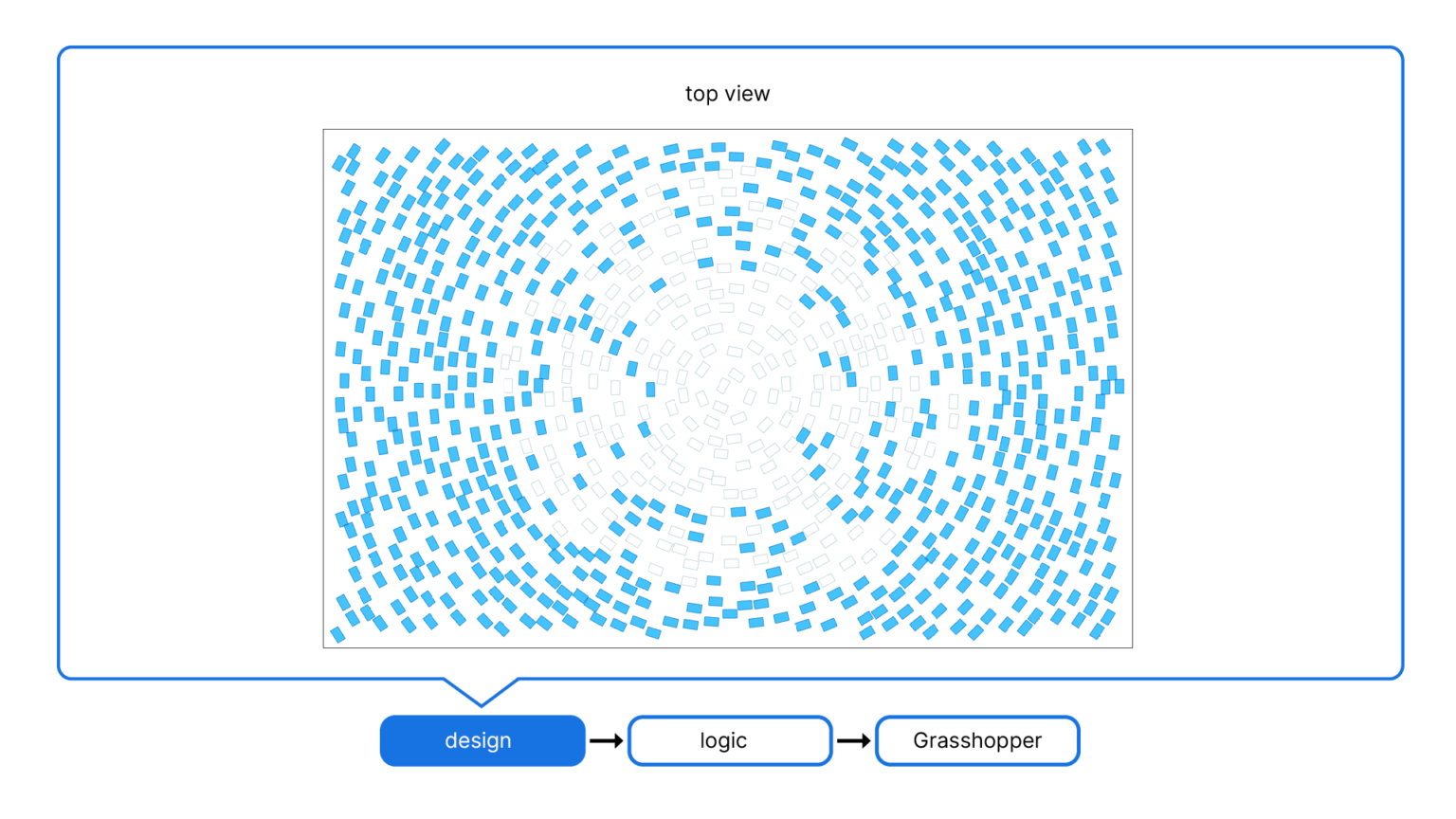
Module 3: Mastering Geometry - Extracting GFA information from volume studies
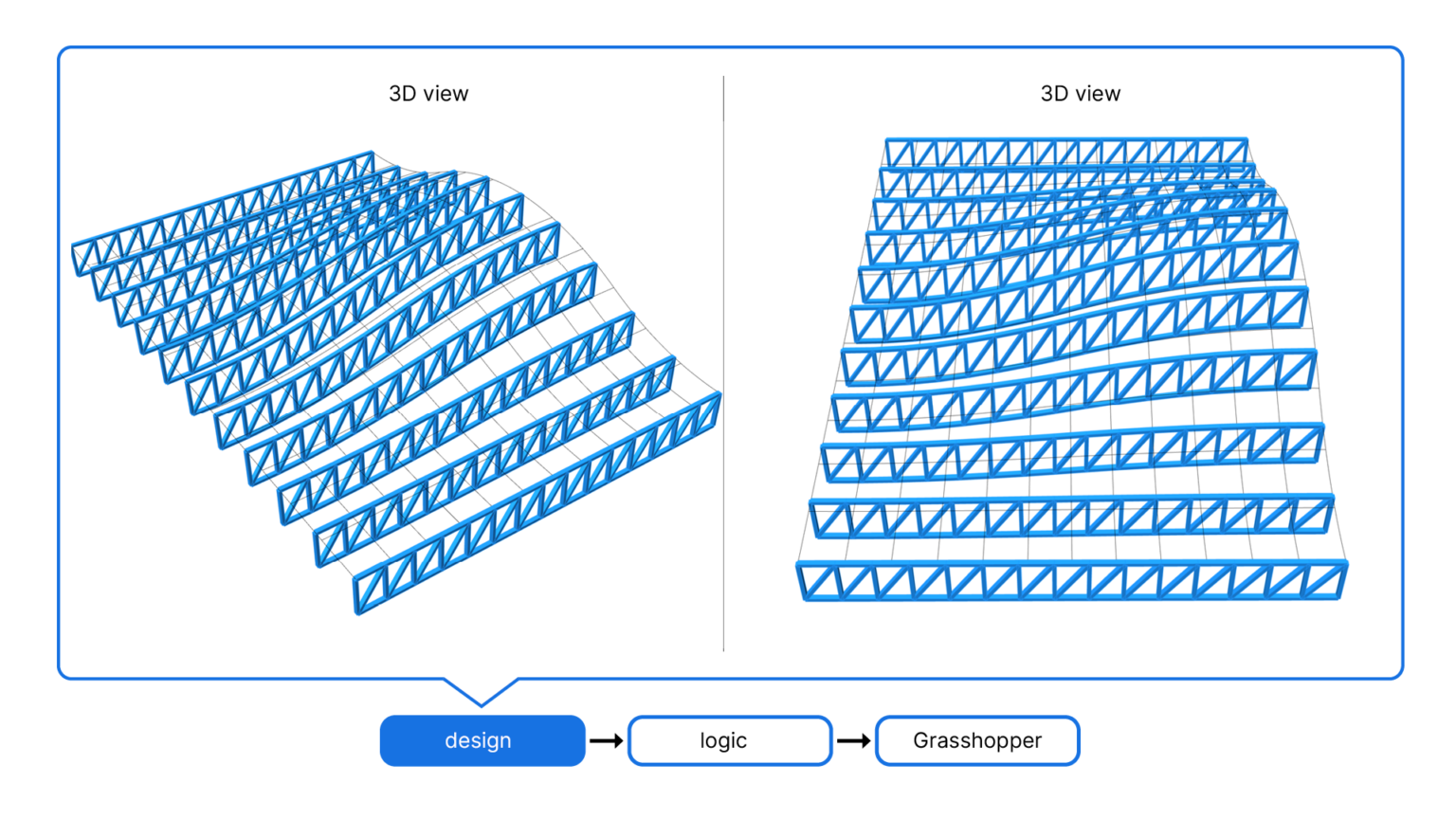
Module 2: Mastering Geometry - Generating Structure from a Surface
Module 3: Mastering Geometry - Volumetric Pixels from a solid volume
Module 2: Thinking in Data - List Management - Explanation Sample
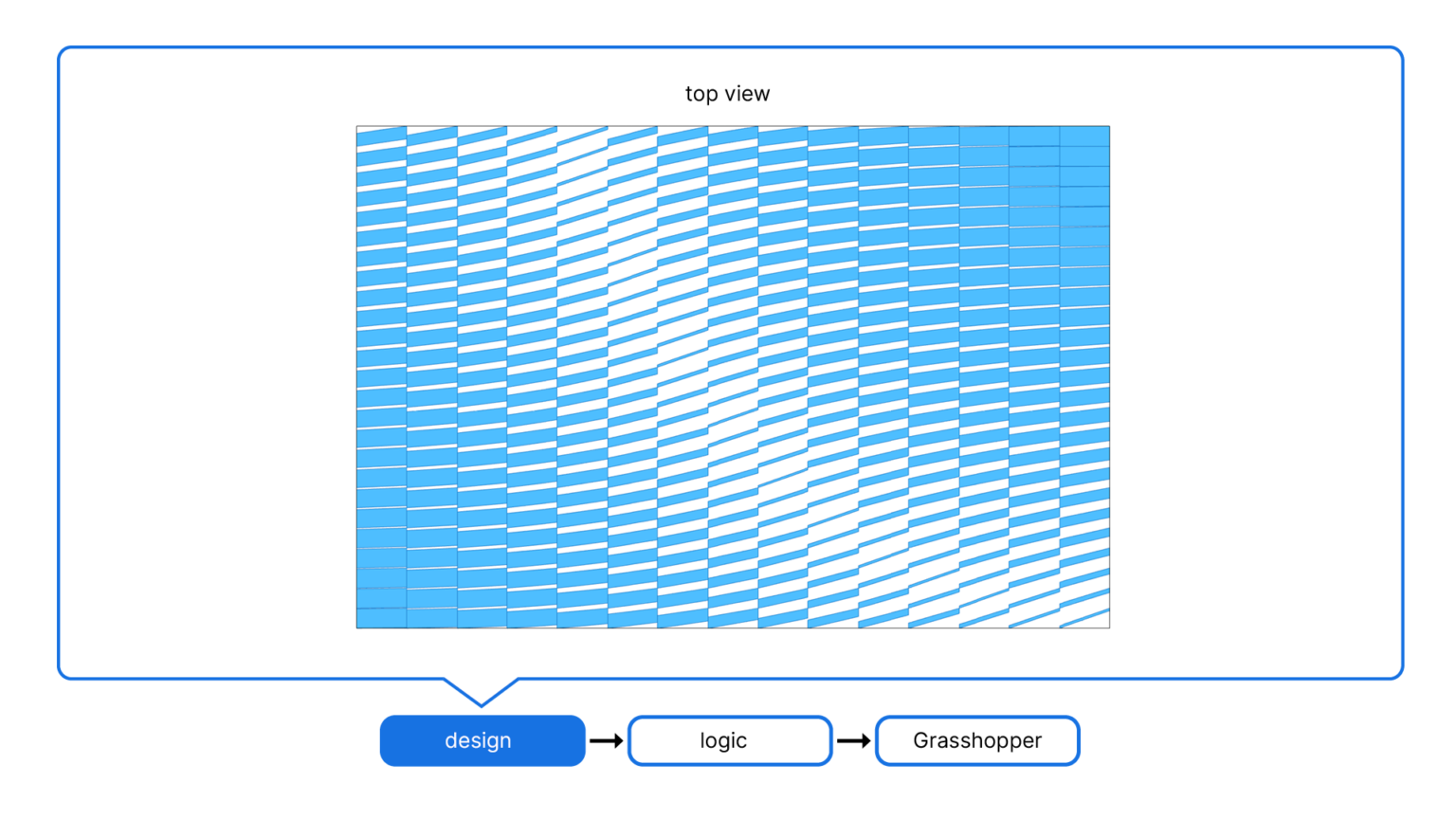
Module 2: Thinking in Data - Multiple Trusses from a Surface - Design Assignment
Try the full program for 30 days. If you don’t feel like we’ve delivered what we’ve promised, email us within 30 days for a full refund — no forms, no questions.
What happens when I buy?
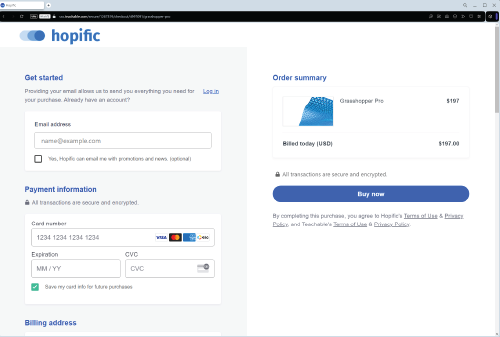
Enroll in Grasshopper Pro
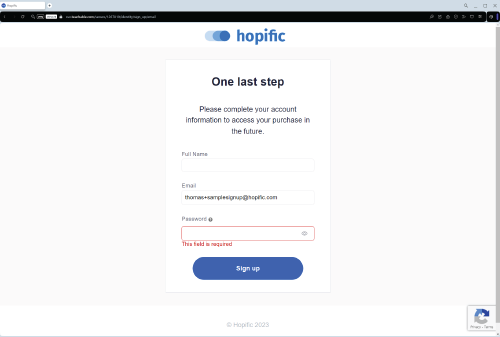
2. Create your account on our learning platform.
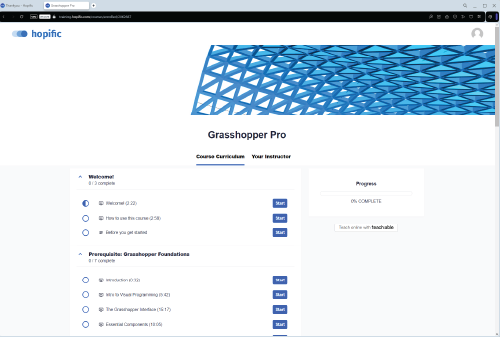
3. Start learning. Make real progress learning Grasshopper.
Bought a Team license? You will receive a separate email with signup links you can assign to your team.
Hi!, I’m Thomas Jeremy Tait — Architect, Computational Designer at Snøhetta & Authorized Rhino Trainer®.
I’ve used Grasshopper almost daily while working at Snøhetta for 10 years and I’ve know the techniques and components that actually make a difference in a professional architecture practice (and those to avoid). I packaged my knowledge into this training program to help other architects design better and more efficiently.
FAQs
What is the time commitment per week?
Students who spread out the lessons over the course of a few weeks have shown the best results.
If you can spend 1-2 hours each week following the lessons and working on the assignments you’ll complete the course in 4 weeks.
How long will I have access to the course material?
You will get lifetime access to the Grasshopper Pro curriculum and the learning platform. This includes any updates in the future!
Are there any prerequisites?
You’ll need a copy of Rhino installed on your machine. Grasshopper ships with Rhino so you won’t need to install it separately.
To make the most of the course you should be familiar with Rhino, and ideally you are already designing with it. Rhino is not a hard software to learn, if you want to catch up, you can download a trial and learn the basics in 1-2 hours.
When does the course begin and end?
Grasshopper Pro is a self-paced learning program. Once you purchase the course you’ll be able to start learning right away. You can learn at your own pace.
Are there any other material or equipment costs besides the enrollment cost of the course?
The only things you’ll need are an internet connection and a machine with Rhino. You can download the evaluation version of Rhino here and use it for 90 days. After that you won’t be able to save files or use plugins. It’s perfect for learning Rhino and Grasshopper.
There are no additional materials or equipment costs.
What kind of support do I get?
Each lesson in the course has Comments enabled, if you get stuck at any point, leave a comment and we’ll get back to you within 24h.
Does it work with Rhino 8 / Mac?
Yes. The entire course uses native Grasshopper components that ship with Rhino 7 and Rhino 8 on both Windows and macOS. The videos are recorded on Windows, but the interface and components are effectively the same on Mac.
Can I get an invoice / enter a VAT number?
Yes. At checkout you can enter your company name, address, and VAT ID. You’ll automatically receive a tax invoice that includes your VAT number (EU VAT numbers are validated and handled with reverse charge where applicable).