
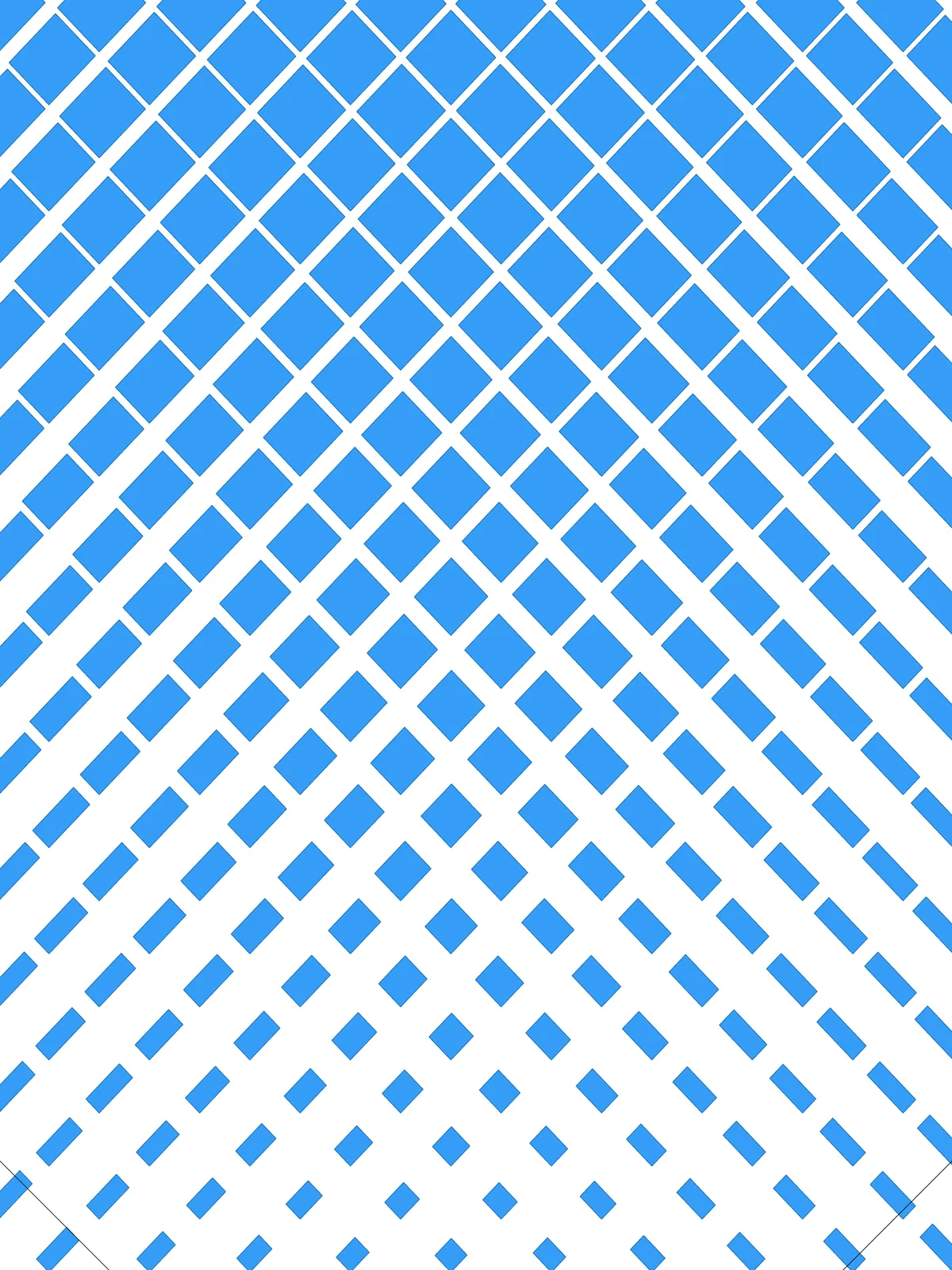
Inputs
Reference in Rhino
Surface
The surface the lattice is built on. It must be a planar (flat) surface.
Curve A
The first attractor. Diamonds close to it are squeezed in one direction.
Curve B
The second attractor. Diamonds close to it are squeezed in the other direction.
Main Sliders
Also try: reshape the two Graph Mapper components differently, so one attractor acts close to its curve and the other spreads its effect wider.
Notes
- Each curve squeezes the diamonds in its own direction. Curve A pulls one side of each diamond in, Curve B the neighbouring side. Every diamond stays pinned at one corner and shrinks toward it, so where both curves are close the diamonds get small in both directions.
- Set both Shrink far from curve sliders to 0 for a closed tiling. Then the diamonds furthest from the curves touch their neighbours and the lattice only opens up near the curves.
- The two shrink sliders work differently. Shrink near curve is a share of the diamond’s side, but Shrink far from curve is a real distance, so scale the far values to the size of your surface.
Design Logic
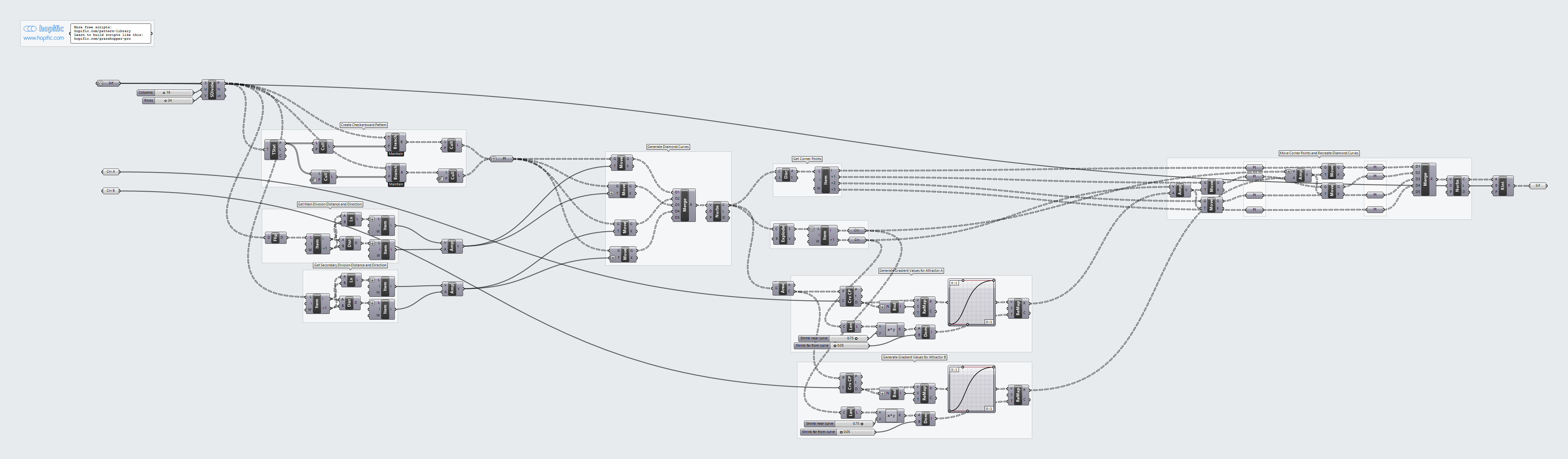
How the script builds the pattern, step by step.
| Step | How the script does it |
|---|---|
| 1. Make a grid of points | Divide Surface places a grid of points over the surface, Columns across and Rows down. |
| 2. Keep a checkerboard of points | Tree Statistics, Cull Pattern and Tree Branch split the grid into even and odd columns. Two more Cull Pattern components keep the even points in the even columns and the odd points in the odd columns. Each remaining point becomes the centre of a diamond. |
| 3. Measure the grid spacing in both directions | List Item, Distance and Line take the first two points of the grid in each direction (with Flip Matrix for the second direction). That gives the spacing and the direction of the grid. |
| 4. Draw the diamonds | Amplitude turns each spacing into a vector. Four Move components shift each centre forwards and backwards along both vectors, and Merge and Nurbs Curve join the four points into a closed diamond. The diamonds touch their neighbours at the edges. |
| 5. Get the corners and sides of each diamond | Discontinuity and List Item pick out the four corners. Explode and List Item pick out two neighbouring sides, which give the two directions of the squeeze. |
| 6. Measure each diamond’s distance to both curves | Area finds the centre of each diamond and Curve Closest Point measures how far it is from Curve A and from Curve B. For each curve, Bounds, Remap Numbers and a Graph Mapper turn the distances into a gradient, and Length, an Expression, Construct Domain and Remap Numbers map it from Shrink near curve down to Shrink far from curve. |
| 7. Squeeze the diamonds | Amplitude and Move push one side of each diamond in toward the opposite side, by Curve A’s value. A second Amplitude and Move pair does the same to the neighbouring side, by Curve B’s value. The corner between the two other sides never moves. Merge and Nurbs Curve redraw the smaller diamond. |
| 8. Trim to the surface | Region Intersection keeps only what falls inside the surface. |
Want to learn how to build scripts like this on your own? Check out the Grasshopper Pro course.