
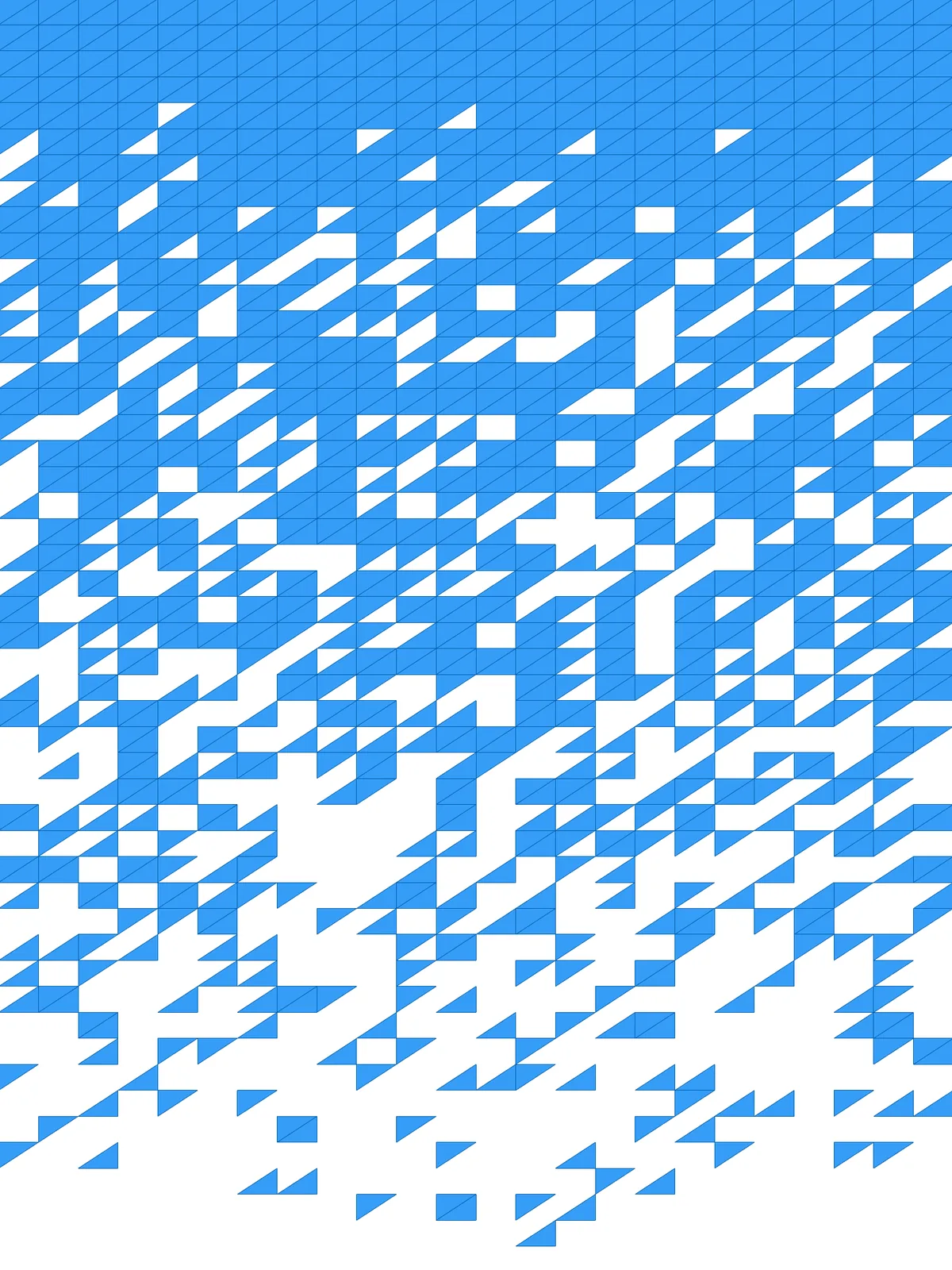
Inputs
Reference in Rhino
Surface
The surface the triangles are built on. It must be a planar (flat) surface.
Curve
The side the pattern dissolves from. Triangles closest to it are removed first; triangles far from it stay. Run it along the edge where you want the surface to break apart.
Main Sliders
Also try: change the Seed of the Jitter component for a different scatter of fragments with the same settings.
Notes
- Place the curve where the surface should dissolve. A line along the bottom edge gives a surface that is solid at the top and breaks apart toward the bottom.
- Keep the cells in proportion to your surface. Set Columns and Rows so the grid cells are roughly square, or the triangles become long and thin.
- The fragments come apart. In the dissolving zone many triangles touch their neighbours only at a corner or not at all.
Design Logic
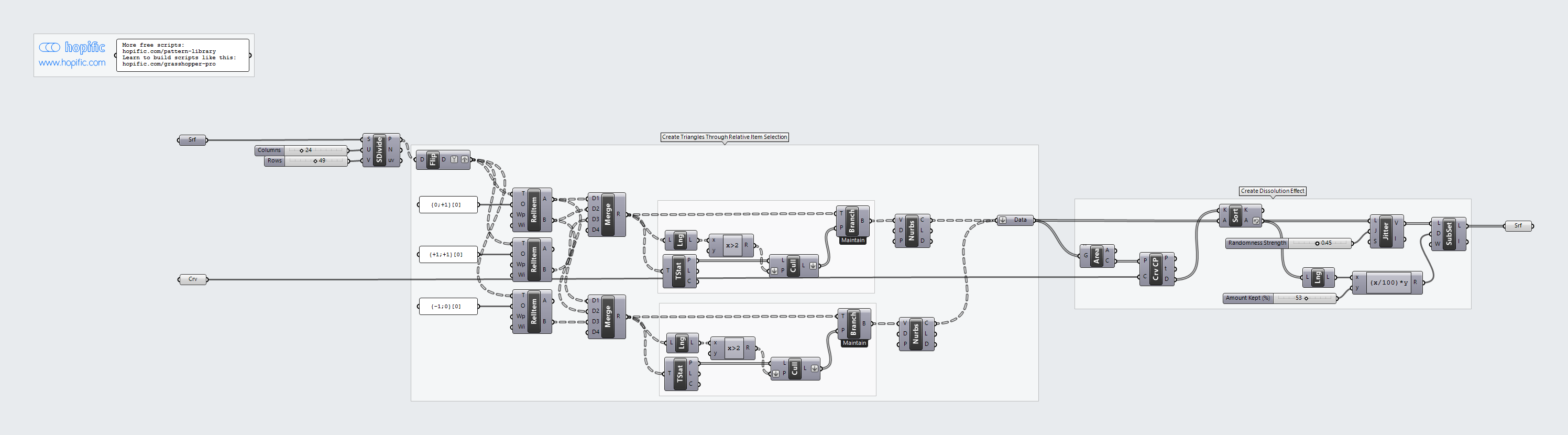
How the script builds the pattern, step by step.
| Step | How the script does it |
|---|---|
| 1. Make a grid of points | Divide Surface places a grid of points on the surface. Flip Matrix puts each point in its own branch, so every point can find its neighbours. |
| 2. Find the three corners of each triangle | Three Relative Item components each pick a neighbouring point, using the offsets written in the Panel next to them. Two Merge components group each point with two neighbours, giving the two triangles that split every grid cell. |
| 3. Drop incomplete triangles at the edges | At the edges some neighbours don’t exist. List Length and an Expression check which groups have all three points, and Tree Statistics, Cull Pattern and Tree Branch keep only those. |
| 4. Draw the triangles | Nurbs Curve joins each group of three points into a closed triangle. |
| 5. Order the triangles by distance to your curve | Area finds the centre of each triangle and Curve Closest Point measures how far it is from the curve. Sort List puts the triangles in order, furthest first. |
| 6. Shuffle the order a little | Jitter moves triangles around in the list by an amount set by Randomness Strength, so the cut in the next step becomes ragged. |
| 7. Keep part of the list | List Length and an Expression turn Amount Kept (%) into a number of triangles. Sub List keeps that many from the start of the list, the ones furthest from the curve, and the result is turned into flat surfaces. |
Want to learn how to build scripts like this on your own? Check out the Grasshopper Pro course.