
Inputs
Reference in Rhino
Surface
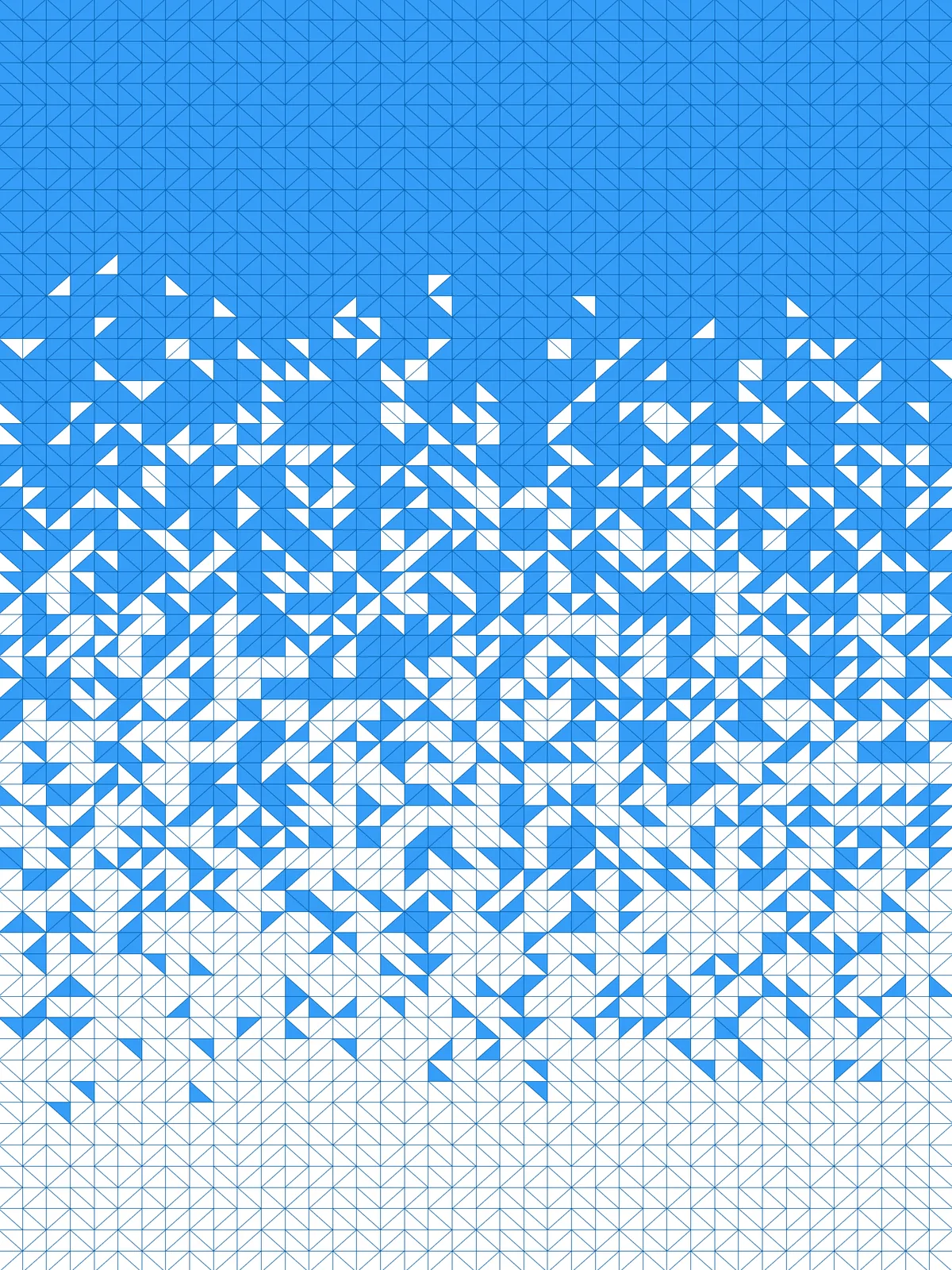
The surface the triangle grid is built on. It must be a planar (flat) surface.
Curve
The attractor. Triangles closest to it dissolve first. Draw it along one edge of the surface for a top-to-bottom fade.
Main Sliders
Also try: change the seed of the Random component in the second group to flip the diagonals in different cells, or the seed of Jitter for a different scatter along the border.
Notes
- The curve sets where the grid dissolves. Along one edge you get a fade from one side to the other; through the middle the dissolved area spreads out on both sides of it.
- The result comes in two sets. The last
Surfaceholds the solid triangles and the lastCurveholds the outlines of the dissolved ones. - The diagonals are random. Each cell is split along one of its two diagonals at random, which gives the grid its mix of arrows and diamonds.
Design Logic
How the script builds the pattern, step by step.

| Step | How the script does it |
|---|---|
| 1. Split the surface into cells | Divide Domain² and Isotrim cut the surface into a grid of small cells. |
| 2. Pick a random diagonal for each cell | Discontinuity finds the four corners of each cell. Random and Shift List shift the corner order by one step in some cells, so the split runs along the other diagonal there. |
| 3. Split each cell into two triangles | List Item and two Merge components take corners 1-2-3 and 3-4-1. Nurbs Curve closes each set into a triangle and Surface fills it. |
| 4. Sort the triangles by distance to your curve | Area finds the centre of each triangle and Curve Closest Point measures how far it is from the curve. Sort List puts the triangles in order, nearest first. |
| 5. Dissolve the nearest triangles | Jitter loosens the order by Shuffling Amount. List Length and an Expression turn Dissolution Amount into a count, and Sub List takes that many triangles from the front of the list as outlines. Cull Index removes them from the solid triangles. |
Want to learn how to build scripts like this on your own? Check out the Grasshopper Pro course.