
Inputs
Reference in Rhino
Surface
The surface the hexagons are built on. It must be a planar (flat) surface.
Curve
The attractor. Petals close to it are squeezed thin; petals far from it keep their full width.
Main Sliders
Also try: reshape the Graph Mapper to change how far from the curve the petals start to open up.
Notes
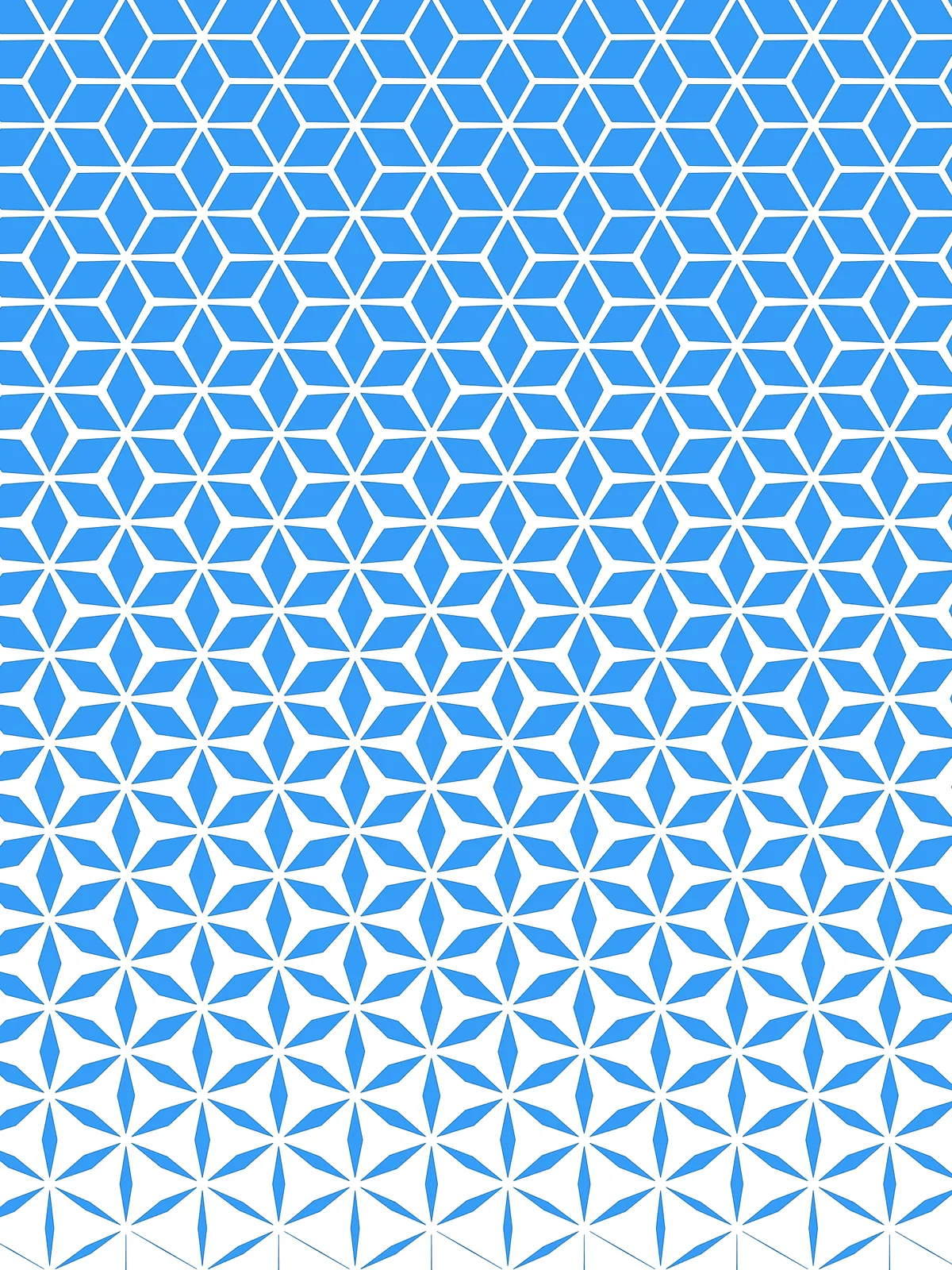
- Each hexagon is three diamond petals. At full width they fill the hexagon, separated only by the gap. Squeezed, each petal shrinks toward the line between its two side corners, so the hexagon opens up into three thin petals with open space between them.
- Swap Base Scale and Minimum Scaling to reverse the effect: thin petals far from the curve and full ones close to it.
- The grid starts at a corner of the surface. The script fits enough hexagons to cover the whole surface and then trims them to its outline, so you get part-hexagons along the edges.
- The gap between two petals is twice Gap Between Petals. Each petal is offset inward by that amount, so at full width two neighbouring petals sit twice that distance apart.
Design Logic
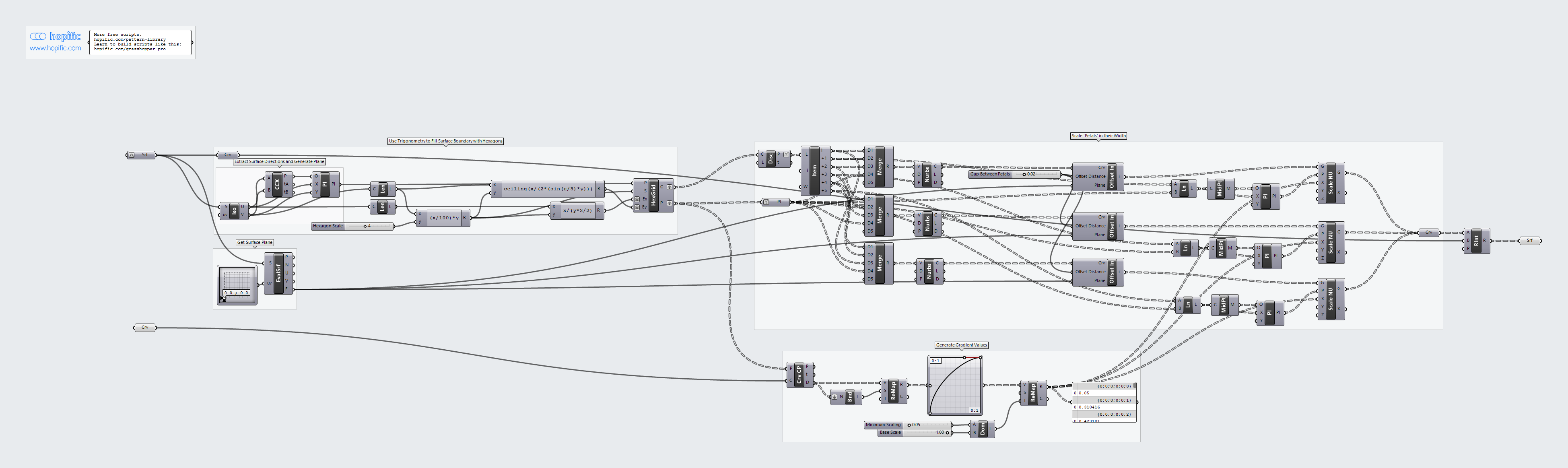
How the script builds the pattern, step by step.
| Step | How the script does it |
|---|---|
| 1. Find a corner and the directions of the surface | Iso Curve takes the two edges that meet at the surface’s first corner. Curve | Curve finds that corner and Construct Plane builds a plane there, aligned with the two edges. |
| 2. Fill the surface with hexagons | Length measures both edges. One Expression sets the hexagon size from Hexagon Scale, and two more use the hexagon’s geometry (with a sine for the height) to work out how many hexagons fit across and up. Hexagonal draws the grid from the corner plane. |
| 3. Split each hexagon into three petals | Discontinuity and List Item pick out the six corners. Three Merge and Nurbs Curve pairs join three neighbouring corners with the hexagon’s centre into a closed diamond. |
| 4. Open a gap between the petals | Evaluate Surface and an MD Slider get the plane of the surface. A cluster named Offset In offsets every petal inward by Gap Between Petals. |
| 5. Measure each hexagon’s distance to your curve | Curve Closest Point measures the distance from each hexagon centre. Bounds, Remap Numbers and a Graph Mapper shape the gradient, and Construct Domain and Remap Numbers map it from Minimum Scaling (on the curve) to Base Scale (far away). |
| 6. Squeeze the petals in their width | Line joins each petal’s middle corner to the hexagon centre, and Curve Middle and Construct Plane build a plane in the middle of that line, pointing along it. Scale NU scales the petal along that direction only, by the value from step 5. |
| 7. Trim to the surface | Region Intersection keeps only what falls inside the outline of the surface. |
Want to learn how to build scripts like this on your own? Check out the Grasshopper Pro course.