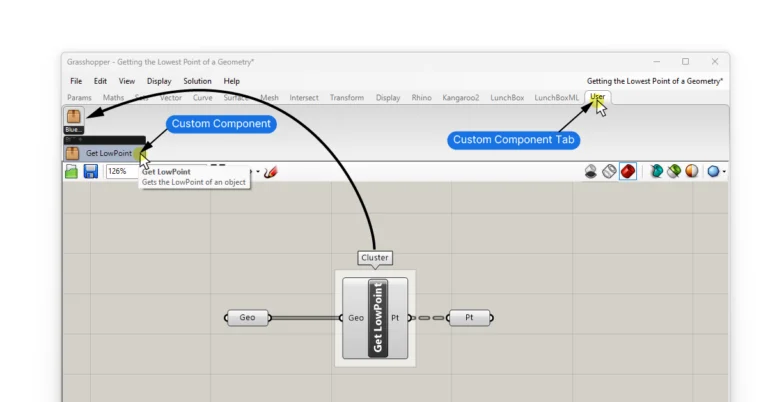
Saving a Component Cluster as a User Object for Later Re-Use
Clusters allow you to compress frequently used script sequences into custom components. But a Cluster’s scope is limited to a single Grasshopper script. That means


Clusters allow you to compress frequently used script sequences into custom components. But a Cluster’s scope is limited to a single Grasshopper script. That means
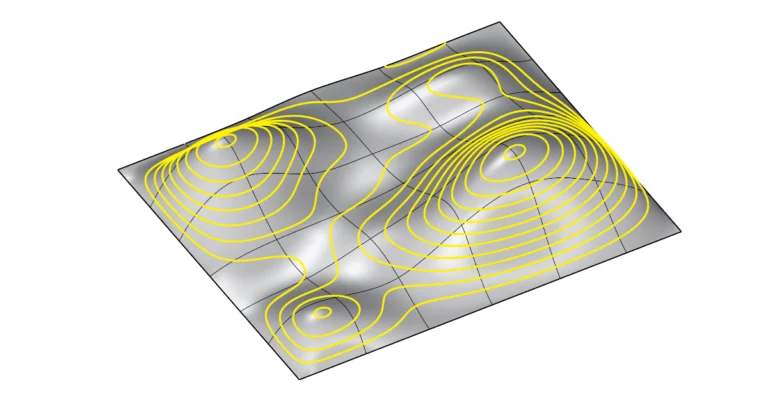
Contour Lines in Rhino allow us to slice surfaces and polysurfaces, creating planar outlines of the object at consistent intervals. In this guide I’ll walk
Only three things are certain in life: death, taxes, and a Rhino crash. Luckily, Rhino comes with a reliable autosave feature, but if you’ve had
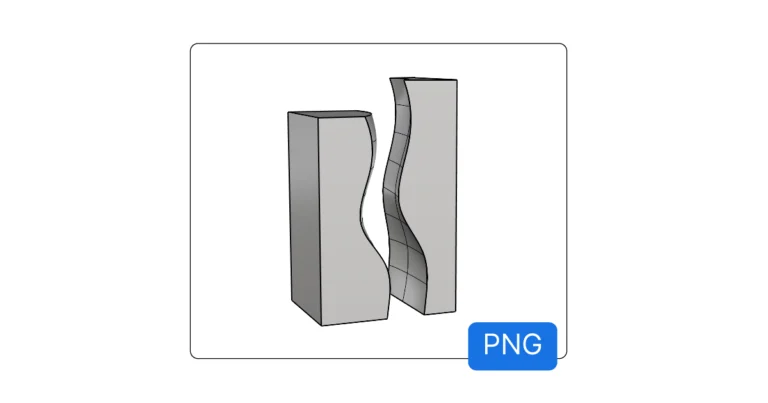
To take a screenshot of the active viewport in Rhino, you can use Rhino’s ‘ViewCapture’ commands. Rhino gives you two options: you can save the
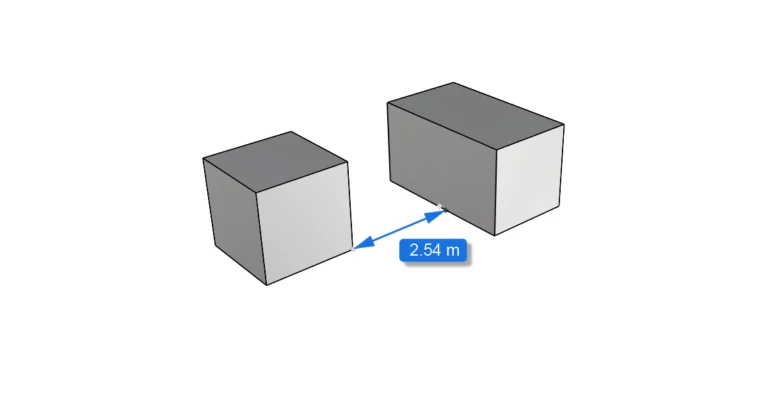
Modeling in Rhino is all about precision. Being able to quickly check the length of a curve or the distance between two points is essential.
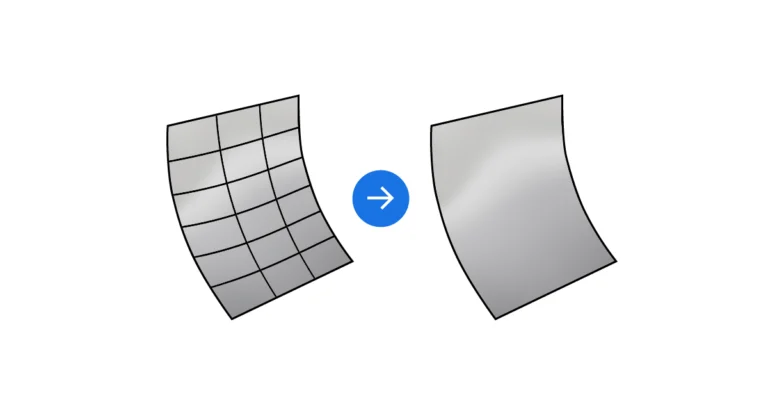
Isocurves can be incredibly useful to visualize and understand the curvature of a surface, but in many cases they just clutters up the viewport with
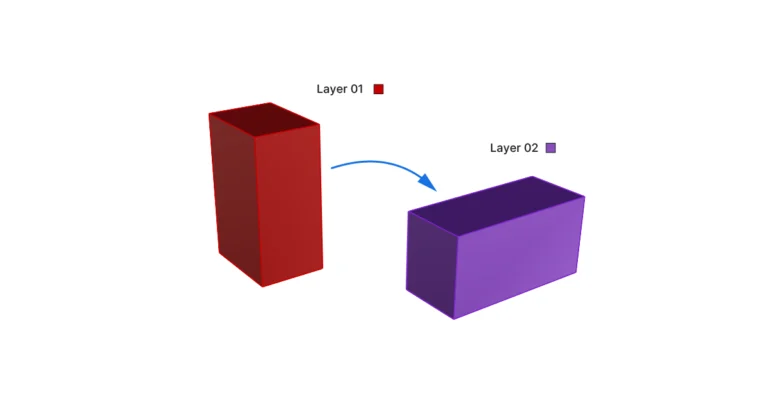
As your 3D model grows more complex, you’ll want to keep objects organized in layers. Rhino offers three ways to move objects to different layers:
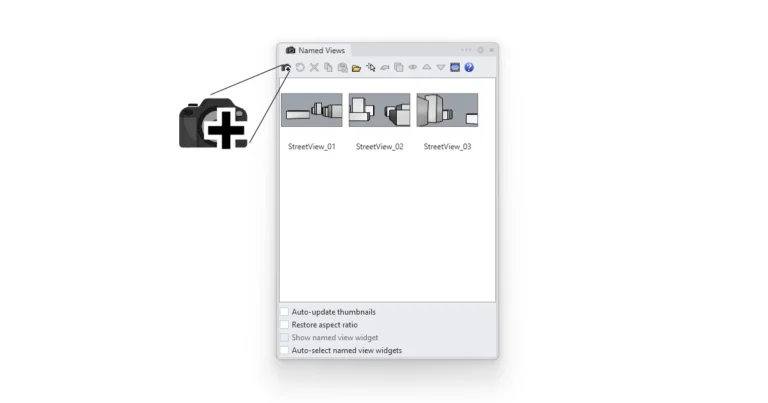
Whether it’s for a screenshot or a final production visualization, the ability to save specific views within Rhino is an indispensable feature. In Rhino, we
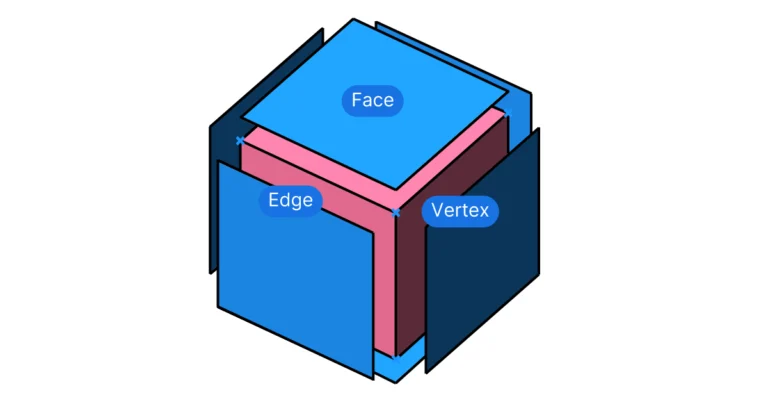
If you’ve used Rhino before, you’ve probably used the “Explode” command to break down a polysurface into its component surfaces. In Grasshopper, a similar function