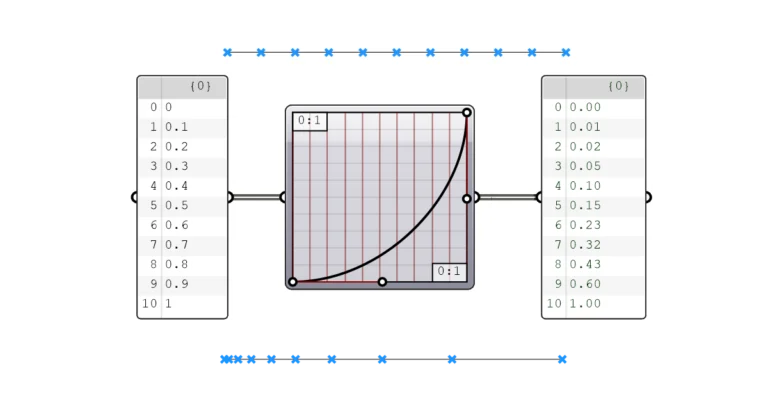
Graphmapper in Grasshopper: Control Gradients
The Graphmapper allows us to interactively control parametric gradients. Any design that includes gradual and smooth geometric transitions is built around this powerful component. In


The Graphmapper allows us to interactively control parametric gradients. Any design that includes gradual and smooth geometric transitions is built around this powerful component. In
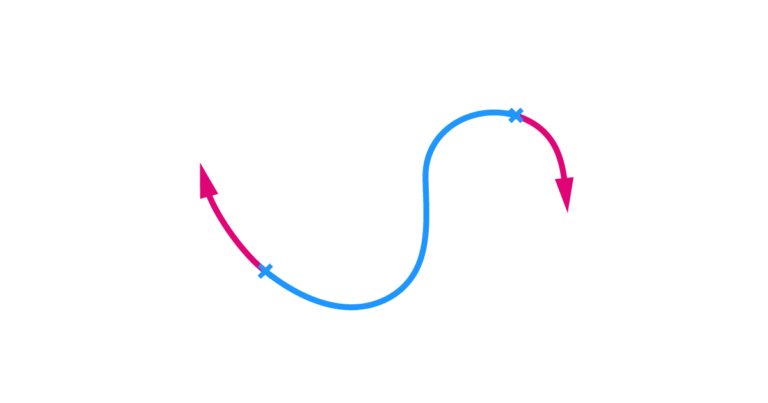
To extend a curve in Grasshopper, we can use the Extend Curve (Ext) component. The component allows us to take an input curve and extend
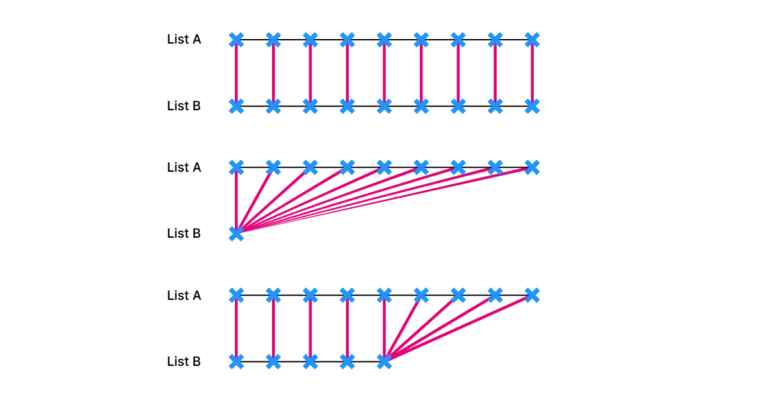
The key to understanding Grasshopper is to understand how data trees work. To have control over the output we need to know how the objects
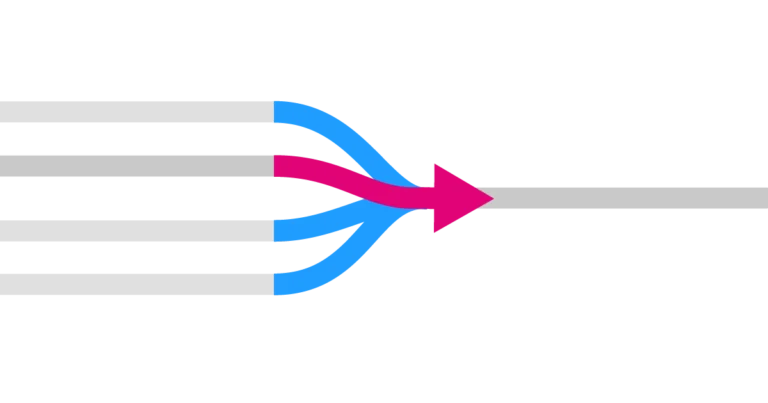
The Stream Filter component allows us to filter one of multiple input streams using a number, acting like a railway switch that determines which connected
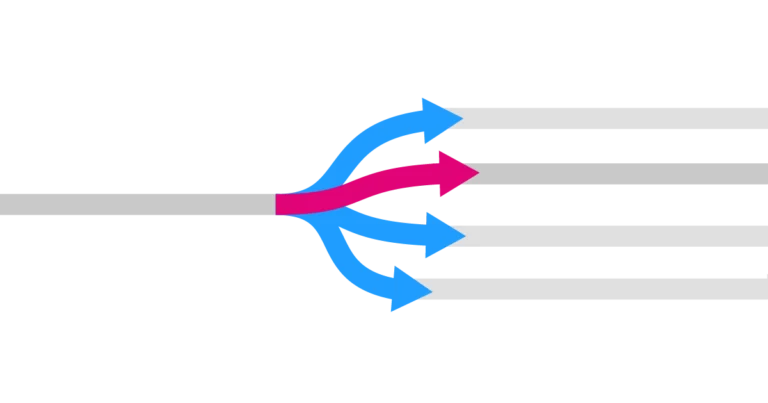
One key tool for managing data flows in Grasshopper is the Stream Gate component. It works like a railway switch that controls whether the input
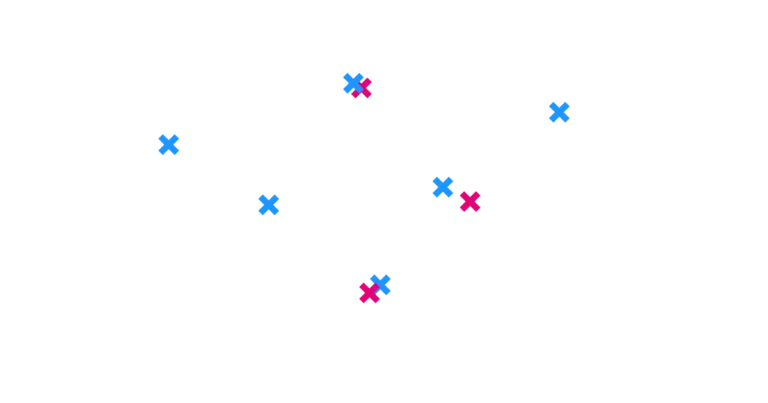
Dealing with duplicate points in Grasshopper can be frustrating. They are hard to spot and can disrupt lists, leading to unexpected outcomes. In Grasshopper, we
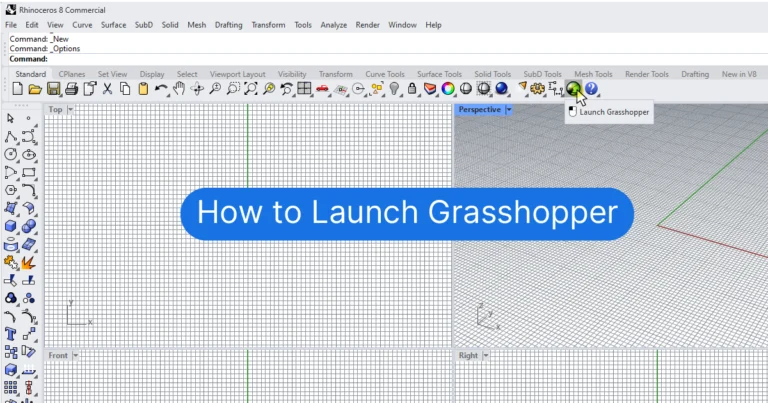
Grasshopper is a Visual Programming Interface within Rhino that allows you to create fully parametric models using Rhino’s native commands. To open Grasshopper, click the
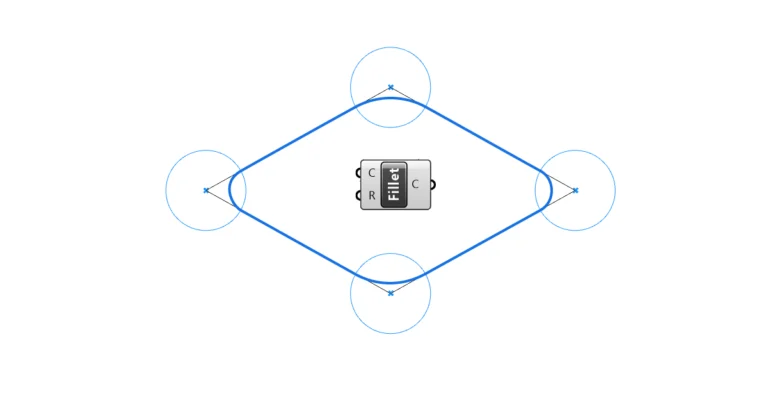
Grasshopper has three ways to fillet a curve: Fillet at a parameter, Fillet for all sharp corners with a radius, and Fillet Distance, which fillets
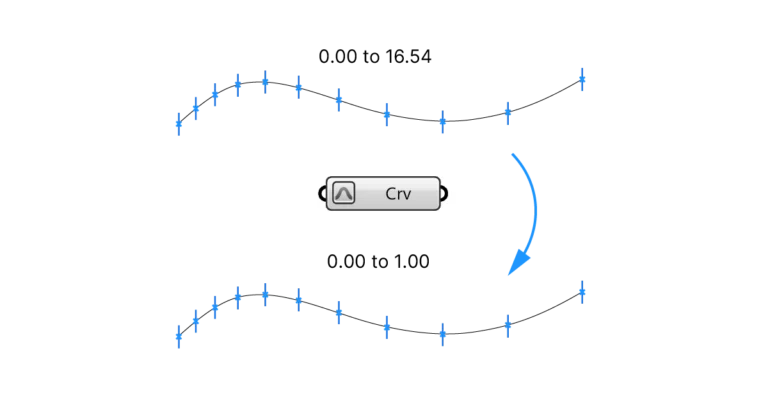
Reparametrizing a curve or surface in Grasshopper, means resetting their parameters to a range of 0.00 to 1.00. If you are just starting out with