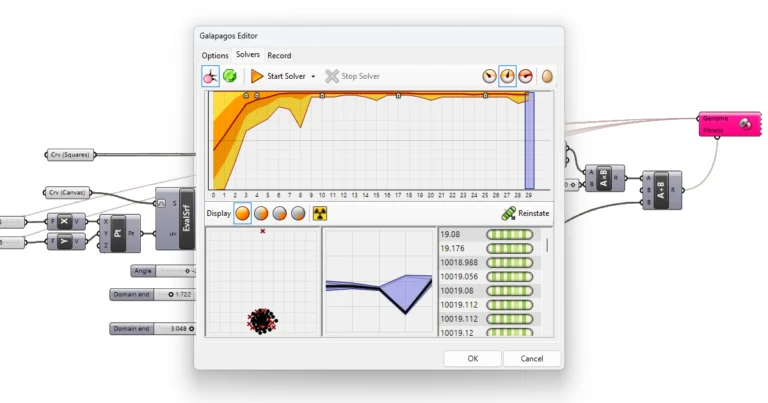
Galapagos in Grasshopper: Evolutionary Solver Tutorial
Galapagos is Grasshopper’s built-in optimisation solver: you connect the Number Sliders it may change (the genes) and one number to maximise or minimise (the fitness),


Galapagos is Grasshopper’s built-in optimisation solver: you connect the Number Sliders it may change (the genes) and one number to maximise or minimise (the fitness),
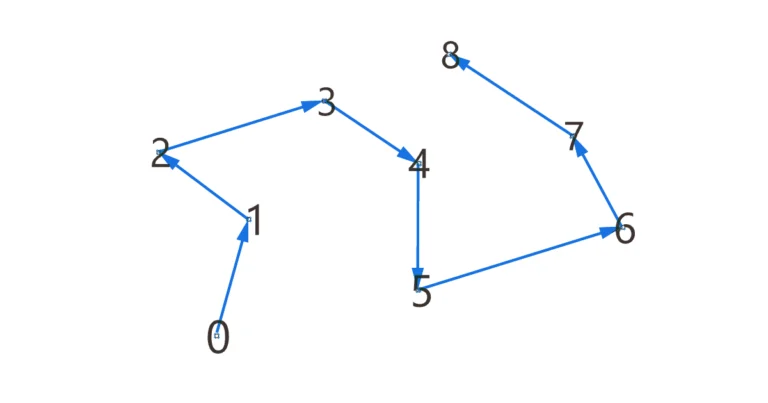
Lists are at the heart of almost everything we do in Grasshopper, but understanding the order of elements within those lists, especially when selecting a
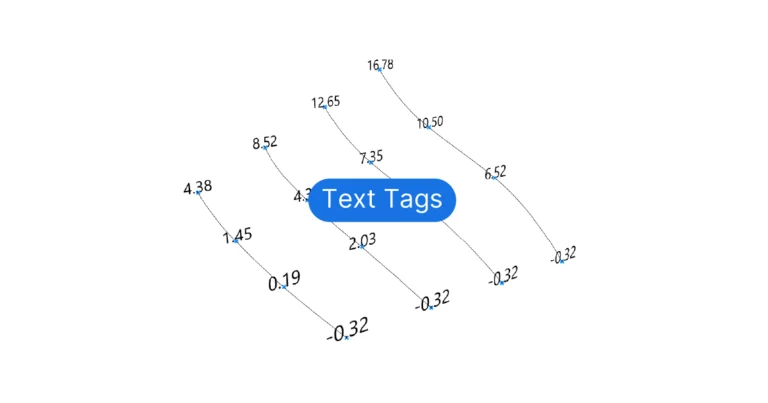
Grasshopper provides several ways of displaying text in the Rhino viewport, but the main two components are the Text Tag and Text Tag 3D components.
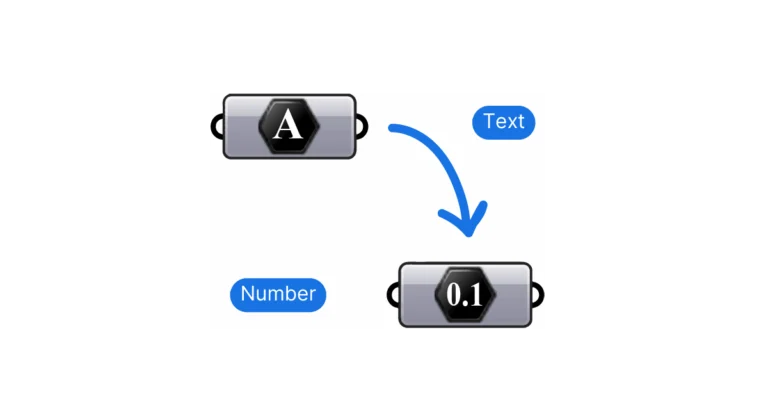
When a component fails to run and the input is a panel containing numbers, the reason is that the panel turns numbers into text. To
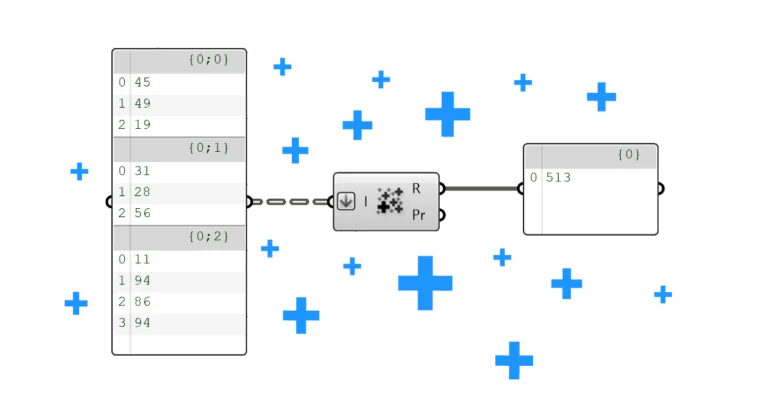
To sum a list of numbers in Grasshopper, use the Mass Addition component: it returns the total in its Result (R) output, and every running
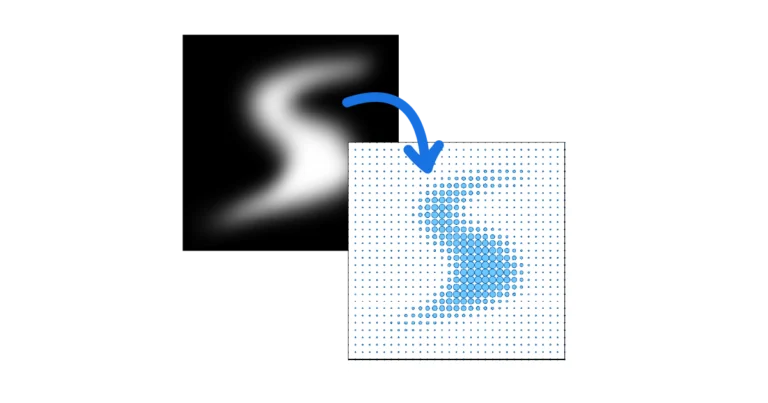
The Image Sampler reads the colour or brightness of an image at given coordinates and turns it into numbers you can use to drive geometry.
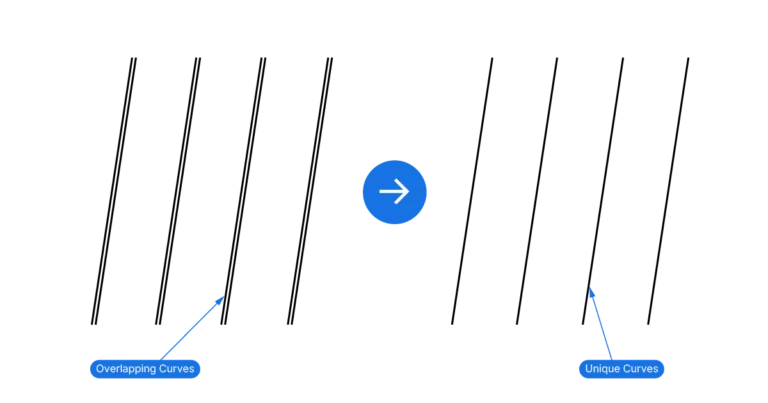
To remove duplicate curves, first get a representative point for each curve and then use the ‘Cull Duplicates‘ (CullPt) component. The component returns the indices
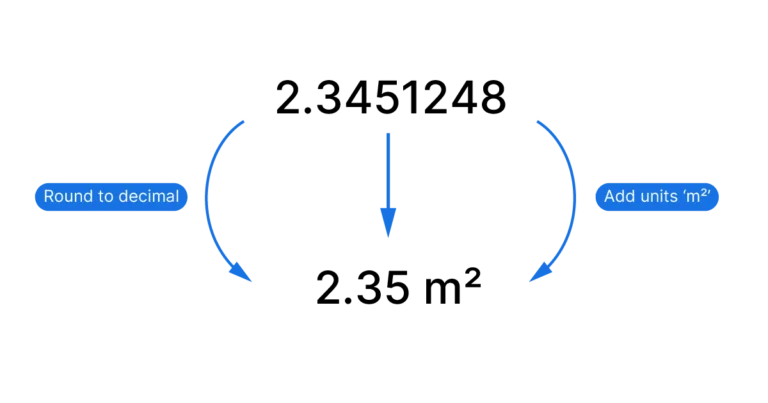
Grasshopper is a precise tool, sometimes too precise for its own good. In practice, we don’t usually need numbers that looks like this: 3.41641526. A
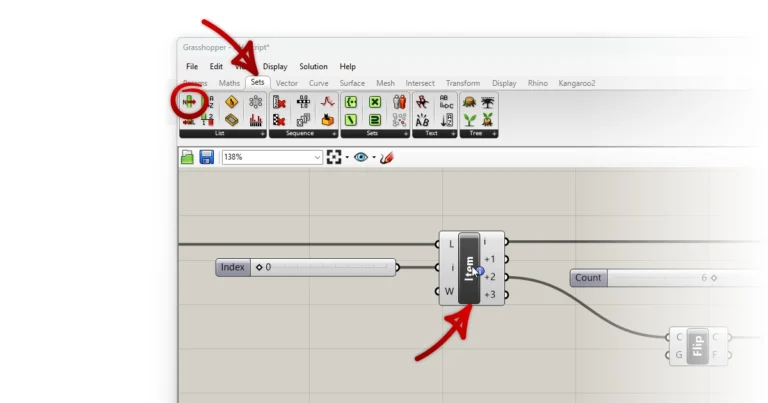
If you have a component on your Grasshopper canvas and you are not sure where to find it in the component tabs, simply use the