Grasshopper Tutorials
How to Split a Curve in Grasshopper
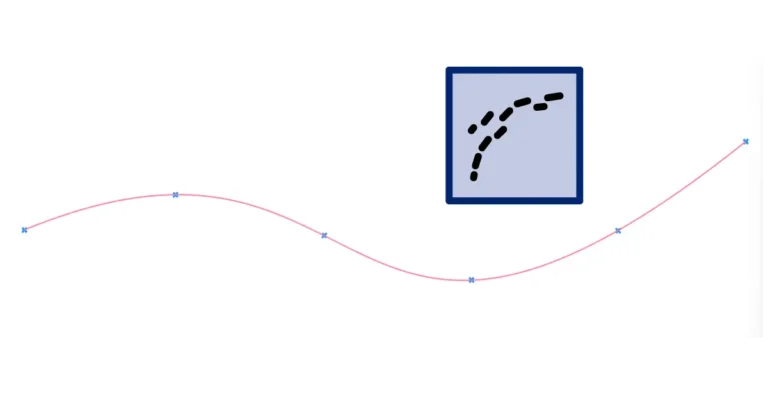
Grasshopper has no Split component: it’s called Shatter. How to split a curve at points,

Grasshopper has no Split component: it’s called Shatter. How to split a curve at points,
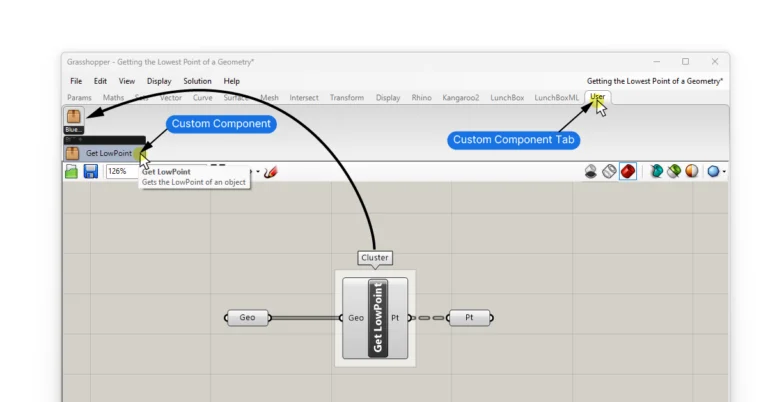
Clusters allow you to compress frequently used script sequences into custom components. But a Cluster’s
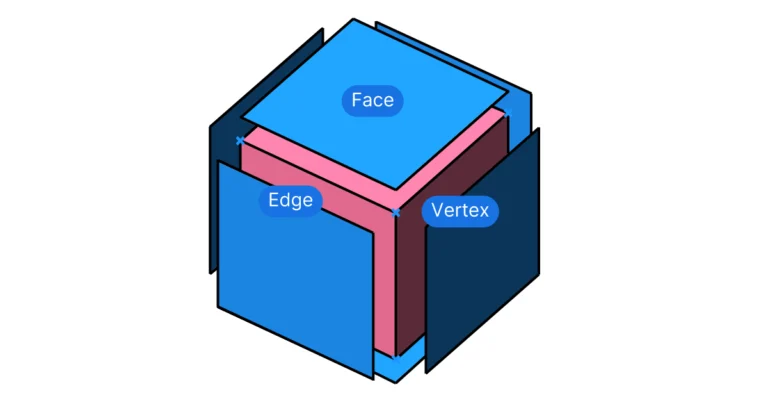
If you’ve used Rhino before, you’ve probably used the “Explode” command to break down a
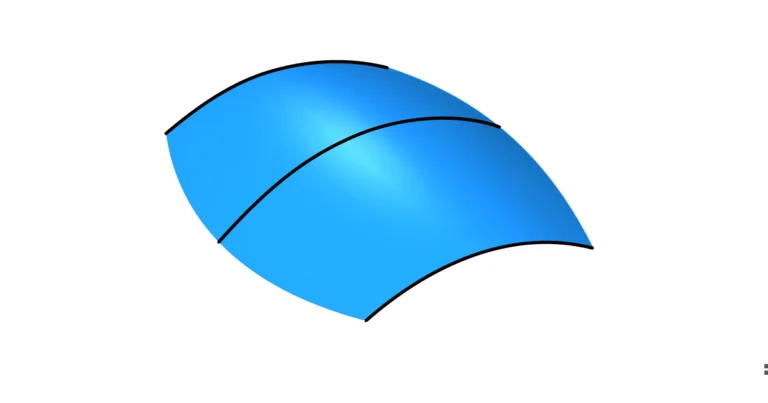
Lofting is a classic Rhino command that you should definitely know how to use in
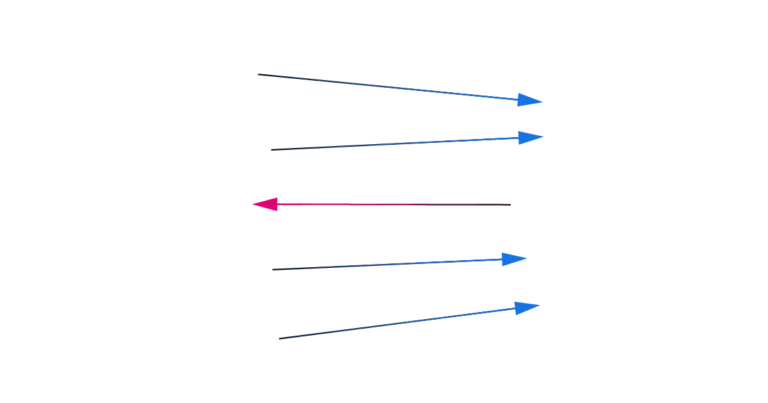
Curve Direction Basics In Rhino, every curve we create has a direction. That’s because the
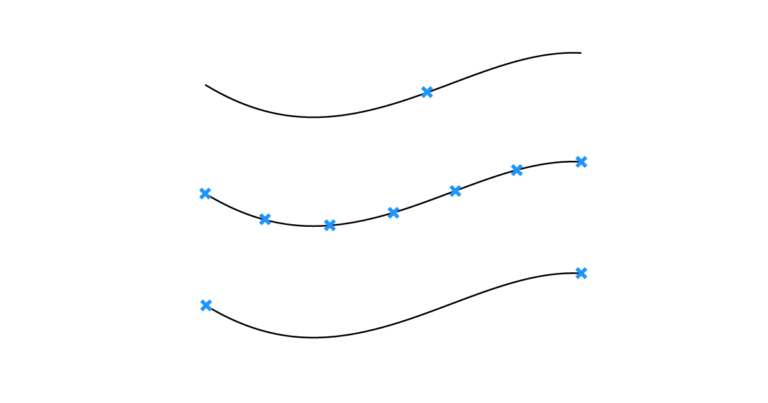
Grasshopper offers several components for extracting points from a curve. However, to fully leverage these
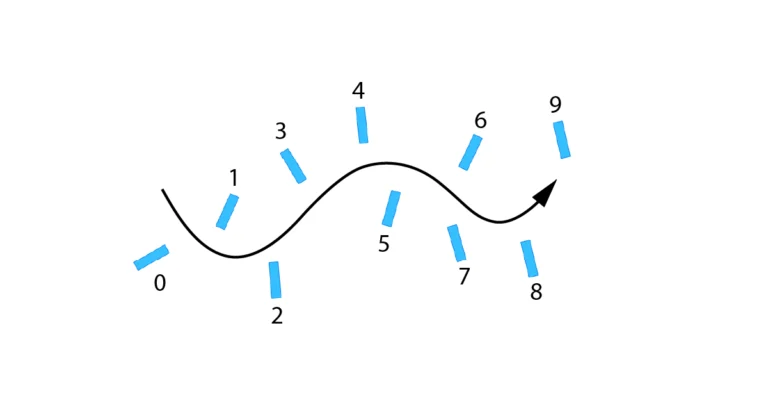
Having control over the order of elements in a list is essential when creating scripts
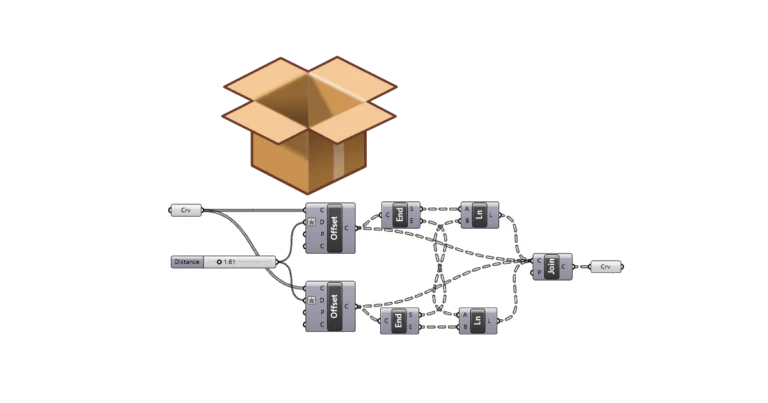
Grasshopper Clusters allow us to bundle frequently used script sequences into custom components, simplifying complex
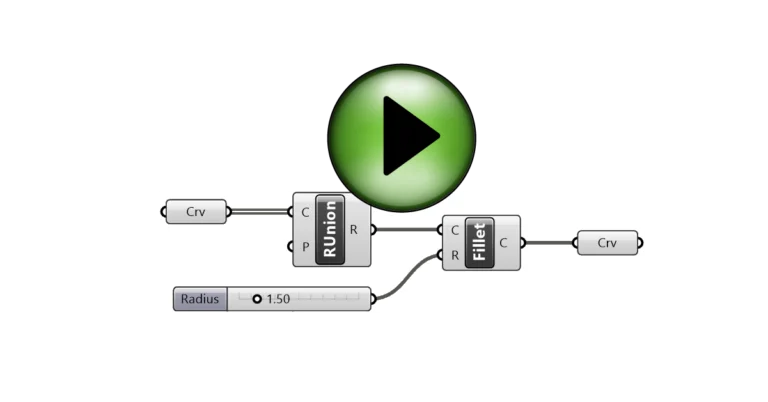
The Grasshopper Player allows us to run Grasshopper scripts like normal Rhino commands, without opening
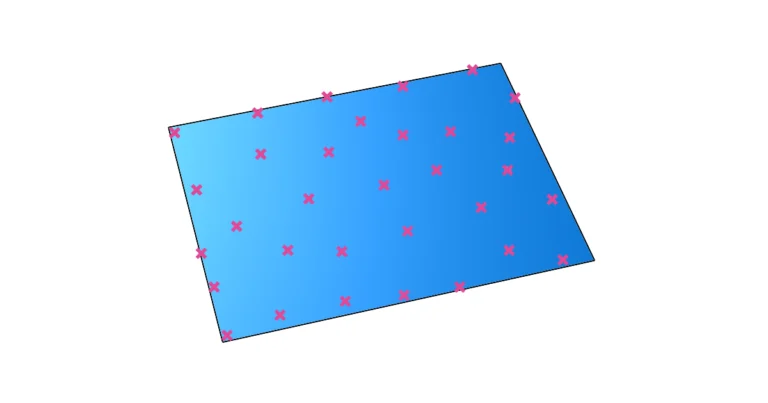
Randomness can be an attractive design feature when controlled well. Grasshopper offers two main methods
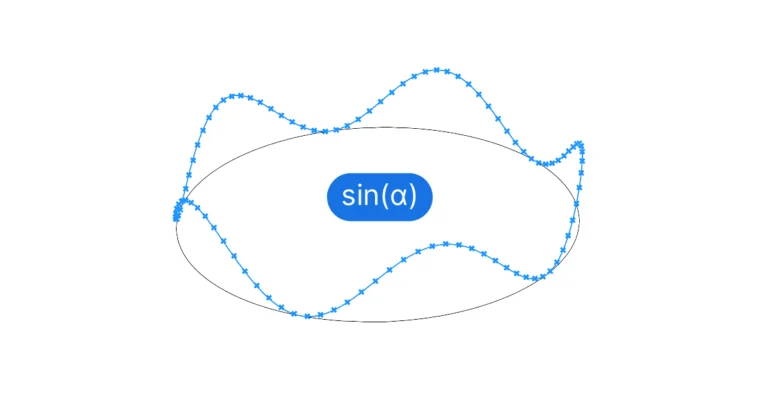
Creating a sine curve in Grasshopper involves generating a series of incremental values and using
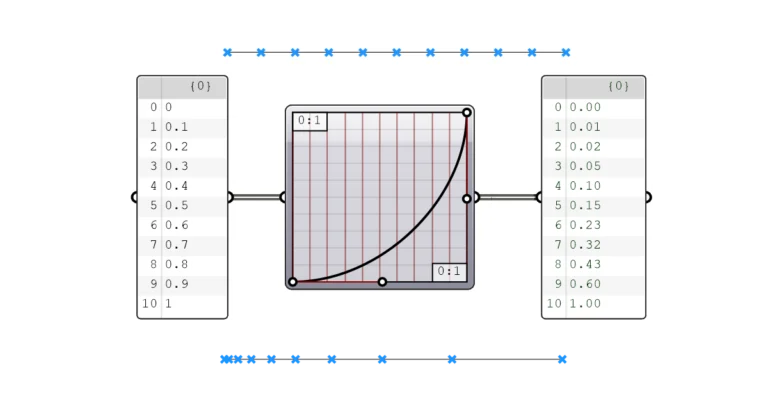
The Graphmapper allows us to interactively control parametric gradients. Any design that includes gradual and
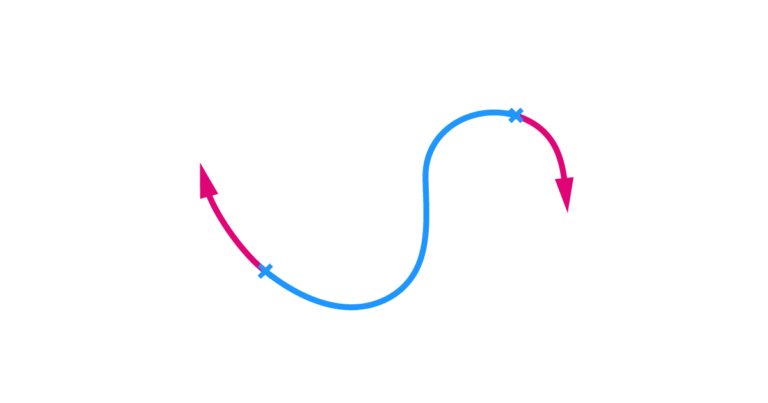
To extend a curve in Grasshopper, we can use the Extend Curve (Ext) component. The
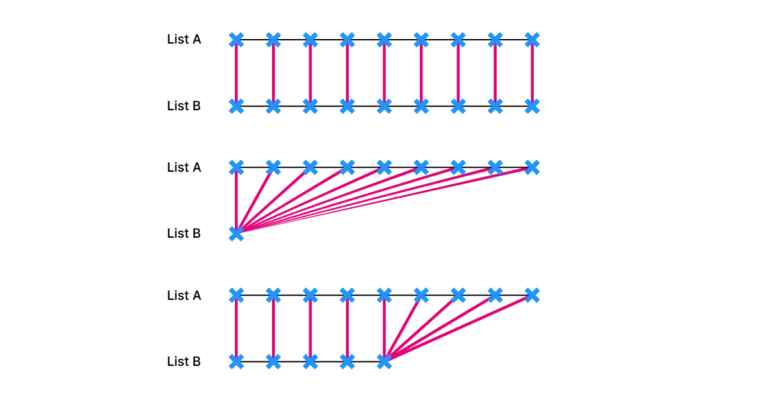
The key to understanding Grasshopper is to understand how data trees work. To have control
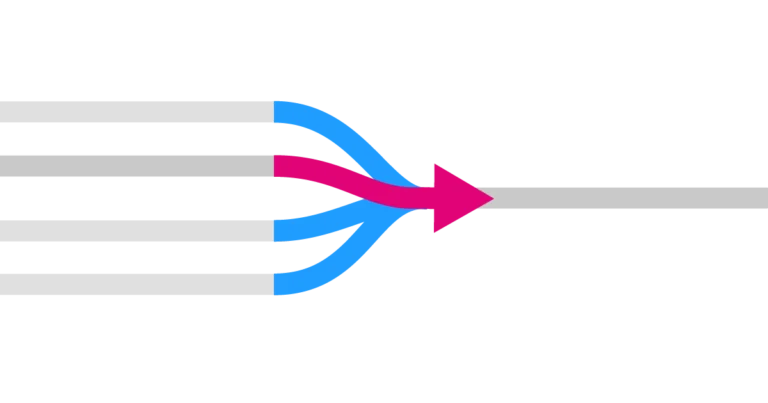
The Stream Filter component allows us to filter one of multiple input streams using a