Grasshopper Tutorials
The Range Component in Grasshopper
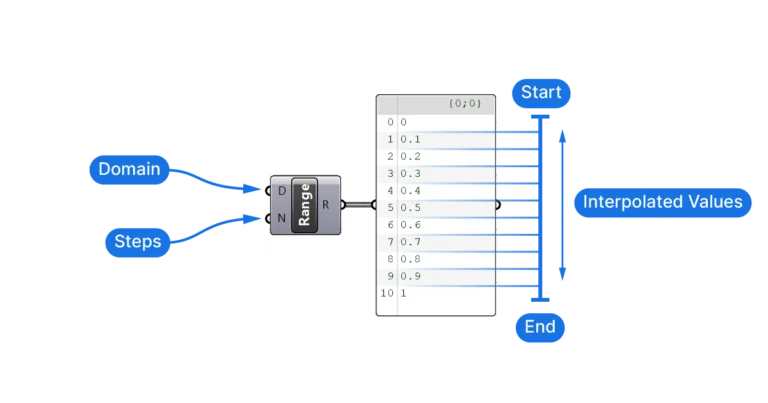
The Range component creates a set of equally spaced numbers within a range, defined by

The Range component creates a set of equally spaced numbers within a range, defined by
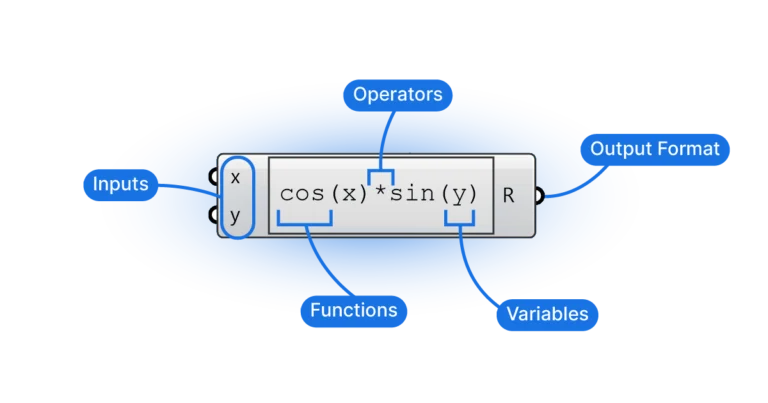
In this beginner’s guide I’ll show you the core functionalities of the expression editor with
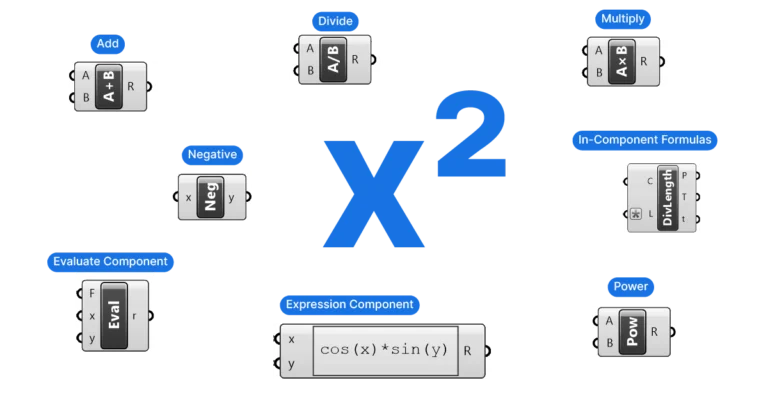
Grasshopper offers three different ways of using mathematical formulas, here they are in order of
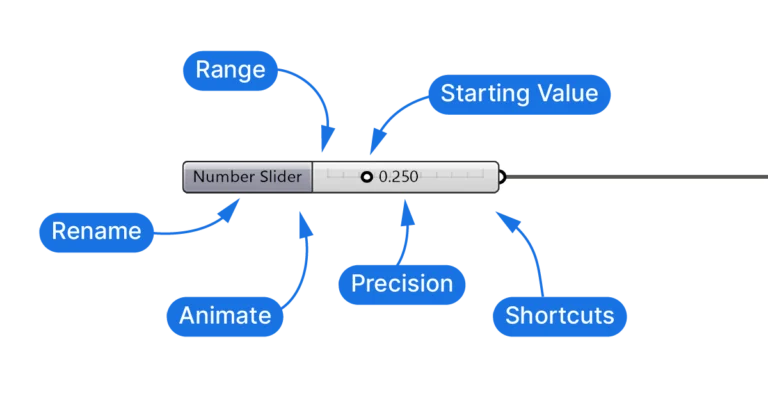
The Number Slider is Grasshopper’s primary way of entering and adjusting numerical parameters. While it
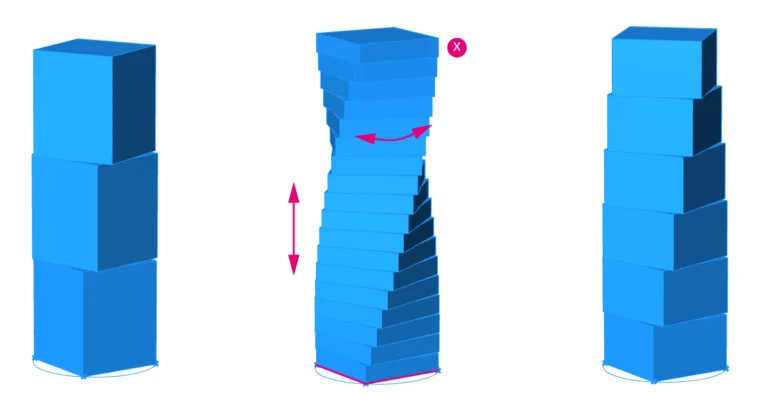
Welcome to this Grasshopper tutorial made especially for beginners. If you’re new to parametric design,
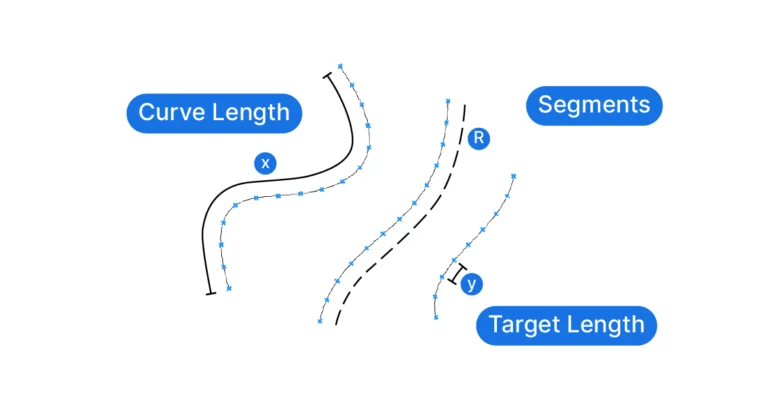
Welcome to the world of parametric design in Grasshopper! This post will introduce you to
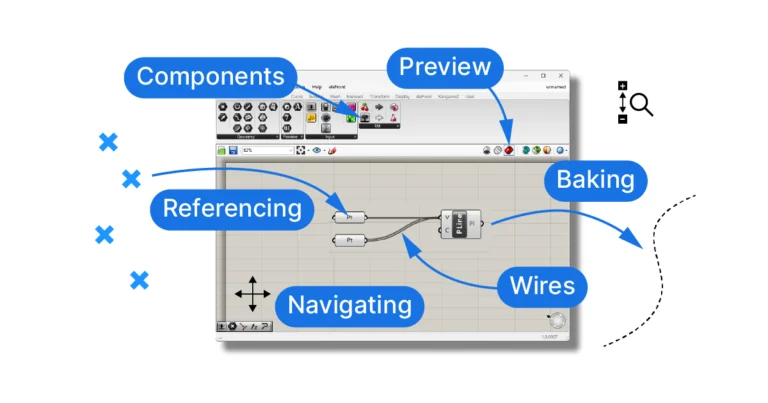
Starting Grasshopper There are two ways to start up Grasshopper. The first, is to click
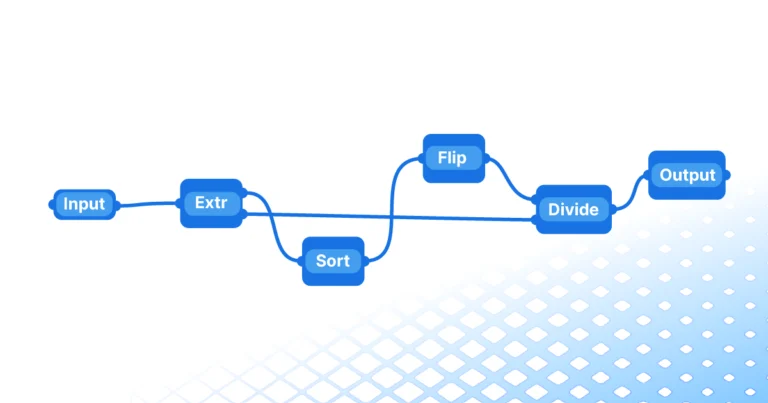
If you’re an architect, designer, or simply a curious mind looking to delve into the
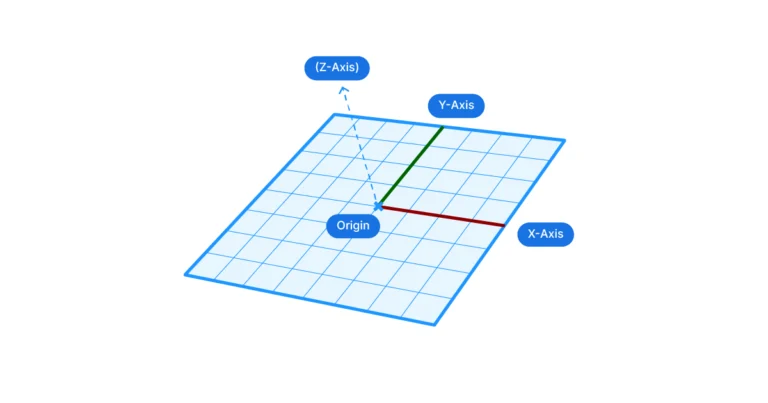
When it comes to parametric modelling in Grasshopper, precision and control are everything. Construction planes
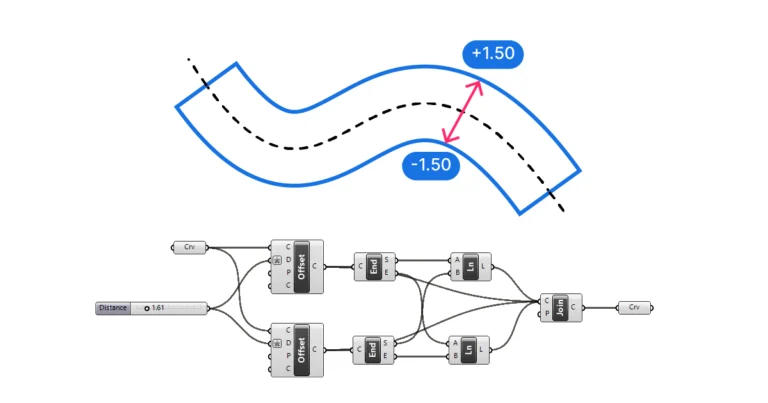
While Grasshopper has an Offset Curve component, it doesn’t come with one to offset to
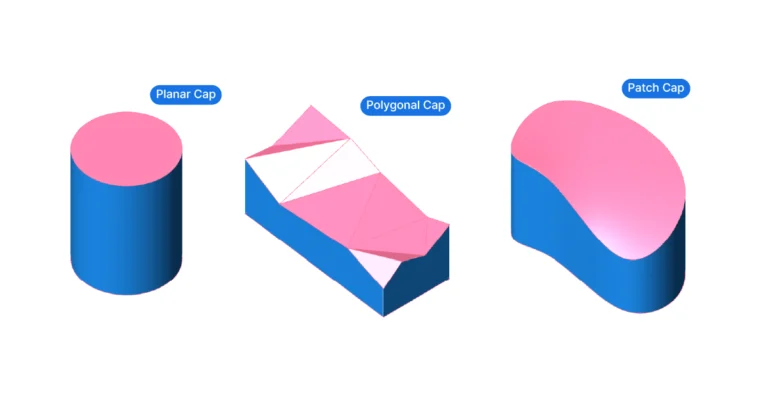
We’ve all been there: we want to run a boolean difference with two geometries in
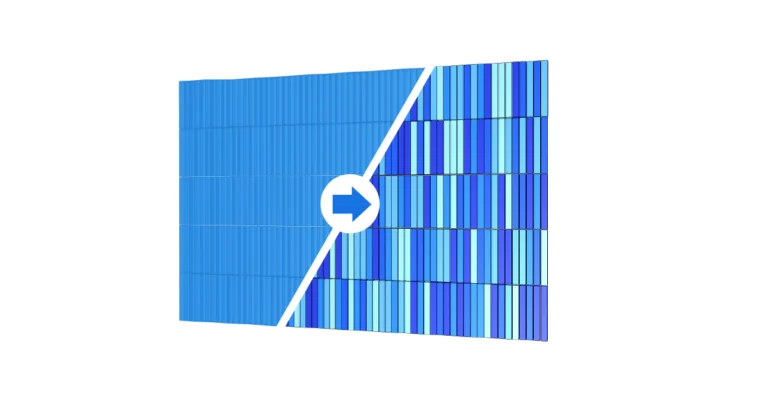
As the complexity of your Grasshopper script grows, the default red and green preview colors
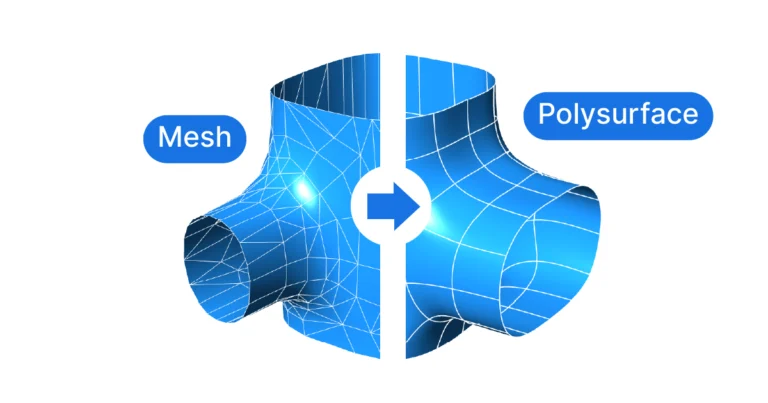
Method 1: Mesh to Faceted Polysurface Since a Mesh is made of several smaller “faces”,
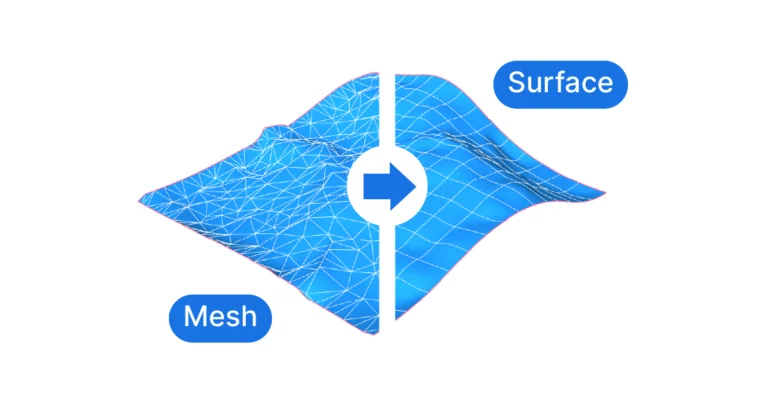
Before we get our hands dirty at the Grasshopper component level, let’s understand how meshes
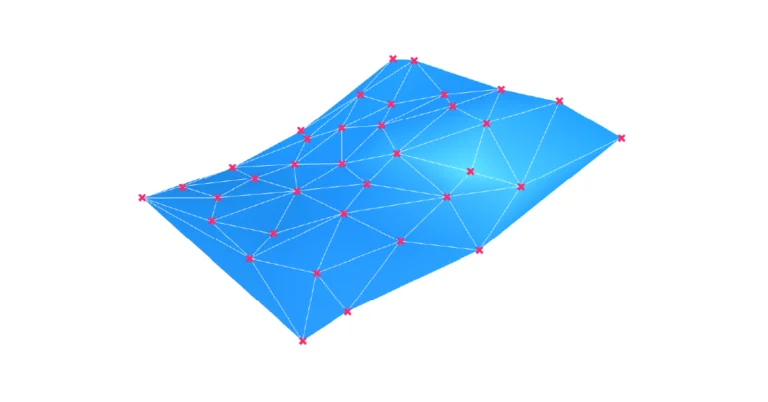
If you are dealing with a large number or unordered points, the best way to