How to Extend a Curve in Grasshopper
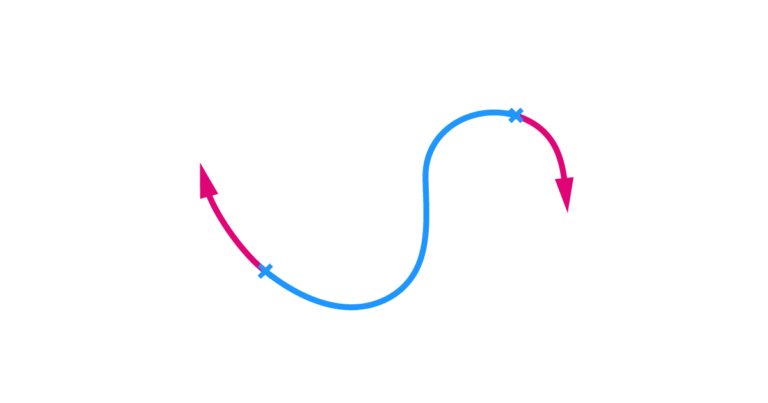
To extend a curve in Grasshopper, we can use the Extend Curve (Ext) component. The component allows us to take an input curve and extend


To extend a curve in Grasshopper, we can use the Extend Curve (Ext) component. The component allows us to take an input curve and extend
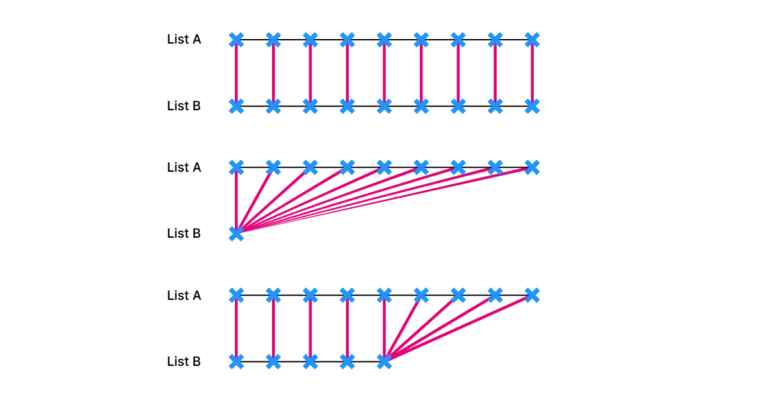
One of the biggest advantages of parametric modeling in Grasshopper, compared to manual modeling in Rhino, is the ability to create and modify entire lists

Parametric design is all about flexibility. In Grasshopper, we typically control parameters using Number Sliders or manual data entry, which limits us to defining a
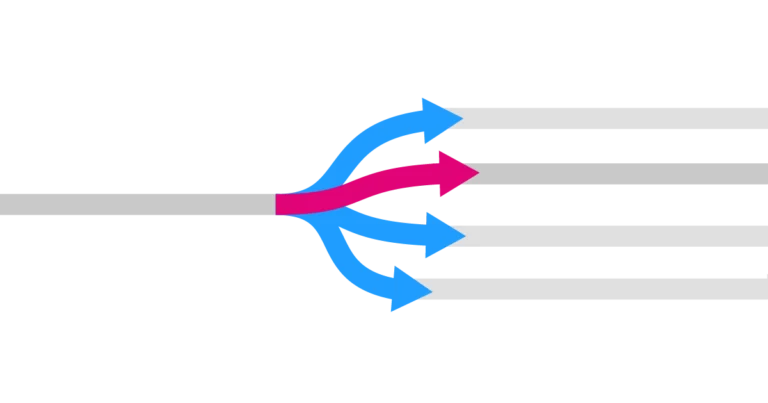
One key tool for managing data flows in Grasshopper is the Stream Gate component. The Stream Gate component allows you connect one input stream to
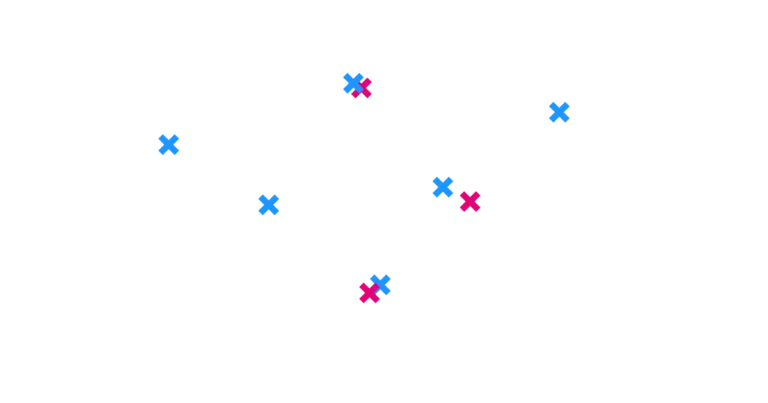
Dealing with duplicate points in Grasshopper can be frustrating. They are hard to spot and can disrupt lists, leading to unexpected outcomes. In Grasshopper, we
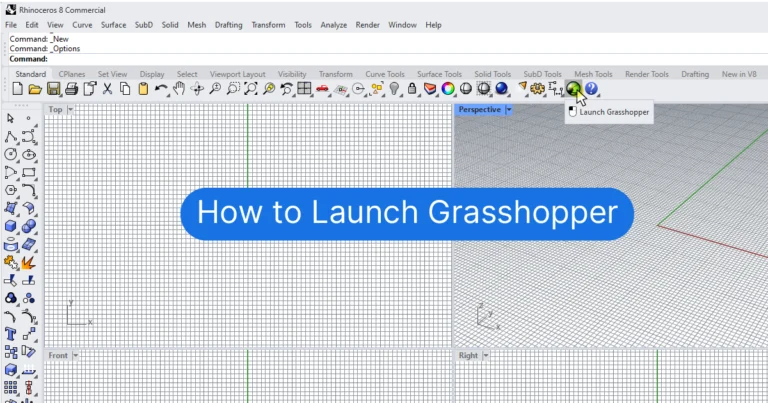
Grasshopper is a Visual Programming Interface within Rhino that allows you to create fully parametric models using Rhino’s native commands. To open Grasshopper, click the
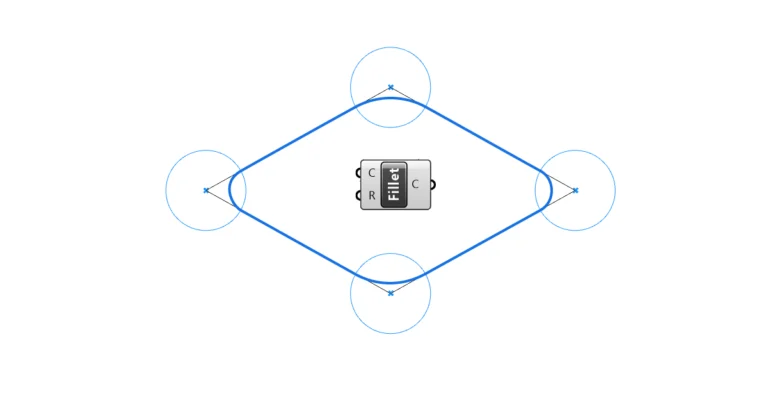
Fillets are an indispensable design tool for any designer. It’s one of those commands that can make simple shapes look sophisticated. While it is a
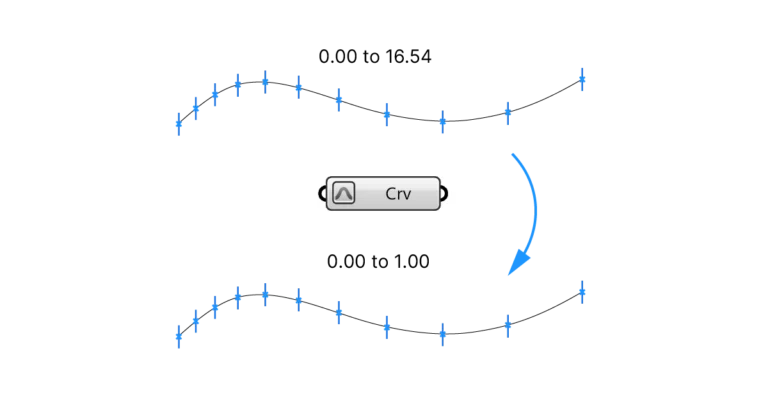
If you’ve spent any time learning Grasshopper, you’ve encountered the term ‘Reparametrize’. Especially for someone just starting out with visual programming and Grasshopper, this concept
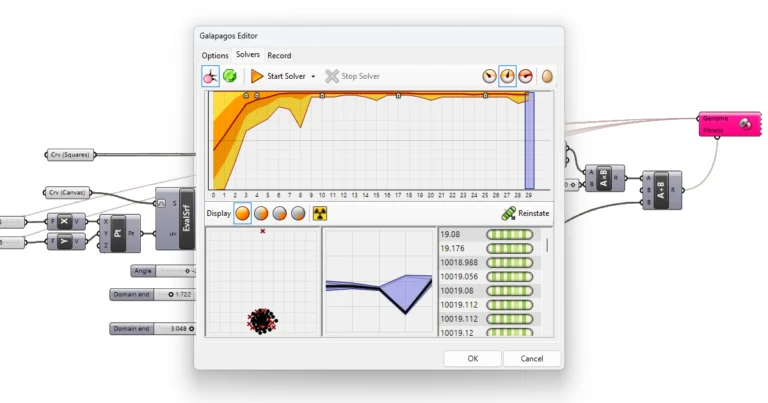
The Galapagos component in Grasshopper stands out with its bright pink color, and for good reason: it’s much more than a simple component. With it,