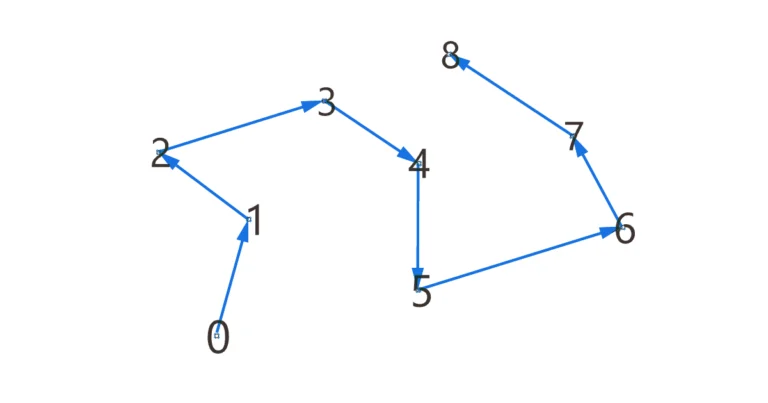
Point List and Point Order – How to Visualize Point Order in Grasshopper
Lists are at the heart of almost everything we do in Grasshopper, but understanding the order of elements within those lists, especially when selecting a


Lists are at the heart of almost everything we do in Grasshopper, but understanding the order of elements within those lists, especially when selecting a
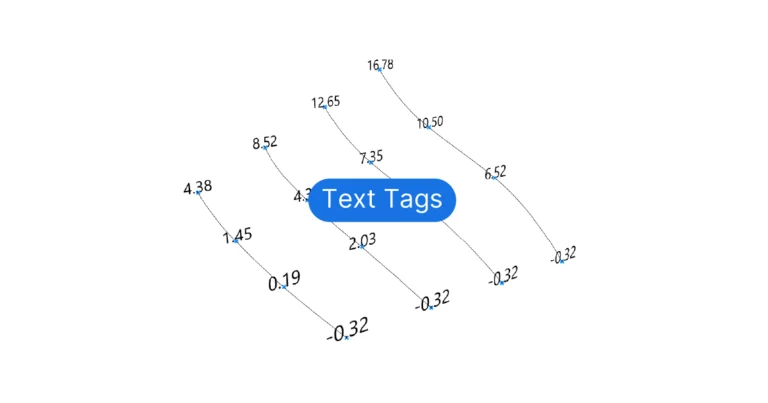
Grasshopper provides several ways of displaying text in the Rhino viewport, but the main two components are the Text Tag and Text Tag 3D components.
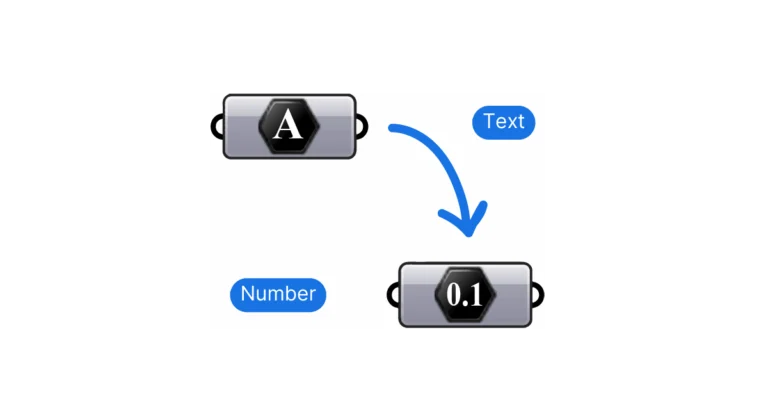
Few situations in Grasshopper are more annoying than a component turning red and throwing an error for seemingly no reason. This is often the case
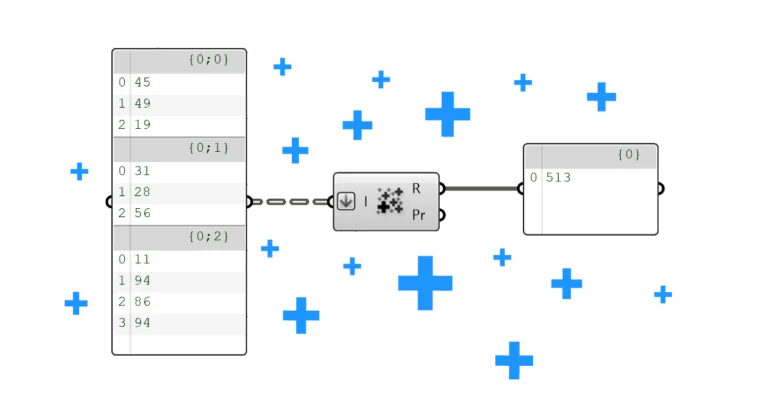
Have you ever found yourself staring at a list of elements, wondering how to sum them for a total? You’re not alone. In this post
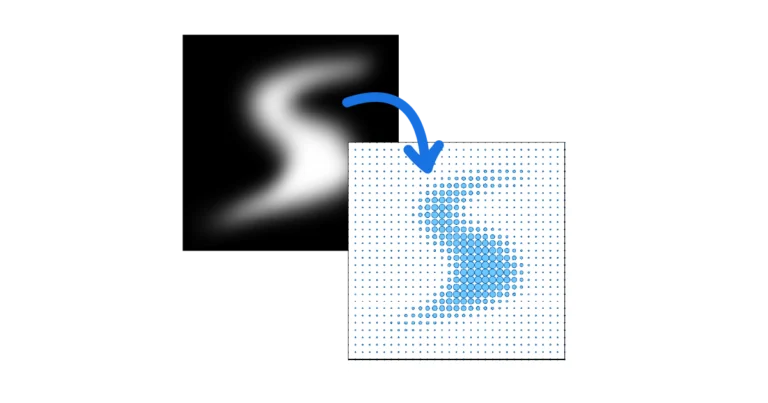
What is an Image Sampler? Imagine you’ve got an image with a pattern or gradients that you think would make an awesome basis for a
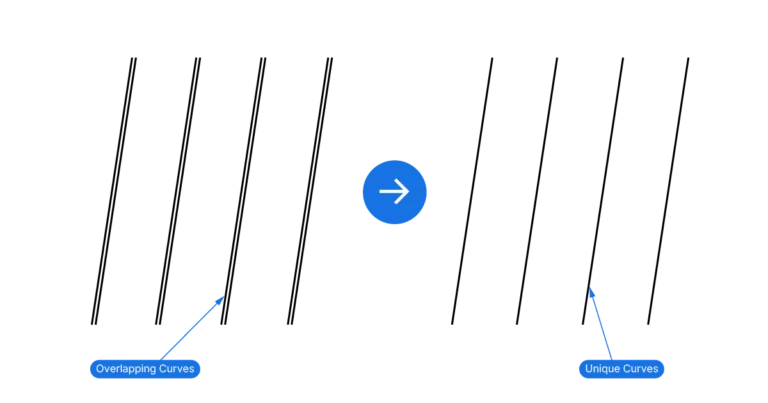
Duplicate geometries have been a problem in CAD software since the days of AutoCAD. Grasshopper is not immune to this issue – it’s easy to
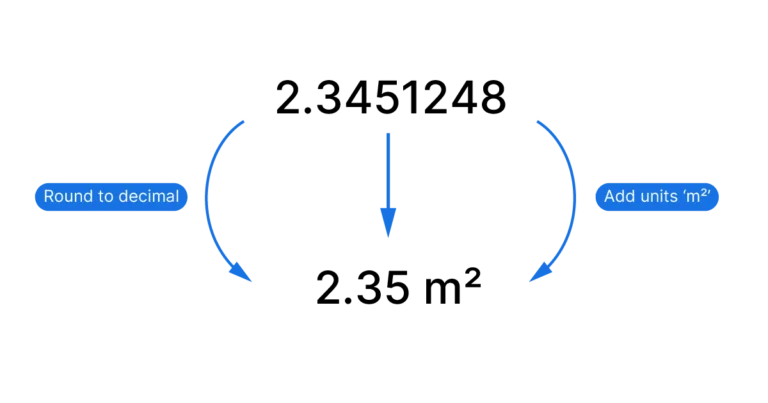
Grasshopper is a precise tool, sometimes too precise for its own good. In practice, we don’t usually need numbers that looks like this: 3.41641526. A
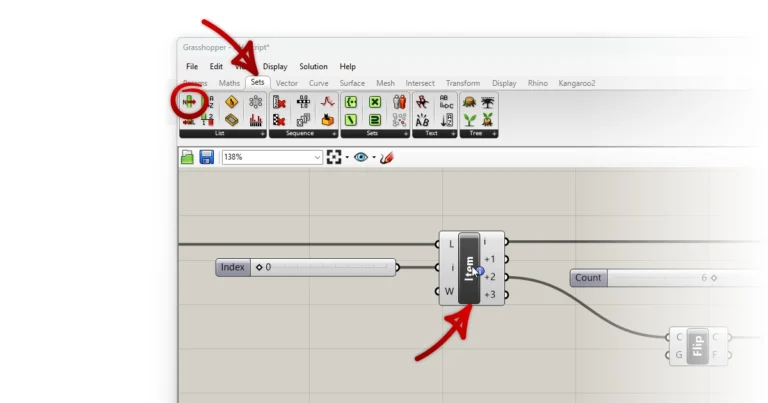
Finding specific components among hundreds in Grasshopper’s tabs or a crowded canvas can be challenging. In this post I’ll show you how to easily show

Struggling to keep track of what’s what in Grasshopper? You’re not the only one. The trick to making sense of all those components, inputs, and