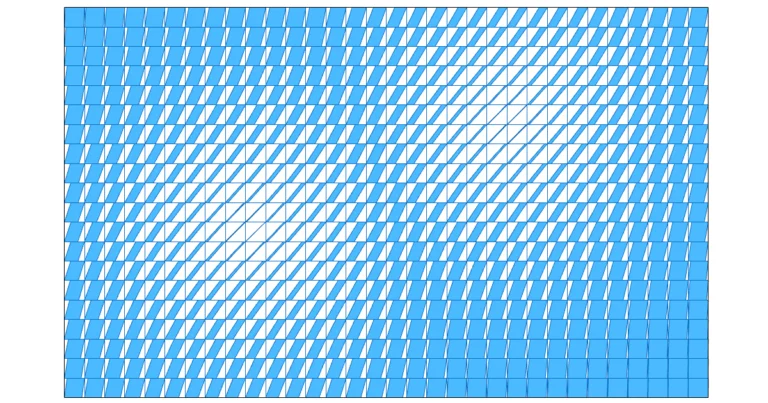
Attractor Points in Grasshopper
Attractor points transform a grid of objects based on their distance to a set of points: the closer to a point, the stronger the effect.


Attractor points transform a grid of objects based on their distance to a set of points: the closer to a point, the stronger the effect.
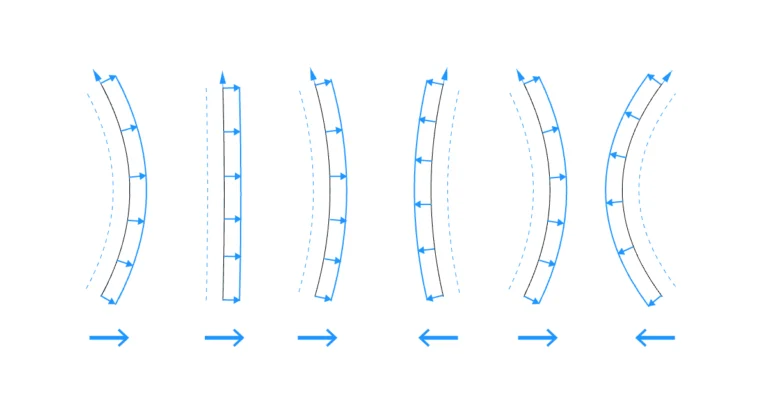
Offsetting several curves in the the same direction consistently requires understanding the underlying plane ‘offset’ uses. In this post we’ll cover how to offset curves
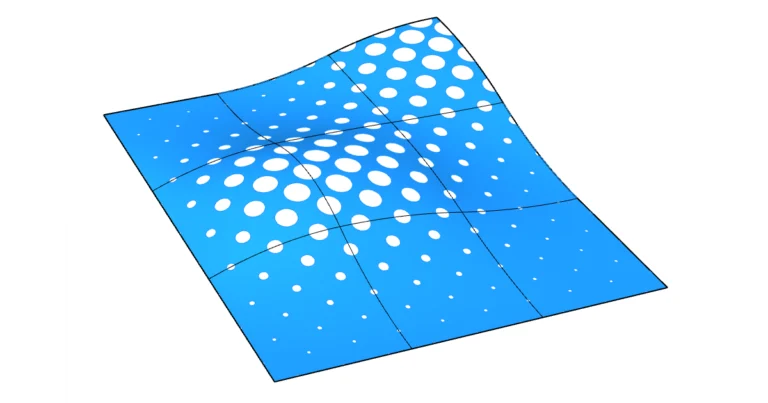
To create a perforated surface in Grasshopper, create trim curves on the surface, use the split surface command and finally determine which split segments to
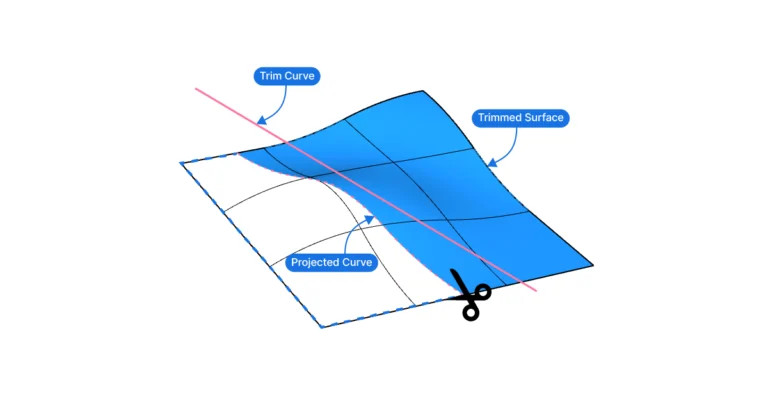
To trim a surface in Grasshopper, create an intersection curve that lies on the surface, split the surface with it, and finally determine which of
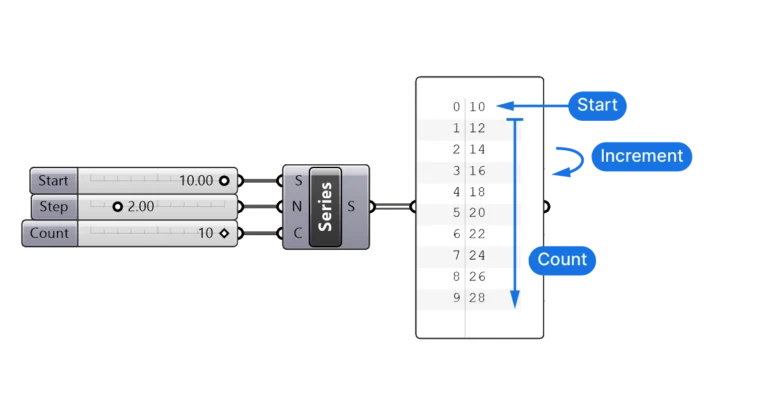
The Series component allows us to create a series of numbers defined by the starting number, the step size or increment, and the total count.
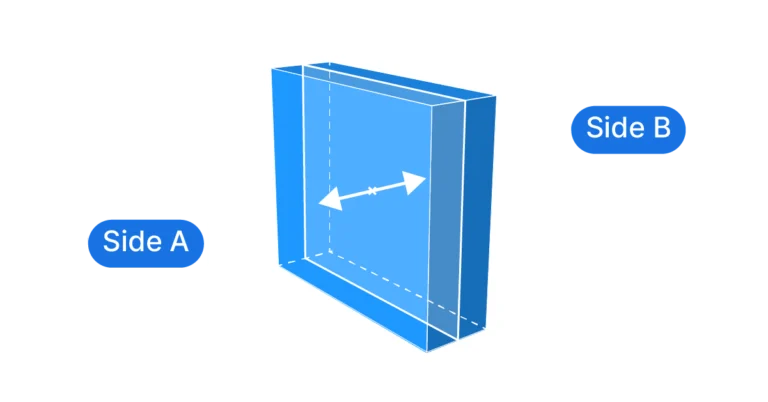
Grasshopper doesn’t offer a component that would help us extrude a surface to both sides out of the box, so we have to create a
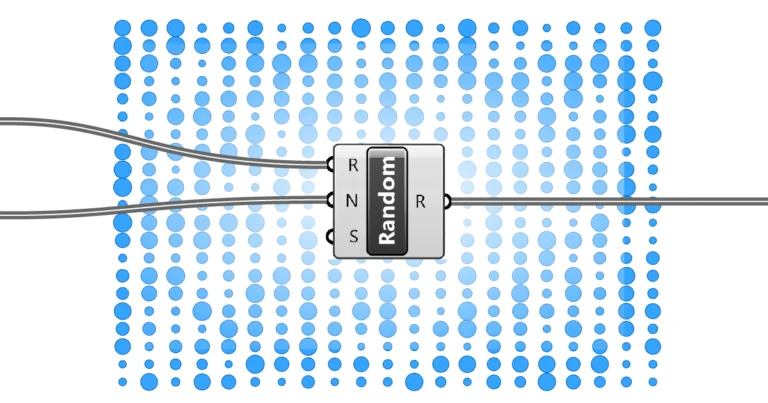
The Random component generates a set of randomized numbers within a range we specify. We can control the range, the number of values to generate
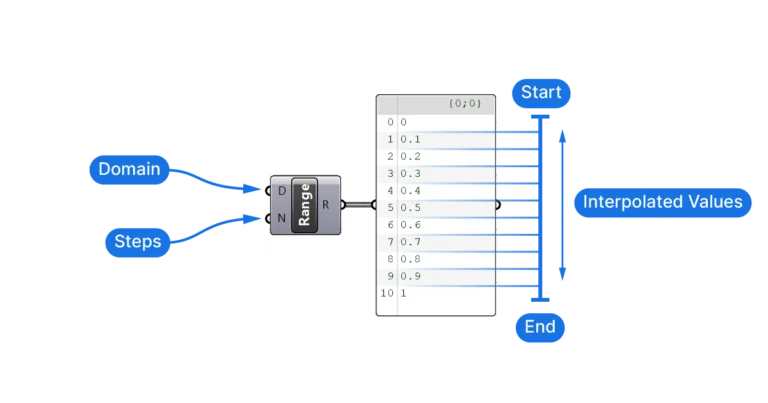
The Range component creates a set of equally spaced numbers within a range, defined by the range and the number of values to generate. Adding
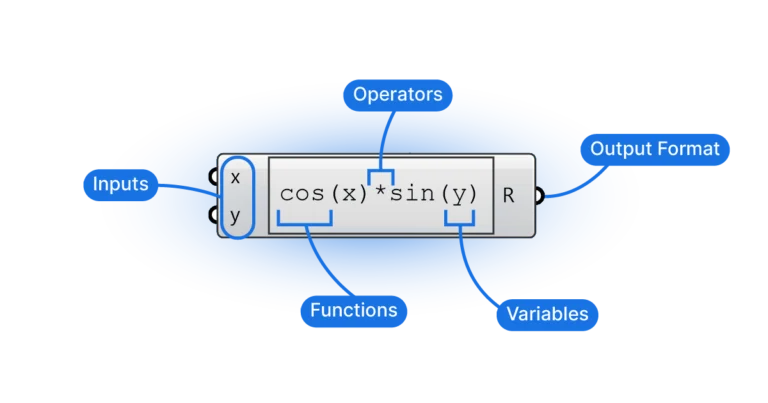
The Expression component lets you type a formula, like: into a single component instead of chaining several maths components. For the other two ways of