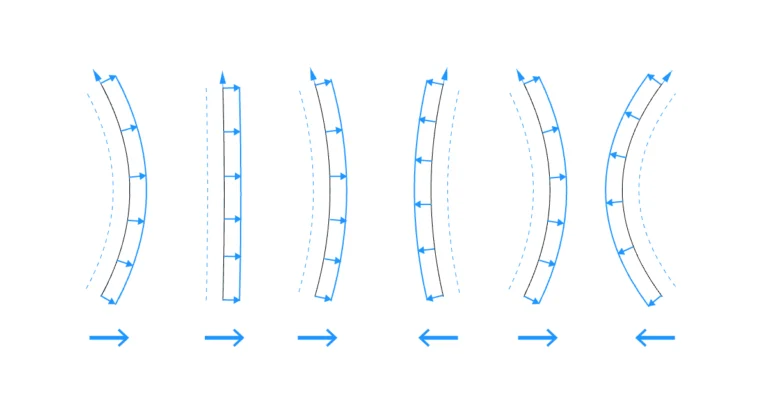
How to Offset Curves in the Same Direction in Grasshopper
We’ve all encountered this problem: we have a bunch of curves and want to offset them, and while most curves offset the way we expect


We’ve all encountered this problem: we have a bunch of curves and want to offset them, and while most curves offset the way we expect
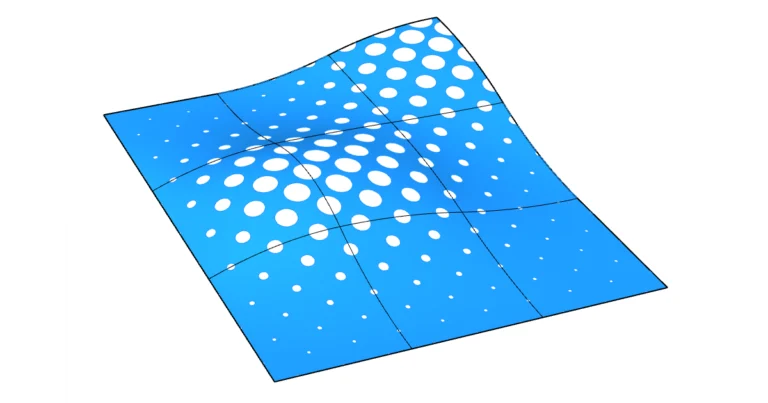
Creating a perforated surface is one of the staple skills of any Grasshopper user. Combining the sculptability of surfaces with patterns and cutting holes into
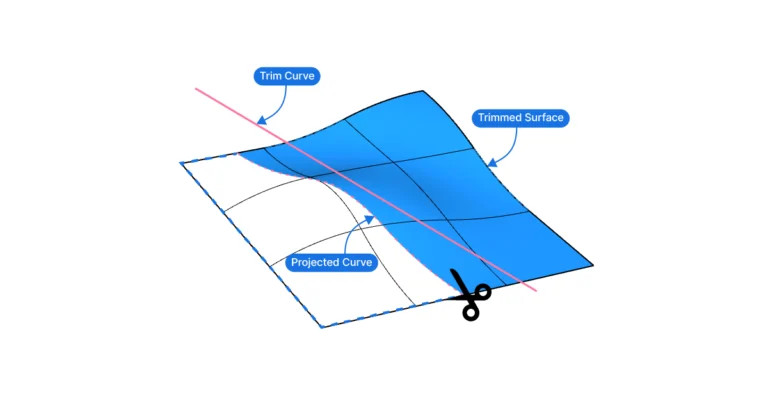
Trimming a surface in Grasshopper is a fundamental skill for anyone diving into parametric design. While many may be familiar with the simplicity of the
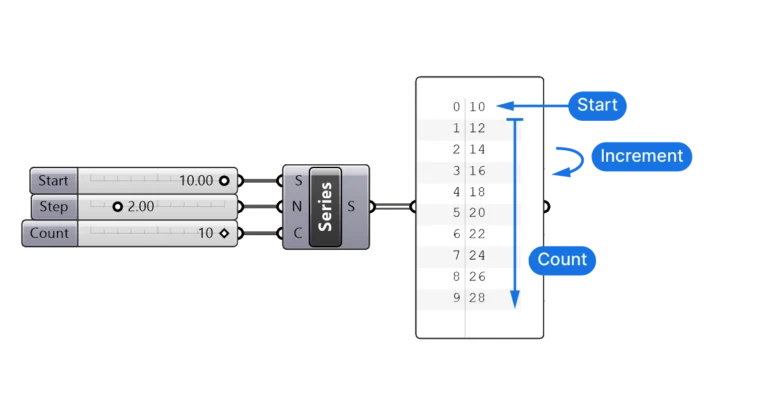
In digital design, patterns and sequences lay the groundwork for sophisticated outputs. The Series component in Grasshopper is a fundamental tool that streamlines this process,
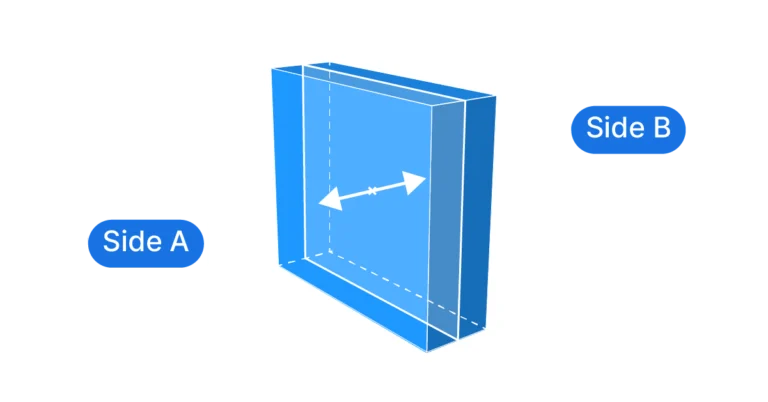
Extrusions are what brings the flat surfaces in our designs to life, but Grasshopper can only extrude in a single direction, so how can we
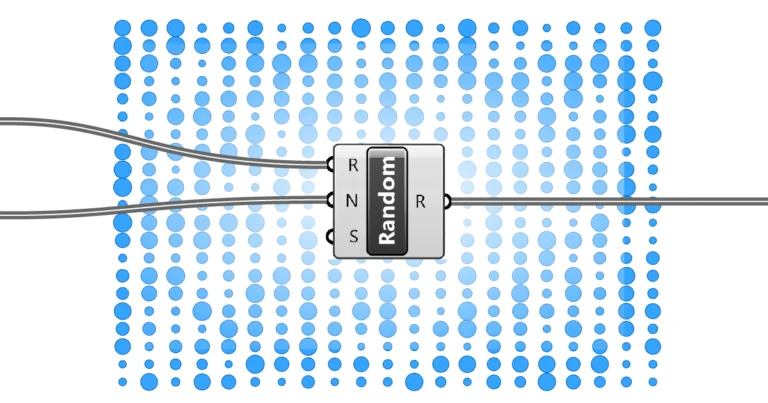
Have you ever watched leaves scatter randomly on a windy day or admired the spontaneous pattern of raindrops on a window? Nature has a way
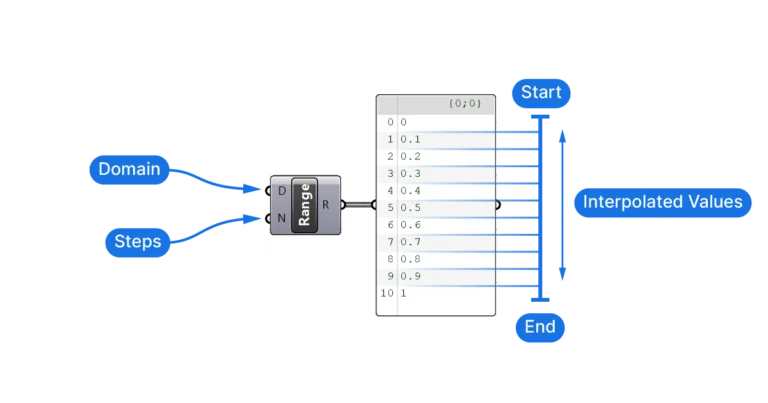
For those diving into parametric design in Grasshopper, understanding the Range component is pivotal. The Range component allows designers to easily generate sequences of numbers
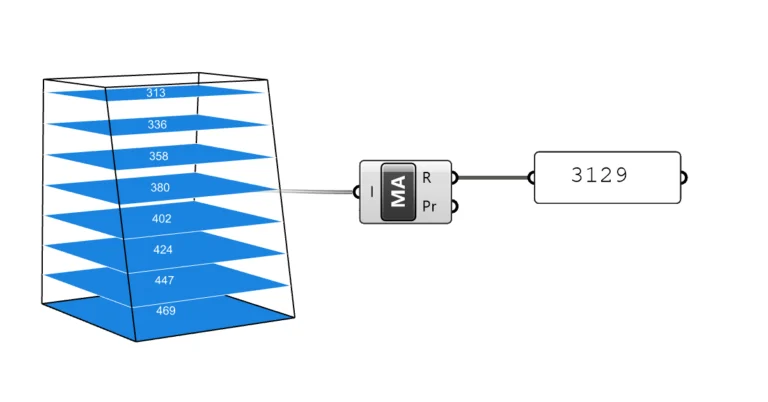
As much as design is about shapes, at some point it becomes about numbers. The Mass Addition component is perhaps the most useful math operator
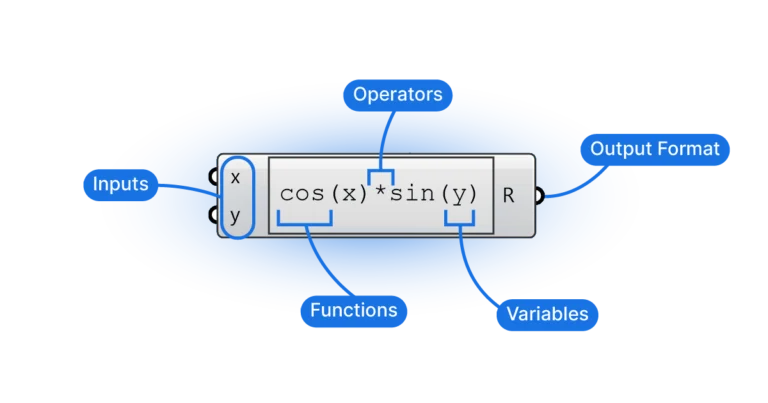
Diving into the world of Grasshopper, there’s no escaping the significance of mathematical operations when scripting and creating designs. Among the many components available, the