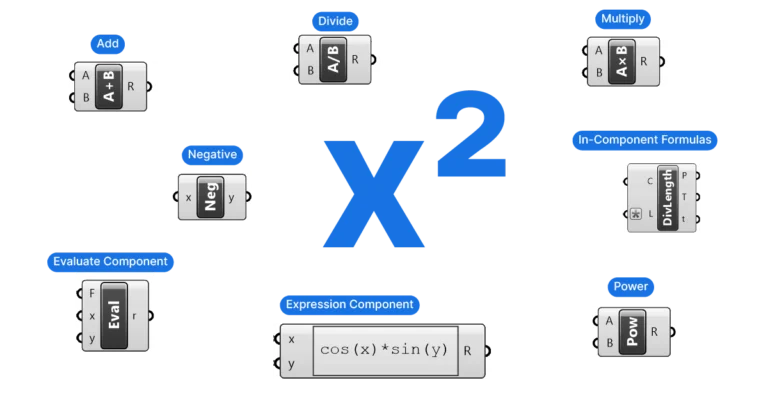
Mathematical Formulas in Grasshopper
Grasshopper offers three different ways of using mathematical formulas, here they are in order of difficulty, showing application examples for each: Basic Math Components Basic


Grasshopper offers three different ways of using mathematical formulas, here they are in order of difficulty, showing application examples for each: Basic Math Components Basic
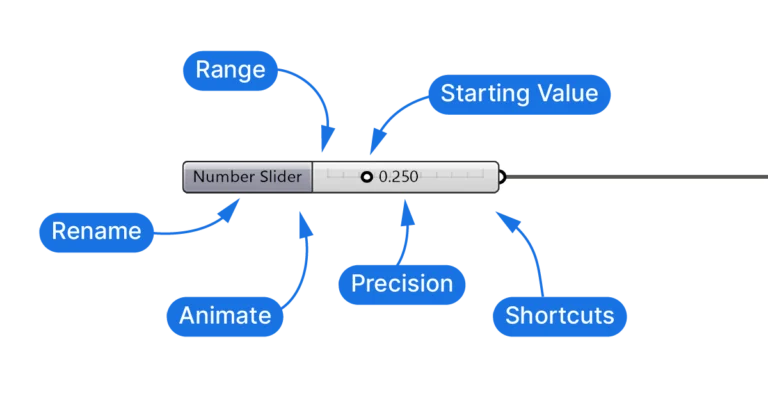
The Number Slider is Grasshopper’s primary way of entering and adjusting numerical parameters. While it looks simple, it has some useful features I will cover
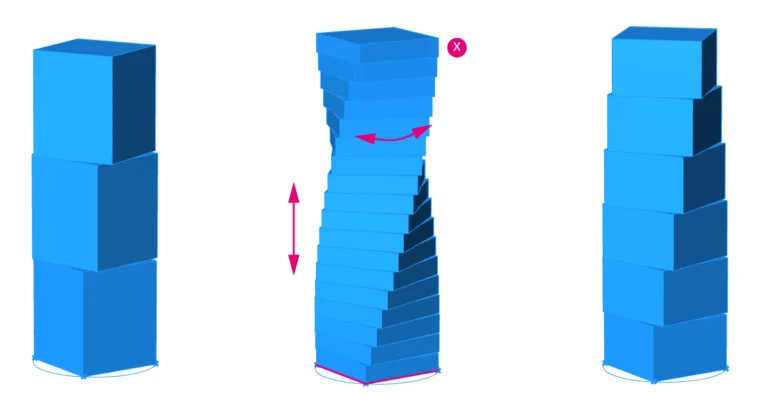
Welcome to this Grasshopper tutorial made especially for beginners. If you’re new to parametric design, you’ve come to the right place! If you’re completely new
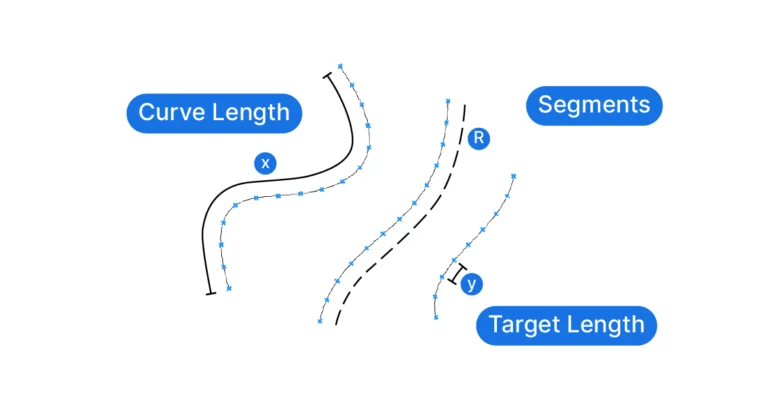
In this post, I’ll guide you step-by-step using a simple example that illustrates the core idea of parametric modelling. I’ll show you how to build
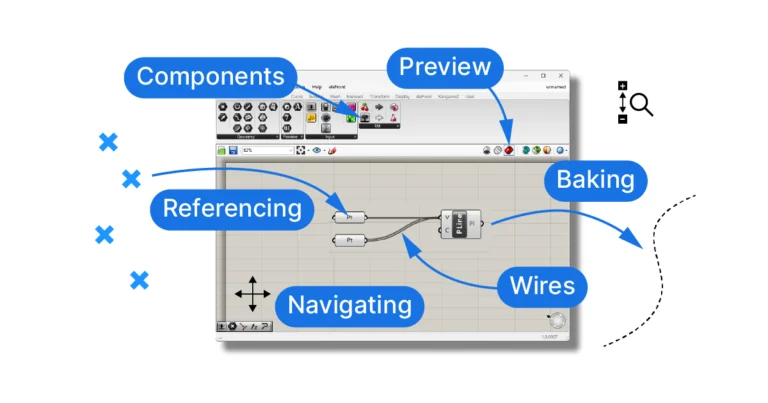
Starting Grasshopper There are two ways to start up Grasshopper. The first, is to click the Grasshopper button on the far right of the Standard
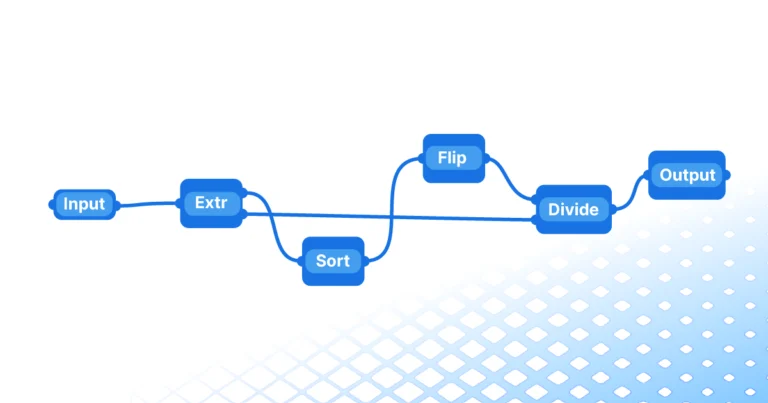
When people first learn about Grasshopper they all have the same reaction: this looks incredibly complicated, I don’t think I can do it. In part
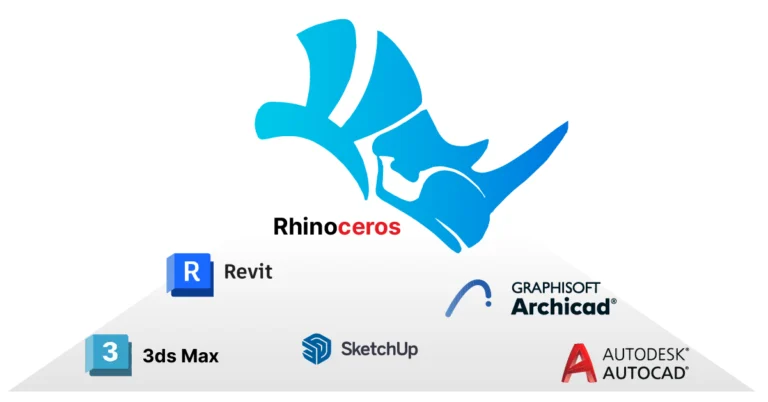
The main reason leading architectural practices are using Rhino especially in the early design phases is that it gives the designer complete freedom. There are

Studying architecture is unlike many other fields of study. It combines creativity, technology, passion and personality. Unlike other fields where While in other fields grading
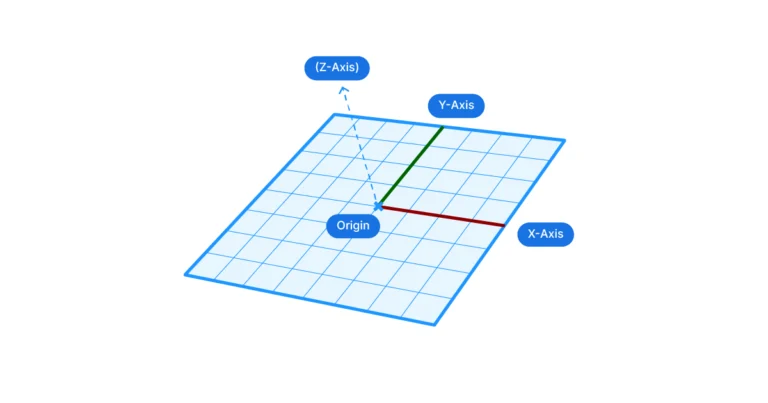
A construction plane is an origin plus an X and a Y direction. In Grasshopper, components like Rotate, Scale NU, Project, Rectangle, and Offset use